How to Stop Someone From Tracking Your Phone (Step-by-Step Guide)



Key Takeaways
- Phone tracking can happen through GPS, Wi-Fi, cellular networks, Bluetooth, apps, and even malware — not all tracking is malicious, but some can threaten your privacy.
- Warning signs of tracking include unusual battery drain, unfamiliar apps, and unexpected spikes in data usage.
- You can reduce tracking by reviewing app permissions, disabling unnecessary location access, and turning off ad tracking in your settings.
- Airplane Mode fully disables wireless connections, making active tracking impossible while it’s enabled.
- Strong security habits — like 2FA, biometric locks, regular updates, and avoiding suspicious apps — significantly lower the risk of being tracked.
It doesn’t take a conspiracy theorist to sometimes think that someone may monitor your phone and what you do with it. From weirdly relevant ads to those pesky symbols at the top of your phone, phone tracking isn’t entirely new, whether you use an iPhone or an Android phone.
You’ll need help to stop your phone from being tracked, and we’re here to provide you with step-by-step directions to protect your personal information, browsing data, and deepest, darkest secrets from the outside world. Let’s get cracking!
Is My Phone Being Tracked? Understanding Phone Tracking
The idea of a bad guy tracking your phone is really scary. Let's eliminate the scary stuff by gaining a rational working understanding of what phone tracking is, how exactly it works, and why it's a concern.
If you want to stay private online, knowledge is your only way out!
What Is Phone Tracking?
Phone tracking is the process of monitoring someone's phone's location, usage activity, internet traffic, and other data without the phone owner's explicit consent.
Your phone may be tracked through a variety of means, including but not limited to GPS, Bluetooth, Wi-Fi, targeted ads, malicious apps, and cellular networks.
How Does Phone Tracking Work?
Phone tracking is a fascinating blend of modern technology and software that lets us pinpoint where a phone is or even keep tabs on its activity.
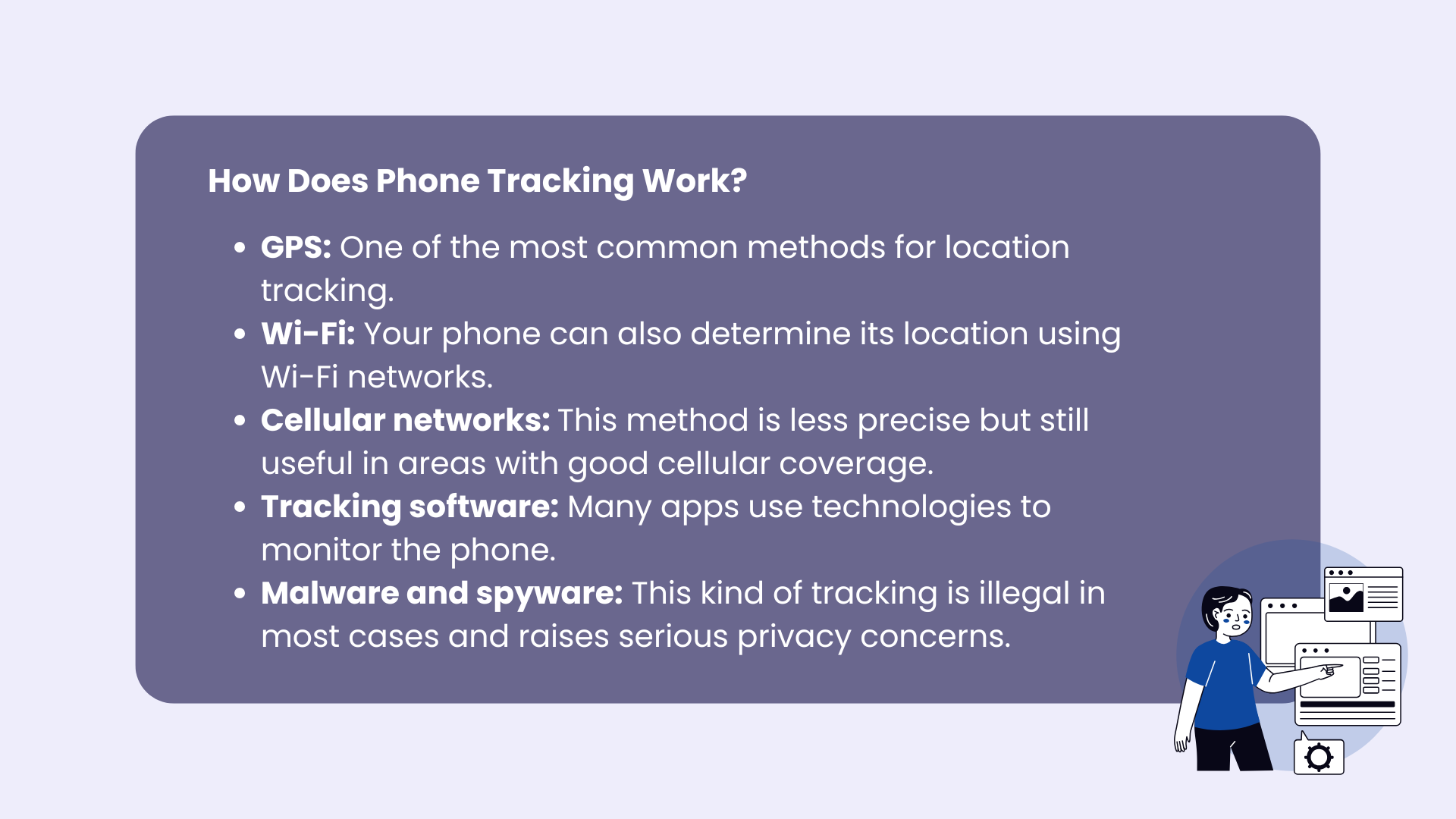
At its core, phone tracking uses a combination of systems to determine a device’s location with impressive accuracy. Here’s a breakdown of how it works:
- GPS: This is one of the most common methods for location tracking. Your phone connects to a network of satellites orbiting the Earth to calculate its precise position. GPS works best when you’re outdoors, where the phone can easily communicate with satellites, offering pinpoint accuracy for navigation apps or location-sharing services.
- Wi-Fi networks: Your phone can also determine its location using Wi-Fi networks. By recognizing the Wi-Fi hotspots in range and cross-referencing their locations in a database, your phone can figure out where it is.
- Cellular networks: When neither GPS nor Wi-Fi is an option, your phone can rely on cell towers. Measuring the strength and timing of signals from multiple towers can approximate their location. This method is less precise but still useful in areas with good cellular coverage.
- Tracking apps and software: Many apps, like those for fitness, food delivery, online shopping, or family location sharing, use technologies to keep tabs on the phone.
- Malware and spyware: Malicious software, like spyware or malware, can be secretly installed on a device to track its location or even monitor its activity, such as messages, calls, or app usage. This kind of tracking is illegal in most cases and raises serious privacy concerns.
- Bluetooth beacons: Bluetooth can aid in tracking, especially in contexts like retail stores or events. By detecting signals from nearby Bluetooth beacons, your phone can identify its location relative to those devices.
When all these methods work together as a team, they make up a powerful system that is capable of tracking your phone’s location under various conditions.
Although some of these tracking methods mean no harm, the use of malware and spyware highlights the importance of managing your privacy settings and being cautious about apps or software you allow on your device.
Additionally, you can navigate to your phone settings to turn off location sharing on social media apps, thereby enhancing your data security and limiting the exposure of personal information.
Why Is Phone Tracking a Concern?
Just like we said, not all phone tracking is equal to illegal, shady, and ill-meaning activities. When you're waiting for your food delivery, your next Amazon package, or tracking your baby sister's location at the mall, it's not all that bad, is it?
However, ignoring the potential for harm would be a stupid idea. Phone tracking can be used for malicious purposes, such as stalking, identity theft, and cybercrime. Fear not; we're about to walk you through the steps you must take to protect yourself.
Signs of Phone Tracking
Here are the tell-tale signs that your cell phone is being tracked.
Reduced Battery Life
If you actively use your phone every day, by now, you must be familiar with how quickly the battery dies on you.
Thus, if you suddenly start noticing that your battery is draining much quicker than usual, that may be a red flag signaling that malicious apps or another type of malware are running in the background, tracking you.
Head straight to your phone’s settings and review the battery settings and the app list to see which apps are using the majority of the battery. Do you recognize all of them?
On Android devices, you can access the Android settings to review battery usage and identify any suspicious apps.
Unfamiliar Apps
If you didn't recognize some of the apps in the step above, it could be another sign that your phone is currently being tracked.
Maybe you downloaded a new game and forgot about it, or maybe you downloaded an app for a quick task -- in that case, all is well. However, if you have no recollection of searching, downloading, and using an app on your phone, be sure to delete it!
As a rule of thumb, it's a good idea to regularly review your phone and app list, preventing suspicious apps from overstaying their welcome and engaging in app tracking. Certain apps are designed explicitly to look over your browsing history and other data, so if you delete them, you'll get ahead of them.
High Data Usage
If you’re lucky enough to have an unlimited data plan, this one may not be for you. This is for the rest of us, who have a monthly cellular data limit.
If your phone’s cellular data usage is higher than usual, it could be a sign that a tracking app or malware is sending data to a remote server.
Now, even if your data plan is unlimited, checking out your settings is still a good idea. Remember, knowledge is key to staying private online.
Check your phone’s data usage settings to see if there are any unusual patterns. Additionally, users should check their phone's settings to monitor data usage and identify any unusual patterns.
How to Stop Someone From Tracking Your Phone
You can stop someone from tracking your phone by turning on airplane mode, adjusting location services, managing app permissions, clearing cookies, disabling Bluetooth, and using a private browser or VPN.
Below are the most effective steps.
Turn On Airplane Mode
Airplane mode is designed to switch off wireless signals, but it also cuts off cellular data, Wi-Fi, and Bluetooth – stopping most active tracking methods.
Note: Airplane mode does not disable GPS. For full protection, you must also turn off location services.
Airplane Mode on iPhone
- Swipe down from the top-right corner to open Control Center.
- Tap the Airplane Mode button.
Airplane Mode on Android
- Swipe down from the top of the screen (swipe again to expand if needed).
- Tap the Airplane Mode button.
Turn Off Bluetooth
Bluetooth beacons can be used for proximity tracking in retail stores and public spaces. If you don’t want to disable Wi-Fi or cellular access, turning off Bluetooth reduces this risk.
Switch Off Bluetooth on iPhone
- Swipe down from the top-right corner to open Control Center.
- Tap the Bluetooth button.
Switch Off Bluetooth on Android
- Swipe down from the top of the screen (expand if necessary).
- Tap the Bluetooth button.
Turn Off Location Services
To stop apps from tracking your location entirely, disable location services. Keep in mind this may affect navigation and weather apps.
Turn Off Location Services on iPhone
- Open Settings.
- Tap Privacy & Security.
- Tap Location Services.
- Toggle Location Services off.
Turn Off Location Services on Android
- Open Settings.
- Tap Location.
- Toggle Use Location off.
Manage App Permissions
Controlling app permissions ensures that only trusted apps can access your location, microphone, or camera.
On iPhone
- Open Settings.
- Tap Privacy & Security.
- Select a category (Location, Microphone, Camera, etc.).
- Choose which apps should have access.
On Android
- Open Settings.
- Tap Privacy.
- Select Permission Manager.
- Choose a category and adjust app access.
Clear Cookies and Cache
Cookies store browsing behavior that advertisers and third parties can use to track you. It's also helpful to understand why cookies exist in the first place.
On iPhone (Safari)
- Open Settings.
- Tap Safari.
- Select Clear History and Website Data.
- Confirm.
On Android (Chrome)
- Open Chrome.
- Tap the three dots in the top-right corner.
- Select History > Clear Browsing Data.
- Choose a time range.
- Tap Clear Data.
Use a Private Browser
Private browsers limit tracking by blocking ads, cookies, and insecure websites. Many also enforce HTTPS connections and reduce fingerprinting.
Use a VPN
A VPN encrypts your internet traffic and hides your IP address, preventing ISPs, advertisers, and malicious actors from monitoring your browsing activity – especially on public Wi-Fi networks.
For stronger privacy and unrestricted access, get Mysterium VPN for your phone today. It adds an extra layer of security, protects your data from tracking, and helps you browse safely wherever you connect.
Managing App Permissions
It's up to you to decide what app activity is allowed on your phone.
From messaging apps to video games, every app on either the Apple App Store or the Google Play Store is created to allow you to manage app permissions. Here's how to make it work for you.
How to Manage App Permissions on an iPhone
- Go to iOS Settings and tap Privacy & Security.
- Here, you’ll see a list of your phone’s features, permissions, and functionalities.
- Tap one of the features to see a list of which apps have access to it.
For example, tapping Contacts shows you which apps have access to your contact list. If you don’t want a particular app to have access to that feature, toggle it off.
Securing Your Phone’s Connections
Let's keep going. Free WiFi can do more harm than good, remember?
Avoid Public Wi-Fi
Public Wi-Fi networks can be used to track your location. Avoid using them when accessing apps or services that rely on location data.
If you must connect, use a trusted VPN to mask your activity and protect your location.
Turn Off Bluetooth and Wi-Fi Scanning
Some phones scan for Wi-Fi networks and Bluetooth devices even when these features are turned off. Check your settings and disable Wi-Fi and Bluetooth scanning to avoid location tracking through these methods.
By implementing these strategies, you can protect your location data and reduce the risk of unwanted tracking.
In a world where personal information is increasingly vulnerable, taking control of your location settings is a vital step toward safeguarding your privacy.
Who Can Track Your Phone?
There are several groups of people and organizations that could track your phone, each with their own motivations. Understanding who they are and why they might track you is crucial for protecting your privacy.
Advertisers
Advertisers are among the most common trackers of your phone. They use location data and other behavioral information collected through apps, websites, and cookies to serve targeted ads.
- Why? They want to understand your preferences and habits to display ads that are more likely to grab your attention.
- How? By tracking your location, app usage, and browsing activity through permissions granted to apps or third-party trackers.
Hackers
Hackers exploit vulnerabilities in your phone’s security to track you, often for malicious purposes.
- Why? They may want to steal sensitive data, such as your identity, financial information, or private messages, for fraud or blackmail.
- How? Using spyware, malware, or phishing schemes, they can gain access to your phone’s GPS data or other tracking systems.
Friends and Family
Friends and family may track your phone for less sinister reasons, typically using features like location sharing.
- Why? To check your whereabouts for safety reasons, coordinate plans, or ensure accountability.
- How? Through apps like Find My iPhone, Google Location Sharing, or third-party tracking apps that require mutual consent.
Advanced Security Measures
In addition to the steps outlined above, there are several advanced security measures you can take to protect your phone from tracking:
Disable Ad Tracking and Cross-Site Tracking
Ad tracking and cross-site tracking are two common methods used by advertisers and websites to track your online activity. To disable ad tracking and cross-site tracking, follow these steps:
- Go to your phone’s settings and tap on “Privacy” or “Security.”
- Look for the “Advertising” or “Ad Tracking” option and toggle off the switch next to it.
- To disable cross-site tracking, go to your browser’s settings and look for the “Tracking Protection” or “Do Not Track” option.
- Toggle on the switch next to this option to enable tracking protection.
Use a Secure Lock Screen and SIM Card
Using a secure lock screen and SIM card can help protect your phone from unauthorized access and tracking. To set up a secure lock screen, follow these steps:
- Go to your phone’s settings and tap on “Security” or “Lock Screen.”
- Choose a strong password or PIN to lock your phone.
- Consider enabling biometric authentication, such as facial recognition or fingerprint scanning, for added security.
To secure your SIM card, follow these steps:
- Go to your phone’s settings and tap on “SIM Card” or “Mobile Network.”
- Look for the “SIM Card Lock” or “SIM PIN” option and toggle it on.
- Enter a strong PIN to lock your SIM card.
By taking these advanced security measures, you can significantly reduce the risk of your phone being tracked and protect your privacy.
Understanding Tracking Methods
There are several methods that can be used to track your phone, including:
Can People Track Your Phone Number?
Yes, it is possible for people to track your phone number, but it is not a straightforward process.
To track a phone number, someone would need to have access to your phone’s location data or use specialized software to triangulate your location based on cell tower signals.
However, there are steps you can take to protect your phone number from tracking:
- Use a VPN to mask your IP address and location.
- Avoid sharing your phone number with unknown parties.
- Use a secure messaging app that offers end-to-end encryption.
- Consider using a burner phone or a secondary phone number for sensitive communications.
By understanding the methods used to track phones and taking steps to protect your phone number, you can reduce the risk of your phone being tracked and protect your privacy.
Legal Aspects of Phone Tracking
Phone tracking sits in a legal gray area, often depending on who is doing the tracking and why. The legality varies significantly by country and context.
China
- Legal Landscape: The Chinese government heavily monitors phone activity as part of its state surveillance policies.
- What’s Allowed? Companies and the government can track phones extensively, often without consent, under the guise of national security or public safety.
- Your Rights: Privacy rights are limited, and individuals have little control over how their data is used.
United States of America
- Legal Landscape: Phone tracking laws in the U.S. are more protective but vary by state.
- What’s Allowed? Employers, law enforcement (with a warrant), and app developers can track phones within certain legal bounds. Consent is usually required unless a court order permits tracking.
- Your Rights: Federal laws, such as the Electronic Communications Privacy Act (ECPA), offer some protection, but loopholes exist, particularly regarding data sold by third parties.
Europe
- Legal Landscape: Europe has some of the strictest privacy laws globally, governed by the General Data Protection Regulation (GDPR).
- What’s Allowed? Tracking without explicit consent is highly restricted, and companies face heavy fines for non-compliance.
- Your Rights: Europeans have robust rights to access, correct, and delete their personal data, including location information.
Understanding who might track your phone and the legal framework in your region empowers you to take control of your data and privacy.
Whether it’s marketers, hackers, or well-meaning family members, knowing the motives and methods behind tracking can help you stay one step ahead.
Stay Vigilant and Proactive
Welcome to the finish line. Now you know everything there's to know about phone tracking, how to recognize that it's happening to you, and how you can stop it.


Reclaim the internet that took you at your word!
Get Mysterium VPN

Frequently Asked Questions
Gintarė is a cybersecurity writer at Mysterium VPN, where she explores online privacy, VPN technology, and the latest digital threats in editorial pieces. With hands-on experience researching and writing about data protection and digital freedom, Gintarė makes complex security topics accessible and actionable.
Related Articles
.png)