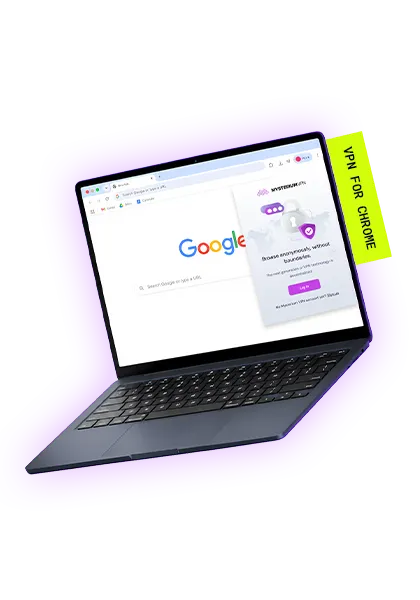
VPN Extension for Chrome
- Lightweight extension with fast speeds.
- Over 7,500+ residential IPs in 100+ countries.
- Install instantly from the Chrome Web Store.
What Is a VPN Extension for Chrome?
A VPN extension for Chrome is a browser add-on that routes your Chrome traffic through an encrypted tunnel and replaces your real IP with one from the VPN's network.
When you click Connect, the extension intercepts your Chrome traffic before it leaves your device and sends it through an encrypted tunnel to an IP in Mysterium's network. From there, it exits through a residential IP and reaches the website you're visiting.
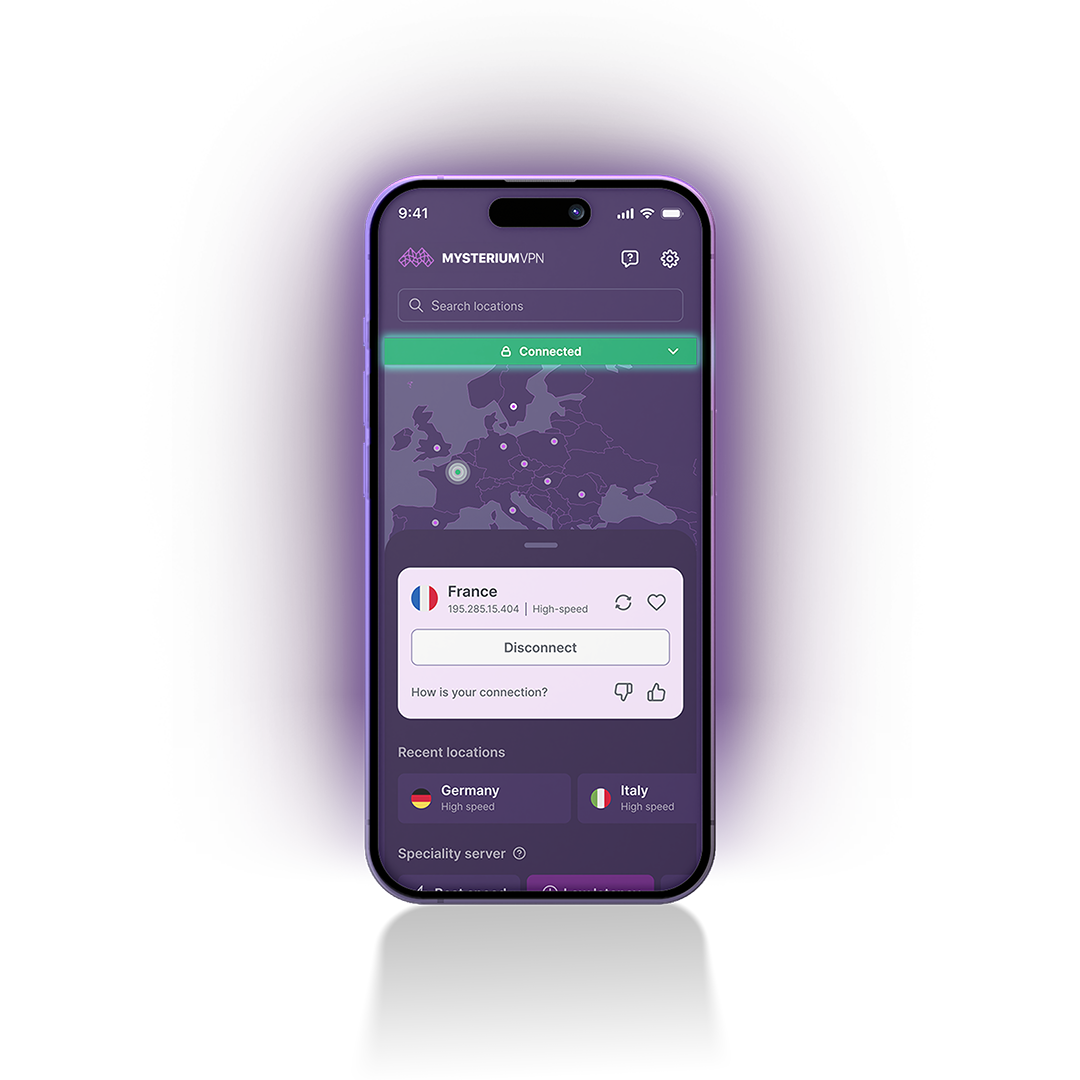
Compared to the Mysterium VPN app, the extension covers Chrome only, not other apps or browsers on your device. If you just need cleaner, more private browsing without touching the rest of your system, a secure VPN Chrome extension gets the job done.
Why Mysterium Uses Residential IPs
Most VPN extensions route your traffic through data center servers. That works fine in theory, but here's the catch: data center IP ranges are well-known, and websites can tell the difference between them and regular internet usage. Traffic from a data center IP and traffic from someone's home internet connection don't look the same to a server.
Mysterium VPN's Chrome extension is a residential VPN Chrome extension. We route your traffic through a network of residential IPs. These are real internet connections from real homes around the world, not a rack of servers in a warehouse somewhere. Your Chrome traffic will look like ordinary residential browsing, so it's less likely to trigger IP-reputation-based blocks than traffic from a typical data-center VPN.
| Mysterium Chrome Extension | Standard VPN Extension | |
| IP type | Residential IPs | Datacenter IPs |
| Network type | Decentralized P2P network | Centralized servers |
| Infrastructure | Independent residential nodes | Provider-owned servers |
| Traffic appearance | Resemble normal residential browsing | Recognizable as VPN and datacenter traffic |
For a deeper look at how the network works, check out our features page.
Key Features of the Mysterium Chrome Extension
RESIDENTIAL IP NETWORK
Your Chrome traffic routes through 7,500+ residential IPs – real internet connections, not data center servers.
DECENTRALIZED INFRASTRUCTURE
There's no single company-owned server in the middle. Our network runs across thousands of independent nodes worldwide. No central point of failure, no single point of surveillance.
GLOBAL VPN COVERAGE
With Mysterium VPN’s 11,000+ IPs in 100+ countries and cities worldwide, you can browse without borders and pick a specific location based on your needs.
NO-LOGS POLICY
Mysterium VPN won’t record your browsing history, IP address, or connection. Since none of it’s ever stored, there's nothing to leak, sell to advertisers, or to hand over if someone comes asking.
SECURE CHROME INSTALL
You can add this secure VPN Chrome extension straight from the Chrome Web Store in under a minute. Also works on the Opera Browser. No manual setup necessary.
KILL SWITCH
If your VPN connection drops for even a second, our kill switch will instantly cut off your browsing traffic until the VPN is back up and running. Your traffic never leaks by accident.
How to Add Mysterium VPN to Chrome
Ready to download the VPN for Chrome? Getting set up takes about a minute:
- Click "Add to Chrome" below to open the Chrome Web Store listing.
- Click "Add to Chrome" on the Web Store page.
- Confirm by clicking "Add extension" in the prompt.
- The Mysterium VPN icon will appear in your Chrome toolbar.
- Click the icon, sign in or create an account, and select a location.
- Click connect. Your Chrome traffic is now routed through Mysterium VPN.
That's it. You've installed a VPN extension for Chrome in six steps flat. Running into trouble? Use the chat pop-up on our website to chat with our customer support team!
Mysterium VPN Chrome Extension vs. Full VPN App
The Chrome extension protects your browser traffic only. Everything you do inside Chrome – browsing, web apps, online searches – goes through the Mysterium VPN network. No other apps or games on your device are affected.
The Mysterium VPN app covers all traffic on your device. Every app, game, browser, and connection routes through our VPN. If you want full device protection, the app's your best bet.
| VPN Chrome Extension | VPN App | |
| Coverage | Chrome browser only | All device traffic |
| Install complexity | One click from Chrome Web Store | Desktop app install |
| Best for | Browsing privacy, lightweight use | Full device protection |
| Device count | Unlimited | 15 devices |
Get Mysterium VPN for Chrome
$10.49 billed every month
Secure and high-speed VPN
Secure 6 devices at a time
57 supported countries
7-day money-back guarantee
Residential IPs
City-level choices
Malware blocker
$13.49 billed every month
Secure and high-speed VPN
Secure 10 devices at a time
100+ supported countries
7-day money-back guarantee
7,500+ residential IPs
City-level choices
Malware blocker
$18.49 billed every month
Secure and high-speed VPN
Secure 15 devices at a time
100+ supported countries
7-day money-back guarantee
7,500+ residential IPs
City-level choices
Malware blocker
$100.64 $44.28 billed every year
Secure and high-speed VPN
Secure 6 devices at a time
57 supported countries
7-day money-back guarantee
Residential IPs
City-level choices
Malware blocker
$160.88 $51.48 billed every year
Secure and high-speed VPN
Secure 10 devices at a time
100+ supported countries
7-day money-back guarantee
7,500+ residential IPs
City-level choices
Malware blocker
$254.18 $83.88 billed every year
Secure and high-speed VPN
Secure 15 devices at a time
100+ supported countries
7-day money-back guarantee
7,500+ residential IPs
City-level choices
Malware blocker
$251.76 $62.16 billed every 2 years
Secure and high-speed VPN
Secure 6 devices at a time
57 supported countries
30-day money-back guarantee
Residential IPs
City-level choices
Malware blocker
$323.76 $71.76 billed every 2 years
Secure and high-speed VPN
Secure 10 devices at a time
100+ supported countries
30-day money-back guarantee
7,500+ residential IPs
City-level choices
Malware blocker
$443.76 $ 114.96 billed every 2 years
Secure and high-speed VPN
Secure 15 devices at a time
100+ supported countries
30-day money-back guarantee
7,500+ residential IPs
City-level choices
Malware blocker
Mysterium VPN Is Available On
Frequently Asked Questions
To install the Mysterium VPN Chrome extension, click "Add to Chrome" at the top of this page to open the Chrome Web Store listing. Click "Add to Chrome", confirm in the prompt, and you're done. A detailed breakdown is available on our website.
Yes, you can find and install the Mysterium VPN extension directly from the Chrome Web Store.