

STAY SAFE ON PUBLIC WI-FI
Hotel, airport, and cafe networks are easy targets for hackers. Using a VPN on your phone encrypts your connection, so no one on that network can read your banking information, messages, or logins.

Reclaim your freedom for 85% OFF!
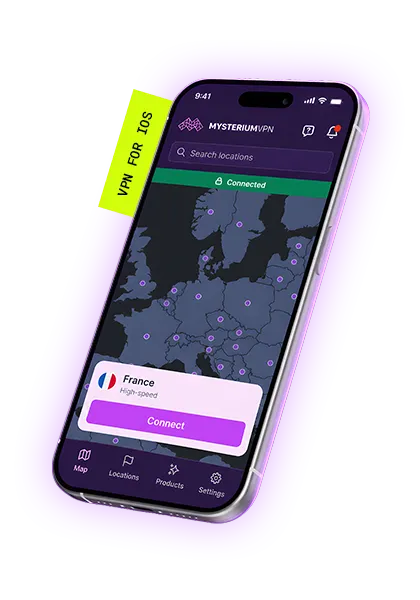
Mysterium VPN for iPhone and iPad routes your traffic through 7,500+ genuine residential IP addresses across 100+ countries. Using real peer-sourced IPs instead of datacenter servers makes your connection virtually undetectable to websites, apps, and ISPs.


$311.76 $59.77 billed every 2 years
$359.76 $54.94 billed every 2 years
$479.76 $93.37 billed every 2 years
An iOS VPN app is a small, downloadable app that builds a secure, encrypted tunnel between your iPhone or iPad and the internet. It routes your online traffic through a private VPN server, which masks your real location and IP address.
That stops third parties, like hackers, advertisers, or your internet service provider (ISP), from tracking what you do online. Think of it as a sealed envelope for everything you send and receive. You click connect, pick a country, and you're browsing privately in seconds.
Hotel, airport, and cafe networks are easy targets for hackers. Using a VPN on your phone encrypts your connection, so no one on that network can read your banking information, messages, or logins.

Traveling? Grab your iPhone and your Mac, and get to your social media, messaging, banking, and other accounts the same safe way you do at home.
Many websites may charge you more for the same product based on where you live. If you use a VPN for hotel or flight bookings, you can control your virtual location and shop like a local.

Websites, advertisers, and even your own ISP keep a lot of information about you. A VPN makes you invisible to surveillance and data collection, so your browsing habits stay anonymous.

When you’re abroad and want to watch the content you do at home, all you have to do is connect to a residential IP address in the country you’re from – and stream what you love anywhere, anytime.

Our malware blocker stops shady and malicious domains before they even load on your device, so you can browse cleaner and run into fewer nasty surprises.
Browse through 7,500+ real residential IPs for iPhone devices instead of the usual datacenter VPN servers. Your traffic looks natural and skips the typical VPN footprint.
A modern protocol made for secure, efficient connections. It's a great fit for your iPhone because it's fast and battery-friendly.
We don't store your browsing activity. Collecting less data means stronger privacy and nothing for anyone to request later.

If your VPN connection drops, the kill switch blocks all traffic right away. That prevents your real IP from leaking by accident.
Suspicious and malicious domains get blocked while you browse. It's one more layer between you and unsafe websites.
One Mysterium VPN subscription protects 15 devices – your iPhone, iPad, Mac, as well as Android, Windows, and Chrome devices will all be safe at the same time. Set it once and forget it.
Choose a plan for your needs. Plus is our most popular, get it now for $2.29/mo.
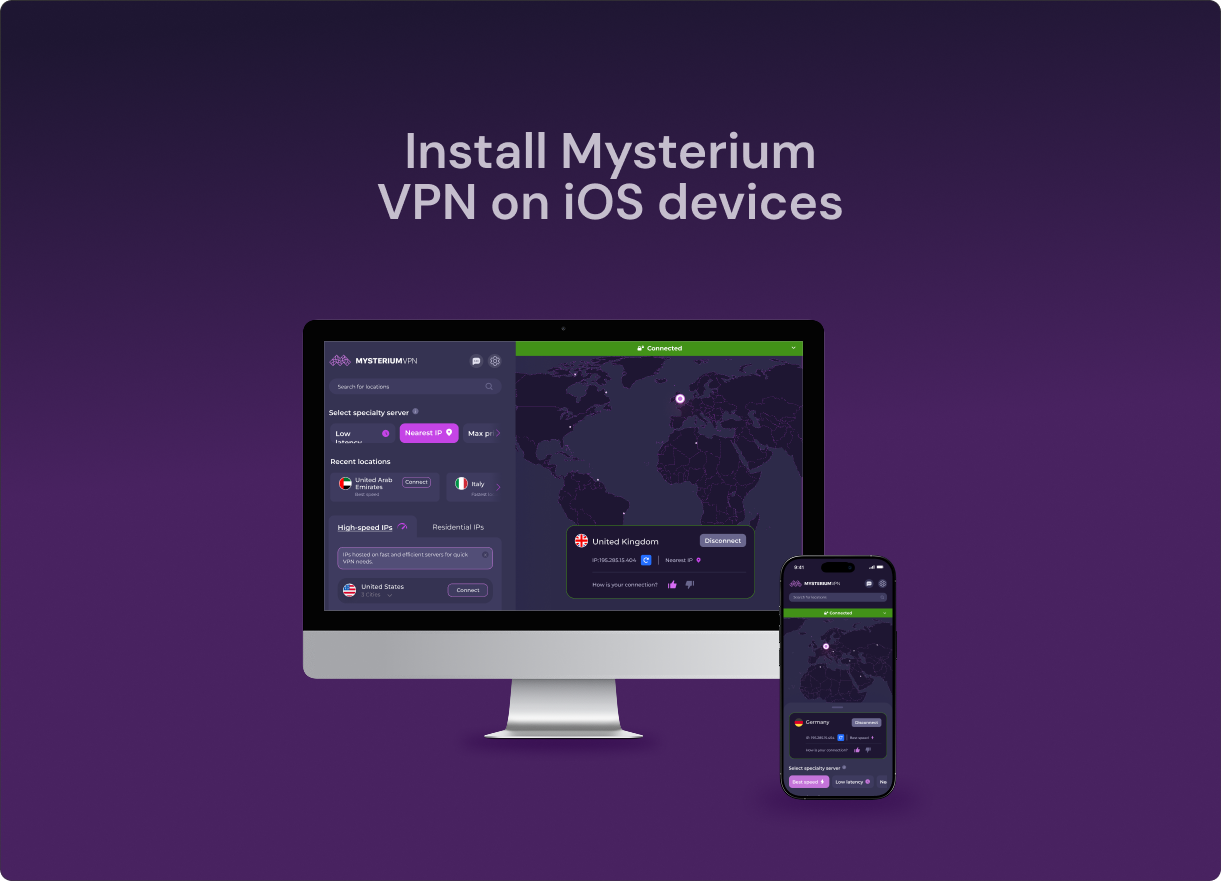
Download the Mysterium VPN app for your device. Available for laptops, smartphones, tablets, and browsers.
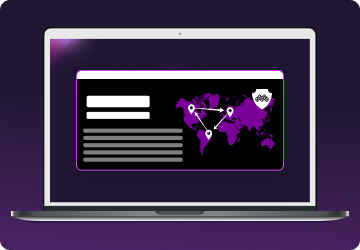
Sign in, select a country, and connect. You're now browsing securely from wherever you choose.
Open the Mysterium VPN app, tap Connect, then choose a different country or city and connect. Your IP switches in just a few seconds, so you can hop locations as often as you like.
Download Mysterium VPN from the App Store, sign in with the same account you use on your iPhone, approve the VPN configuration, and click to connect. One subscription covers both devices.
A residential IP is given by an ISP to a real home. The main difference between residential and datacenter IPs is how they’re classified and treated by websites. Modern online platforms evaluate connections based on IP origin, historical usage, and network-level signals.
Mysterium VPN’s residential IPs are powered by mysterium.network infrastructure. It’s a network of independent people (node runners) who sign up to share bandwidth and IP.
| Mysterium VPN (Residential IPs) | Standard VPN (Datacenter IPs) | |
| VPN use detected | Rarely – traffic resembles a real home user | Frequently – recognized easily |
| Blocked by websites | Very low block rate | High block rate, often flagged instantly |
| Use in restricted countries | Highly effective | Unreliable – blocked at the firewall level |
| IP origin | Real user devices from a peer-to-peer network | Commercial server farms |
| Streaming stability | High – residential IPs blend in with other viewers | Low – VPN use is recognized, and you experience VPN-related errors |
| Feature | Mysterium VPN | Proton VPN | NordVPN | ExpressVPN | Surfshark VPN |
| 💰 Monthly price (2Y plan) | $2.29/mo | $3.47/mo | $4.51/mo | $3.46/mo | $2.65/momo |
| 🌐 Available countries | 100+ countries | 140+ countries | 220+ locations | 105+ countries | 100+countries |
| Types of IPs | ✅ Residential IPs ✅ Datacenter IPs | ❌ Residential IPs ✅ Datacenter IPs | ❌ Residential IPs ✅ Datacenter IPs | ❌ Residential IPs ✅ Datacenter IPs | ❌ Residential IPs ✅ Datacenter IPs |
| IP pool size | 11,000+ IPs (7,500+ residential IPs) | 20,000+ IPs | 9,500+ IPs | N/A | 4500+ IPs |
| 💻 Simultaneous connections | 15 devices | 10 devices | 10 devices | 14 devices | Unlimited |
| Decentralized infrastructure | ✅ | ❌ | ❌ | ❌ | ❌ |
| 🗓️ Money-back guarantee | 30 days | 30 days | 30 days | 30 days | 30 days |
Information collected and currency converted to USD in June, 2026.
We'd point you to Mysterium VPN. It's cost-efficient, easy to use, and it encrypts all of your connections. The biggest advantage is our pool of 7,500+ residential IPs, which blend with ordinary home traffic rather than obvious datacenter IPs, so you get blocked far less often.
Yes. Although iPhones are known for their privacy focus, using a reliable VPN goes a step further. A VPN secures your connection and hides your browsing activity from outside sources, including advertisers, third-party monitors, and even your ISP.
The iPhone natively supports industry-standard VPN protocols, but you need to download a trusted VPN provider to use it. The easiest way to set one up is to download a VPN app like Mysterium VPN from the App Store, which automatically configures the necessary network profiles so you can browse safely.
By using a VPN, you can hide your IP. The easiest way to hide your IP address is by using a VPN. It also encrypts your connection at the same time. With a trusted provider like Mysterium VPN, you can swap to a new IP in just a few seconds by switching countries in the app.
No, using Mysterium VPN doesn’t make your device part of the network, and your IP address is never made public. Our residential IPs are provided by independent node operators who have explicitly agreed to participate.
We don't recommend it because they come with trade-offs that defeat the point. Three common risks: they sell or collect your personal data to make money, they throttle your speeds and cap your bandwidth, and many use weak encryption that leaves you exposed. A paid VPN like Mysterium VPN avoids all three.
It comes down to the IPs. NordVPN and ExpressVPN run on datacenter IPs, which websites detect and block nearly instantly. Mysterium VPN uses residential IPs, the same kind of IPs real people at home use, so your traffic looks ordinary.
It works well in restrictive regions. Residential IPs are much harder for national firewalls to spot than datacenter IPs, because they look like normal home connections rather than known VPN servers. That said, no VPN can promise 100% access in every censorship environment, so results may vary.
WireGuard. It's the best fit for mobile users because WireGuard has a smaller codebase than other VPN protocols. It also connects faster, drains less battery, and uses modern technology. You get strong security without the speed hit.
Yes. Mysterium VPN on an iPad is fully supported, and a single subscription covers up to 15 devices simultaneously, including iPhone, iPad, and Mac devices. You'll need iOS 15.0 or later on iPhone, iPad, and iPod touch, macOS 12.0 or later on Mac, and visionOS 1.0 or later on Apple Vision.
Get 85% OFF on a 2-year plan!