- Blog >
- Cybersecurity >
- What Does Unsecured Network Mean? Understanding the Risks and How to Stay Safe
What Does Unsecured Network Mean? Understanding the Risks and How to Stay Safe



Key Takeaways
- Unsecured networks lack encryption, making your data — including passwords and financial details — vulnerable to interception, malware, and spying.
- Public Wi-Fi increases your risk exposure, especially when conducting sensitive activities like online banking, shopping, or logging into important accounts.
- Simple security habits make a big difference, such as disabling auto-connect, enabling two-factor authentication, keeping software up to date, and avoiding suspicious networks.
- Using a VPN adds critical protection, encrypting your traffic and shielding your data from hackers, especially on open or unsecured Wi-Fi networks.
In an age where we’re constantly connected, awareness of network security is more important than ever. With public Wi-Fi available in nearly every coffee shop, library, hotel, and airport, it’s easy to overlook the potential dangers hiding behind these convenient connections.
So, what does an unsecured network actually mean? An unsecured Wi-Fi network does not use encryption, making it vulnerable to eavesdropping and data interception. Without proper protection, sensitive information like passwords, banking details, and personal messages can be exposed to malicious actors. And that’s exactly why you should think twice before clicking “connect.”
In this Mysterium VPN blog post, we’ll explore the differences between secured and unsecured networks, the real risks of using public Wi-Fi, and practical steps you can take to keep your data safe.
What is an Unsecured Network?
Let’s get right to it: an unsecured network is a Wi-Fi network that doesn’t have adequate protection in place. Think of it as leaving your front door open with a sign that says, “Come on in, everyone!”
Just like an open door to your house, an unsecured network lacks proper security settings, making it vulnerable to unauthorized access by anyone with the right tools (or intentions) to gain access to your network traffic.
How Does a Wireless Network Work?
Before we delve deeper into unsecured networks, it’s helpful to understand how Wi-Fi networks work. When you connect to Wi-Fi at your favorite coffee shop, your device communicates with a router or an access point that connects you to the internet.
This process is usually secure in private networks (like your home Wi-Fi), but public networks often lack the essential security protocols to keep your data safe.
Each time you connect to Wi-Fi, your device creates a “handshake” with the router, exchanging information and allowing you access.
Secured networks (such as those with WPA2 or WPA3 encryption) keep these handshakes private, while unsecured ones leave them vulnerable to eavesdroppers, hackers, or malicious software that might exploit your internet connection.

Decoding “Unsecure,” “Insecure,” and “Open” Networks
There’s often confusion around the terms "unsecure," "insecure," and "open" networks. Here’s a quick breakdown:
- Unsecure or Insecure Network: This is a network that doesn’t have encryption or password protection. Public Wi-Fi networks are often unsecured, meaning anyone can access them.
- Open Network: Generally, an “open” network is one without access restrictions. Think of the free Wi-Fi at a coffee shop or airport. Open networks can be unsecured, but not necessarily. Some open networks have minimal protections, like login requirements or weak encryption.
Connecting to these networks may save on data, but it also exposes you to security risks—from data theft to potential device hacks.

Secure Network vs. Unsecured Network
When it comes to network security, not all Wi-Fi connections are created equal. A secure network is like a well-guarded fortress, using encryption and other security measures to protect the data being transmitted.
This means that any information you send or receive is scrambled, making it difficult for unauthorized parties to gain access.
On the flip side, an unsecured network is more like an open door, inviting anyone with the right tools to peek inside. These networks lack encryption and other essential security protocols, leaving your data vulnerable to hackers and cyber threats.
When you connect to an unsecured network, you risk exposing sensitive information, such as passwords, financial details, and personal messages, to malicious actors.
In essence, while a secure network shields your data from prying eyes, an unsecured network leaves it out in the open, making it crucial to choose your connections wisely.
Key Risks of Unsecured Networks
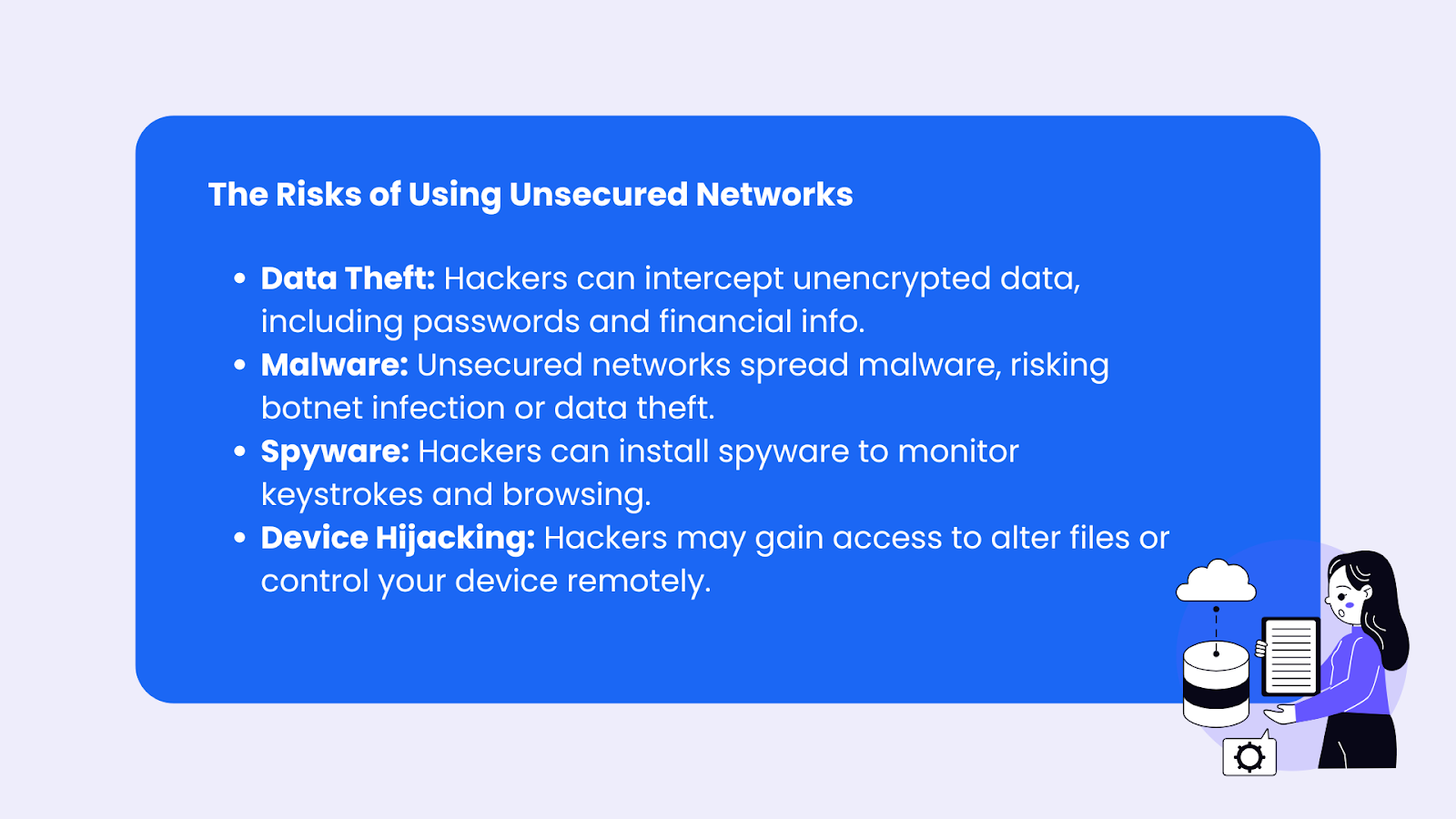
When you connect to an unsecured network, you’re essentially sharing that space with anyone else in range. It’s like putting your private conversations on speakerphone in a crowded room: everyone nearby can hear it, including people who may want to use that information against you.
Here’s a closer look at the potential risks.
Data Interception
On an unsecured network, your internet traffic is not encrypted, which means sensitive information like passwords, emails, and payment details can be captured by attackers. Cybercriminals can use packet-sniffing tools to monitor data moving between your device and the router, collecting valuable personal information without your knowledge.
Man-in-the-Middle (MITM) Attacks
In an MITM attack, a hacker secretly positions themselves between your device and the network connection. This allows them to intercept, read, and even modify the data being transmitted. You may believe you’re communicating directly with a legitimate website, while in reality, an attacker is controlling or monitoring the exchange.
Malware Distribution
Unsecured networks make it easier for attackers to spread malicious software. Hackers can inject malware into downloads, redirect users to infected websites, or exploit vulnerabilities in outdated devices. Once installed, malware can steal data, track activity, or give attackers remote control over your system.
Unauthorized Access
Without proper security protections, attackers can attempt to access your device directly through open ports or shared files. This may allow them to view personal documents, install spyware, or manipulate system settings. In severe cases, unauthorized access can lead to identity theft or long-term privacy compromise.
How to Stay Safe on Unsecured Networks
While the risks are real, you don’t have to swear off public Wi-Fi entirely. Here are some actionable steps to keep your devices safe:
Use a VPN (Virtual Private Network)
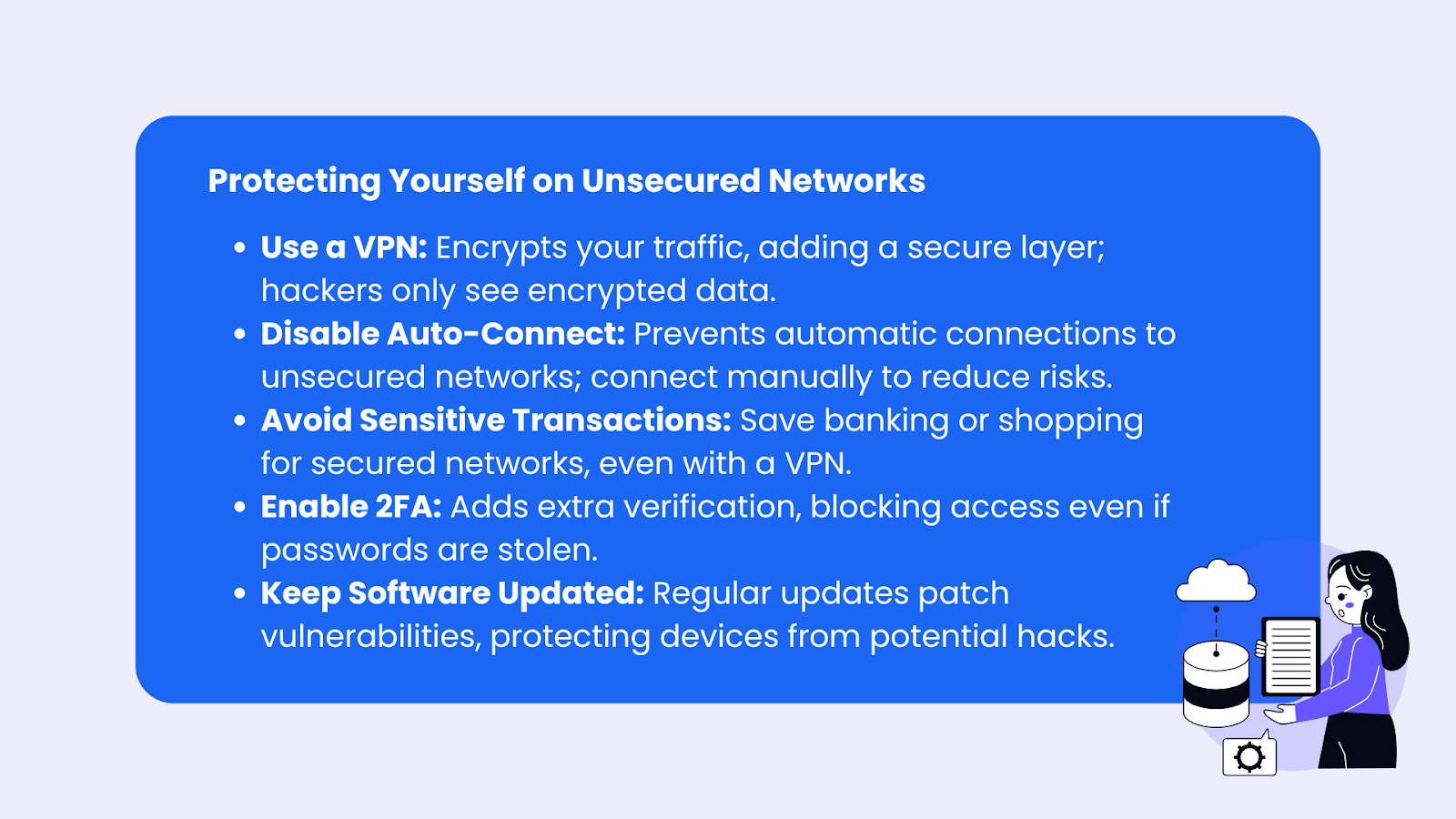
One of the most effective ways to protect your information on public Wi-Fi is to use a VPN. A Virtual Private Network (VPN) encrypts your internet traffic, creating a secure tunnel between your device and the web.
A reliable VPN, like Mysterium VPN, reroutes your traffic through a secure server, adding an extra layer of protection. Even if someone intercepts your connection, they’ll only see encrypted data — not your passwords, messages, or browsing activity.
Get Mysterium VPN now with 78% off and secure your connection on public Wi-Fi before hackers can intercept your data.
Disable Auto-Connect
Auto-connect may be convenient, but it can be risky on unsecured networks. Turn off automatic Wi-Fi connections so your device doesn’t join unknown networks without your knowledge.
Manually selecting networks gives you greater control and reduces the risk of connecting to malicious hotspots.
Limit Sensitive Transactions on Public Wi-Fi
Avoid performing sensitive activities, such as online banking, accessing financial accounts, or making purchases, while connected to public Wi-Fi.
Even with a VPN for Wi-Fi, it’s best practice to use a secure, private network whenever possible for highly sensitive transactions.
Always Check for HTTPS
Before entering any login credentials or personal information, make sure the website uses HTTPS (look for the padlock icon in your browser’s address bar). HTTPS encrypts data between your browser and the website, adding another layer of protection.
Enable Two-Factor Authentication (2FA)
Two-factor authentication (2FA) adds an extra security step beyond your password. It typically requires a second form of verification, such as a one-time code sent via text message or generated by an authentication app.
Even if someone steals your password, they won’t be able to access your account without that second verification factor.
Keep Devices and Software Up to Date
Regular updates are essential for maintaining strong security. Outdated operating systems, apps, and browsers often contain vulnerabilities that hackers actively exploit.
Manufacturers and developers release updates to patch these security flaws and strengthen defenses. Enable automatic updates whenever possible, and routinely check that your system and apps are current.
Staying updated is one of the simplest — and most effective — ways to protect your data on unsecured networks.
Best Practices for Using Public WiFi
Public WiFi networks are incredibly convenient, but they come with their own set of risks. Here are some best practices to help you stay safe while using public WiFi:
- Avoid Sensitive Transactions: Refrain from accessing your bank accounts or making online purchases while connected to public WiFi. Save these activities for a secure network.
- Use a VPN: A Virtual Private Network (VPN) encrypts your internet traffic, making it much harder for hackers to intercept your data. Always use a reliable VPN when connecting to public WiFi.
- Disable File Sharing: Turn off file sharing on your device to prevent unauthorized access to your files.
- Forget the Network After Use: Once you’re done using a public WiFi network, make sure to forget it on your device to prevent automatic reconnection in the future.
- Verify the Network: Always double-check the network name with the establishment providing the WiFi to avoid connecting to a rogue access point set up by hackers.
By following these best practices, you can enjoy the convenience of public WiFi without compromising your security.
Common Wi-Fi Issues and Troubleshooting Tips
While dealing with public Wi-Fi, users often encounter issues that can affect their experience. Here are some of the most common methods for troubleshooting these issues.
Slow Internet Connection
Slow internet can be due to many factors, including network congestion (too many users) or poor signal strength. Here’s how to troubleshoot:
- Move Closer to the Router: Sometimes, distance can affect your signal strength. Try moving closer to the Wi-Fi access point.
- Limit Background Activity: Many apps and devices perform updates or backups in the background, slowing down your internet speed.
- Switch to a Different Network: If multiple networks are available, try connecting to another to see if it’s less congested.

Dropped Connection
If your connection keeps dropping, it could be due to interference from other networks or physical obstructions.
- Try a Reboot: Rebooting your device can sometimes resolve temporary issues.
- Change Wi-Fi Channels: If you’re at home and experiencing frequent drops, try changing your router’s Wi-Fi channel. Public Wi-Fi networks don’t offer this flexibility.
Can’t Connect to Wi-Fi
Sometimes, your device just won’t connect. Here’s what to do:
- Double-check the Password: Make sure you’re using the correct password.
- Restart Your Device: A simple restart can often fix connectivity issues.
- Reset Network Settings: On some devices, resetting the network settings can solve stubborn connection problems.
Practical Tips for Securing Your Home Network
Securing public Wi-Fi is a challenge, but protecting your home network is entirely within your control. Here’s how to make your private network hacker-proof.
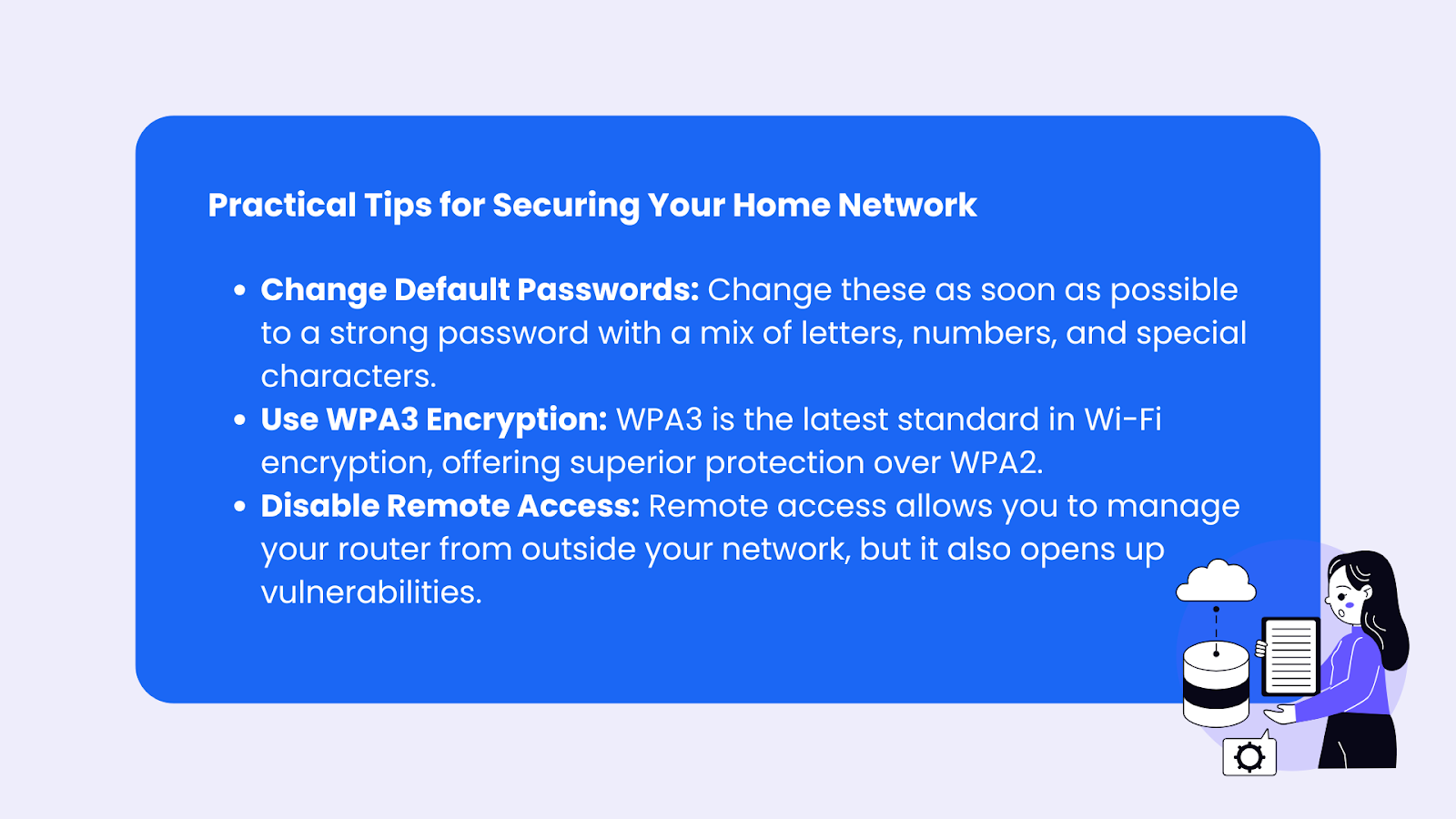
- Change Default Passwords: Most routers come with default passwords that are easy to guess. Change these as soon as possible to a strong password with a mix of letters, numbers, and special characters.
- Use WPA3 Encryption: WPA3 is the latest standard in Wi-Fi encryption, offering superior protection over WPA2. If your router supports it, make the switch.
- Disable Remote Access: Remote access allows you to manage your router from outside your network, but it also opens up vulnerabilities. Turn off remote access unless you absolutely need it.
Why VPNs Are Essential for Safe Browsing on Public Wi-Fi?
You may have heard about VPNs but dismissed them as unnecessary. However, for anyone using public Wi-Fi regularly, a VPN is indispensable.
What a VPN Does
When you use a VPN, your data is encrypted and routed through a VPN server. This process makes it incredibly difficult for hackers to intercept your internet traffic, even on unsecured networks.
Mysterium VPN, for instance, is known for its robust encryption and decentralized network that adds an extra layer of privacy and anonymity.
How to Choose the Right VPN
Not all VPNs are created equal. Look for a VPN that offers strong encryption, a no-log policy, and reliable server locations worldwide.
Mysterium VPN, for example, is built to protect user privacy with zero-logging, high-grade encryption, and a decentralized model, which provides more security than traditional VPNs.
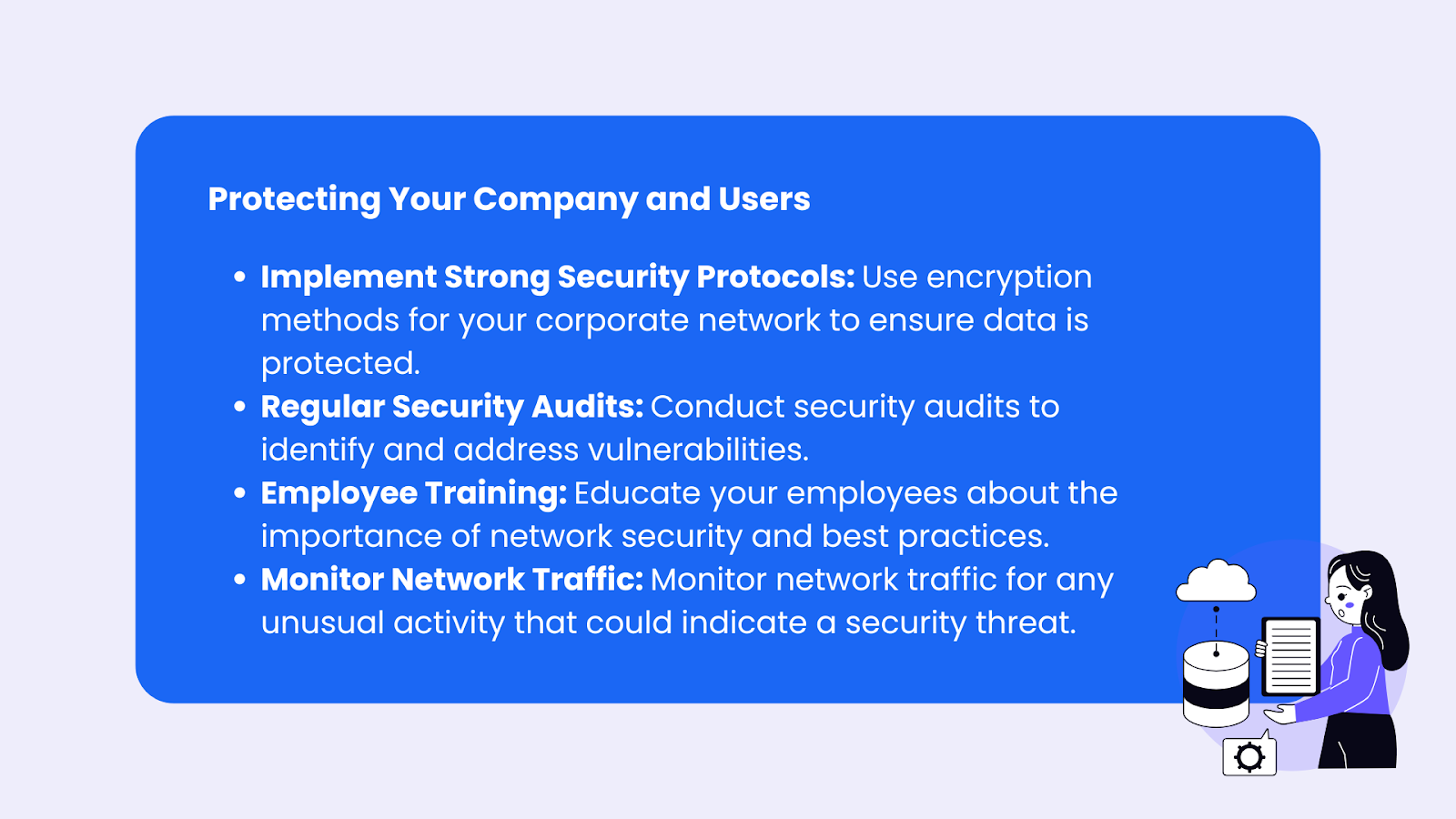
Protecting Your Company and Users
For businesses, protecting your company and users from network security threats requires a comprehensive approach. Here are some key strategies to consider:
- Implement Strong Security Protocols: Use robust encryption methods like WPA3 for your corporate network to ensure data is protected.
- Regular Security Audits: Conduct regular security audits to identify and address vulnerabilities in your network.
- Employee Training: Educate your employees about the importance of network security and best practices for using WiFi networks safely.
- Use a VPN: Ensure that all remote connections to your corporate network are made through a secure VPN to protect sensitive data.
- Monitor Network Traffic: Keep an eye on network traffic for any unusual activity that could indicate a security threat.
By taking these steps, you can create a secure environment for your company and its users, safeguarding against potential security threats.
Conclusion: Stay Secure, Stay Smart
Using an unsecured network opens you up to all kinds of threats—from data theft to malware, and without proper protection, even simple tasks like checking your email or scrolling through social media can expose you to prying eyes.
While securing your connection on public networks may seem challenging, the good news is that there are plenty of tools and tips to keep your data safe.
Using a VPN like Mysterium VPN provides an additional layer of security, ensuring that your private information stays private, even on an open or unsecured network.
Whether you're connecting at a coffee shop or logging onto your corporate network, keep these security tips in mind: disable automatic connections, avoid sharing sensitive information, and always use strong passwords.
Most importantly, practice good network security habits and understand the risks that come with unsecured networks.


Reclaim the internet that took you at your word!
Get Mysterium VPN

Frequently Asked Questions
Gintarė is a cybersecurity writer at Mysterium VPN, where she explores online privacy, VPN technology, and the latest digital threats in editorial pieces. With hands-on experience researching and writing about data protection and digital freedom, Gintarė makes complex security topics accessible and actionable.
Related Articles
.png)