

Residential IPs
Traffic exits through 7,500+ real ISP-assigned residential VPN addresses, not datacenter ranges that streaming and bot-detection systems flag.

Real residential IPs on Windows. Direct download – no Windows Store.
Reclaim your freedom for 85% OFF!
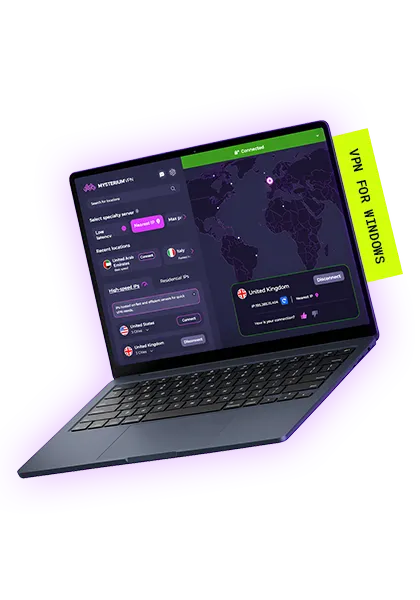
Traffic exits through 7,500+ real ISP-assigned residential VPN addresses, not datacenter ranges that streaming and bot-detection systems flag.

If the VPN connection drops, all traffic stops instantly, so your real IP never gets exposed.

Fast, lightweight encryption with lower latency than legacy VPN protocols. Built for Windows 10 and 11.

We don't track or store your online activity – nothing recorded, nothing to hand over later.
Follow these steps on Windows 10 or Windows 11.
One installer handles both Windows 10 (64-bit) and Windows 11 – no Microsoft Store needed.
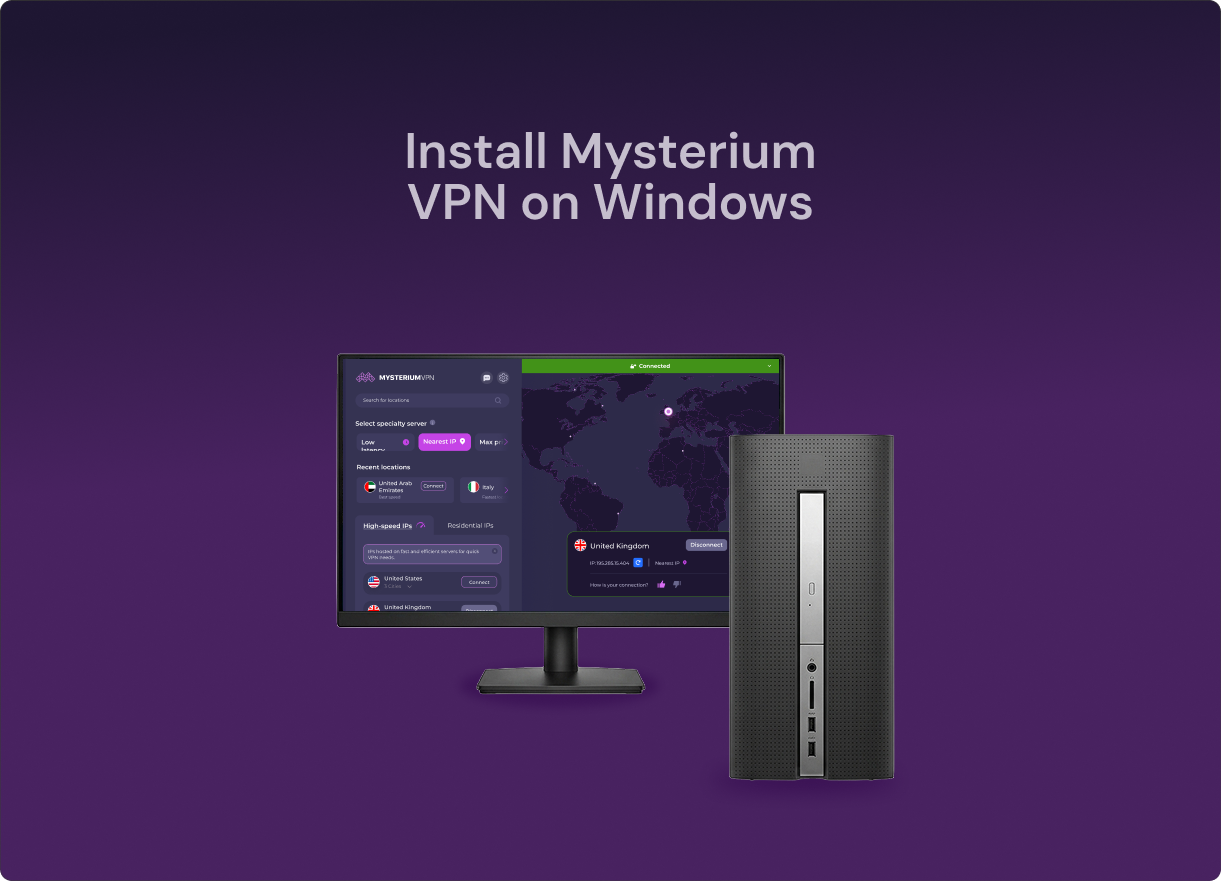
A VPN (Virtual Private Network) for Windows computers is software that encrypts your internet traffic and routes it through a secure remote VPN server.
Using a VPN also conceals your IP address, hides your location, and protects your sensitive data from hackers, advertisers, and your internet service provider (ISP). Learn how Mysterium VPN’s residential network works.
$311.76 $59.77 billed every 2 years
$359.76 $54.94 billed every 2 years
$479.76 $93.37 billed every 2 years

Hotel, airport, and cafe networks are easy targets for hackers. A Windows VPN encrypts your connection, so no one on that network can read your banking information, messages, or logins.

Traveling? Grab your device and get to your social media, messaging, banking, and other accounts the same safe way you do at home.

Many websites may charge you more for the same product based on where you live. If you use a VPN for hotel or flight bookings, you can control your virtual location and shop like a local.

Websites, advertisers, and even your own ISP keep a lot of information about you. A VPN makes you invisible to surveillance and data collection, so your browsing habits stay anonymous.

When you’re abroad and want to watch the content you do at home, all you have to do is connect to a residential IP address in the country you’re from – and stream what you love anywhere, anytime.

Our malware blocker stops shady and malicious domains before they even load on your device, so you can browse cleaner and run into fewer nasty surprises.
Mysterium VPN stands out among other VPN providers for its residential IPs, broad geographical coverage, and the ability to protect multiple devices with a single account. Let’s get into it!
| Feature | Mysterium VPN | Proton VPN | NordVPN | ExpressVPN | Surfshark VPN |
| 💰Monthly price (2Y plan) | $2.29/mo | $3.47/mo | $4.51/mo | $3.46/mo | $2.65mo |
| 🌐Available countries | 100+ countries | 140+ countries | 220+ locations | 105+ countries | 100+countries |
| Types of IPs | Residential and datacenter IPs | Datacenter IPs only | Datacenter IPs only | Datacenter IPs only | Datacenter IPs only |
| IP pool size | 11,000+ IPs total (7,500+ residential IPs) | 20,000+ IPs | 9,500+ IPs | N/A | 4500+ IPs |
| 💻Simultaneous connections | 15 devices | 10 devices | 10 devices | 14 devices | Unlimited |
| Decentralized infrastructure | ✅ | ❌ | ❌ | ❌ | ❌ |
| 🗓️Money-back guarantee | 30 days | 30 days | 30 days | 30 days | 30 days |
Information collected and currency converted to USD in June, 2026.
Yes and no. Windows includes a built-in VPN client, which means it can run a VPN. However, it doesn’t actually provide a built-in VPN service. To run a VPN on Windows 10 or 11, you need to download and install a reliable VPN app, such as Mysterium VPN.
It depends on the VPN provider. Free VPNs for Windows often compromise your security rather than improve it; they make money by logging your activity and selling your data to third parties. Mysterium VPN uses WireGuard, is no-logs by design, and offers 7,500+ residential IPs in 100+ countries.
Yes. Using Mysterium VPN swaps your real IP address for a residential one tied to a household in the location of your choice, then encrypts your connection either way. Websites, apps, and your ISP only ever see the VPN's IP, not your own.
To do so manually, go to Settings > Network & Internet > VPN > Add VPN connection, then enter the information required. Or, get a Mysterium VPN subscription, download our app, sign in, and click connect. Our app includes features like a kill switch and residential IPs that you won’t get with a manual setup.
Yes. Mysterium VPN is available to download as a signed .msix file. You can download our VPN for Windows from GitHub or our official website. The Mysterium VPN app contains no advertisements, trackers, or malicious software.
Mysterium VPN is compatible with both Windows 10 (64-bit) and Windows 11. What sets us apart from others in the industry is our network of 7,500+ residential IPs across 100+ countries, since they’re far harder for websites to identify and block than datacenter IPs offered by mainstream VPN providers.
Mysterium VPN runs on any Windows 10 (64-bit) or Windows 11 device, including laptops, desktops, and tablets. One Mysterium VPN subscription plan protects up to 15 devices simultaneously. We also offer a browser extension for Chrome, Opera, Opera GX, and Brave, if you’re looking for a lightweight option.
Download Mysterium VPN for Windows directly from our website. We don't support installation through the Microsoft Store, so use the direct download link only.
Yes. Mysterium VPN for Windows routes traffic through real ISP-assigned residential IPs via the decentralized node network, not commercial datacenter servers. It's the same network available on every Mysterium VPN platform.
No. Mysterium VPN for Windows is available through direct download from our website only. We don't support the Microsoft Store install path.
Get 85% OFF on a 2-year plan!