

RESIDENTIAL IP NETWORK
7,500+ residential IPs in 100+ countries, all from real internet connections.

Opera's VPN masks your IP through its own servers. Want residential IPs from a decentralized network instead? Try Mysterium VPN.
Reclaim your freedom for 85% OFF!

A VPN extension for Opera is a browser add-on that routes your Opera browser traffic through an encrypted connection and hides your IP address. Mysterium VPN does that using residential IPs rather than a single company's server rack. Our browser extension is available on most browsers.
Does Opera have a built-in VPN? Yes, it has bundled a free built-in VPN since 2016. It needs no setup and sends your traffic through Opera's servers. Opera's VPN runs on centralized servers that Opera itself owns, so your traffic goes through their infrastructure. For basic IP masking, it does the job just fine.
Mysterium VPN routes your traffic through a decentralized network of independent residential IPs, which means the IPs are real internet connections, not part of a commercial server fleet.
None of this makes Opera's VPN dangerous or untrustworthy. If you're comfortable with Opera running your VPN, the built-in option is right there. If you'd rather not hand your browser provider that data, it's worth looking at an option like Mysterium VPN. That's really the opera built in vpn vs third party vpn call.
So, is Opera VPN enough? For light masking, often yes. For residential IPs on a decentralized network, you'll want Mysterium VPN.
| Opera’s VPN | Mysterium VPN | |
| Infrastructure | Centralized servers owned and operated by Opera | Decentralized network of 7,500+ independent node runners |
| IP type | Datacenter IPs | Residential IPs |
| Who operates it? | Opera | Independent node operators |
| Cost | Free | Starting at $2.29/mo |
| Locations | 3 locations | 100+ countries |
7,500+ residential IPs in 100+ countries, all from real internet connections.

Thousands of independent nodes, with no single central server to fail or surveil.

We won't record your browsing history, IP address, or connection.

If the connection drops, your browsing traffic is cut until the VPN is back up.
Wondering how to add a VPN extension to Opera? The full Opera browser VPN extension install process takes about a minute:
❕Important note: If you use Opera's built-in VPN, you can disable it in the Opera Settings before connecting to Mysterium VPN to avoid running both simultaneously.
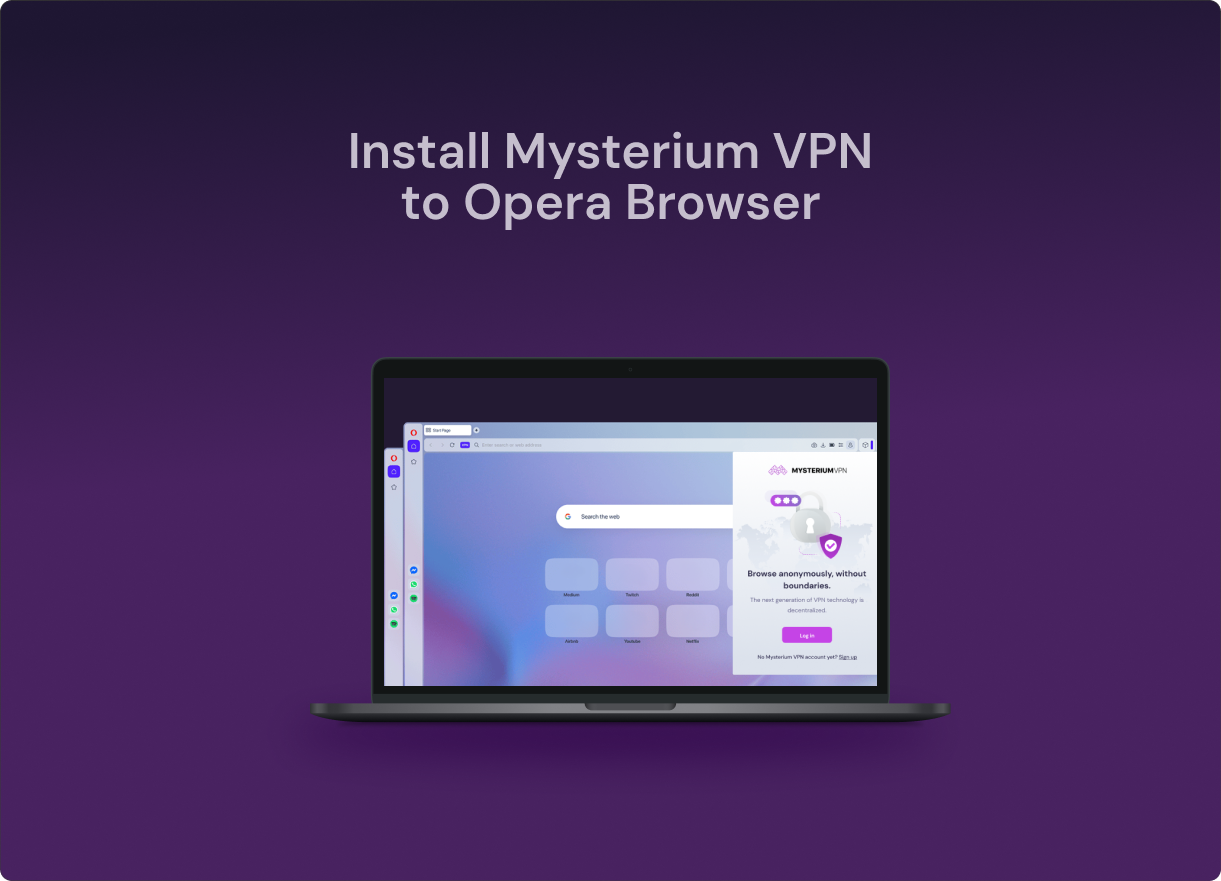
Yes, Opera Browser has a built-in VPN that routes browser traffic through Opera's centralized servers in three locations. For users who want decentralized infrastructure and broader geographic coverage, Mysterium VPN offers an alternative with 7,500+ residential IPs in 100+ countries.
Opera's free VPN uses Opera's own centralized servers with datacenter IPs. A third-party extension like Mysterium VPN runs a decentralized residential node network, a structurally different approach for users who prefer not to route traffic through their browser vendor's infrastructure.
Yes, Mysterium VPN works as an Opera Browser extension, available from Opera and Chrome stores. It installs in under a minute and routes your Opera traffic through Mysterium VPN's decentralized residential network.
To install Mysterium VPN in Opera Browser, click "Add to Opera" to open the Opera store listing, then confirm the install. It's also available as a Chrome extension. Mysterium VPN supports all Chromium-based browsers, and installing it adds it to your current browser profile only. If you use more than one Chromium browser, like Opera, Chrome, Brave, Edge, or Vivaldi, you'll need to install the extension separately in each one.
The difference is that Opera's VPN is centralized, so Opera owns and manages the servers, and their IPs are datacenter-based. Mysterium VPN has a decentralized infrastructure, with independently operated nodes and 7,500+ residential IPs for smoother browsing.
No, the Mysterium VPN browser extension isn't free. Free VPNs often skip vital safety features like end-to-end encryption and a kill switch, offer fewer location options, and are known to collect and sell your data, which undercuts the whole point of using a VPN.
No, Mysterium VPN never logs any of your browsing or connection data, whether you use the browser extension or the desktop app. Your privacy is our top priority, and that doesn't change based on the device or browser you use.
A residential IP VPN routes your traffic through IP addresses given by ISPs to real homes. Unlike traditional VPNs, these IPs aren’t tied to data servers, making them harder to detect. This results in fewer blocks, more consistent access, and a level of safety you won’t get anywhere else.
Get 85% OFF on a 2-year plan!