- Blog >
- Cybersecurity >
- Cybersecurity for Kids: Teaching Kids How to Stay Safe Online
Cybersecurity for Kids: Teaching Kids How to Stay Safe Online



Key Takeways
- Foundational habits matter most for kids. Strong passwords, multi-factor authentication, and keeping software updated are simple but effective first lines of defense against common threats.
- Kids face risks beyond malware — social and behavioral ones too. Phishing scams, cyberbullying, oversharing, and stranger contact require ongoing conversation, not just technical safeguards.
- What's posted online is permanent. Teaching kids about digital footprints (and that deleted content can still be saved or screenshotted) helps them think before they post.
- Protection works best as a layered approach. Combining parental controls, open communication, screen time limits, and tools like a VPN gives kids a safer, more balanced online experience than any single measure alone.
Nowadays, kids are online more than ever. Whether that's for schoolwork, entertainment, or connecting with friends. And although the internet offers children and adults alike tons of thrilling opportunities, it also exposes all of us to risks like cyberbullying, scams, and inappropriate content.
These risks are less likely to hurt us, the adults. Our future generations, however, stand face-to-face with a harmful online experience and don't know how to protect themselves. That's why it's our job to teach them how to use the internet securely.
With a proactive approach to cybersecurity awareness, we can protect our kids and their internet usage. In this Mysterium VPN guide, we'll cover practical tips to help keep young people safe online!
Why Cybersecurity Matters for Kids
Without proper cybersecurity awareness, kids may fall victim to phishing schemes, download malware, or even share sensitive personal information that can be misused.
Teaching children to recognize online dangers, use strong passwords, and practice safe browsing habits is crucial in protecting them from the darker corners of the internet.
Beyond personal safety, cybersecurity skills are becoming essential for the future. Reports indicate that nearly 60% of teens in the U.S. admit they don’t fully understand online privacy settings, leaving them vulnerable to data breaches and tracking.
As kids grow up in a world dominated by digital interactions, their ability to navigate online spaces securely will impact their future education, careers, and personal well-being.
Cybersecurity for Kids
Here's a list of the most important things you should tell your kids about online safety.
Strong Passwords
Strong passwords are crucial because they serve as the first line of defense against hackers trying to access your personal accounts. Weak passwords, like "123456" or "password," can be cracked in seconds, leaving accounts vulnerable to cybercriminals.
To stay safe, children should create passwords that are at least 12 characters long, combining uppercase and lowercase letters, numbers, and special symbols. Passphrases—random words strung together, like “BlueTiger$Jumping77”—are also effective.
Multi-Factor Authentication (MFA)
Multi-factor authentication (MFA) adds an extra layer of security to online accounts by requiring more than just a password. Even if a hacker steals a password, MFA ensures they still need another factor, such as a one-time code sent to a phone or email, fingerprint scanning, or facial recognition.
This simple step significantly reduces the risk of cyberattacks. Parents should encourage children to turn on MFA for important accounts, including social media, gaming platforms, and school logins.
Recognizing Phishing Scams
Phishing scams trick people into giving away sensitive information, such as passwords, credit card details, or personal data, by pretending to be a trusted source.
Cybercriminals often disguise themselves as school administrators, game developers, or even online friends to trick children into clicking dangerous links.
Parents can teach them to recognize red flags like spelling errors, urgent messages demanding quick action, or emails from unfamiliar addresses. If something seems suspicious, it’s always better to ask an adult before clicking.
Safe Social Media & Online Sharing
Many children love sharing moments from their lives online, but oversharing can lead to security risks. Posting details like their full name, school, birthday, or vacation plans can make it easier for strangers or cybercriminals to exploit them.
Kids should keep their profiles private, only accept friend requests from people they know, and avoid location-sharing to prevent tracking. Parents should also explain that once something is posted online, it can stay there forever—even if deleted.
Cyberbullying & Online Harassment
Children should understand that they should never respond to or engage with bullies—instead, they should block the person and report the behavior. Parents can encourage open communication, letting kids know that they won’t be punished for coming forward about bullying.
Kids should also avoid posting or sharing mean comments, as they could unintentionally contribute to online toxicity. Knowing how to stand up for themselves and others online can create a safer and more respectful digital environment.

Avoiding Malware & Unsafe Downloads
Malware, or malicious software, is designed to steal information, damage devices, or spy on users. Many kids unknowingly download malware when they click on pop-up ads, free game downloads, or suspicious links.
Parents should teach children that if a website offers something too good to be true, like a free version of a paid game, it’s likely a scam. Kids should only download apps and games from trusted sources, such as the official Apple App Store or Google Play Store.
The Importance of Software Updates
Many kids (and adults) ignore software updates because they seem annoying, but updates often contain important security fixes. Cybercriminals exploit weaknesses in outdated software, making it easier to hack into devices.
Parents should teach kids that updating their apps, operating systems, and web browsers is as important as locking their doors at night—it keeps cyber intruders out. Setting devices to update automatically can help ensure that security patches are always applied, reducing the risk of attacks.
Identifying Fake News & Online Misinformation
The internet is filled with misleading information, from fake news articles to deepfake videos designed to deceive people. Kids need to learn how to fact-check information before believing or sharing it.
Parents can teach them to verify news from multiple reliable sources and recognize warning signs of misinformation, such as sensational headlines, lack of author credentials, or biased language.
The Digital Footprint Concept
Everything a child posts, shares, or comments on contributes to their digital footprint, which can last forever. Even if they delete a post, someone may have screenshotted or saved it. This is why it’s important for kids to think before they post.
Parents should explain that a careless post today could affect future opportunities, such as college applications or job prospects. Teaching children to only post things they wouldn’t mind their teacher or future employer seeing is a great rule of thumb for maintaining a clean digital reputation.
Stranger Danger in the Digital World
Kids should understand that not all online "friends" are safe, and they should never share personal information or agree to meet someone from the internet in real life.
Parents can encourage kids to only communicate with people they know in person and report any messages that seem strange or uncomfortable. Teaching kids to be skeptical of online strangers will help keep them safe from potential threats like online predators, scams, or identity theft.
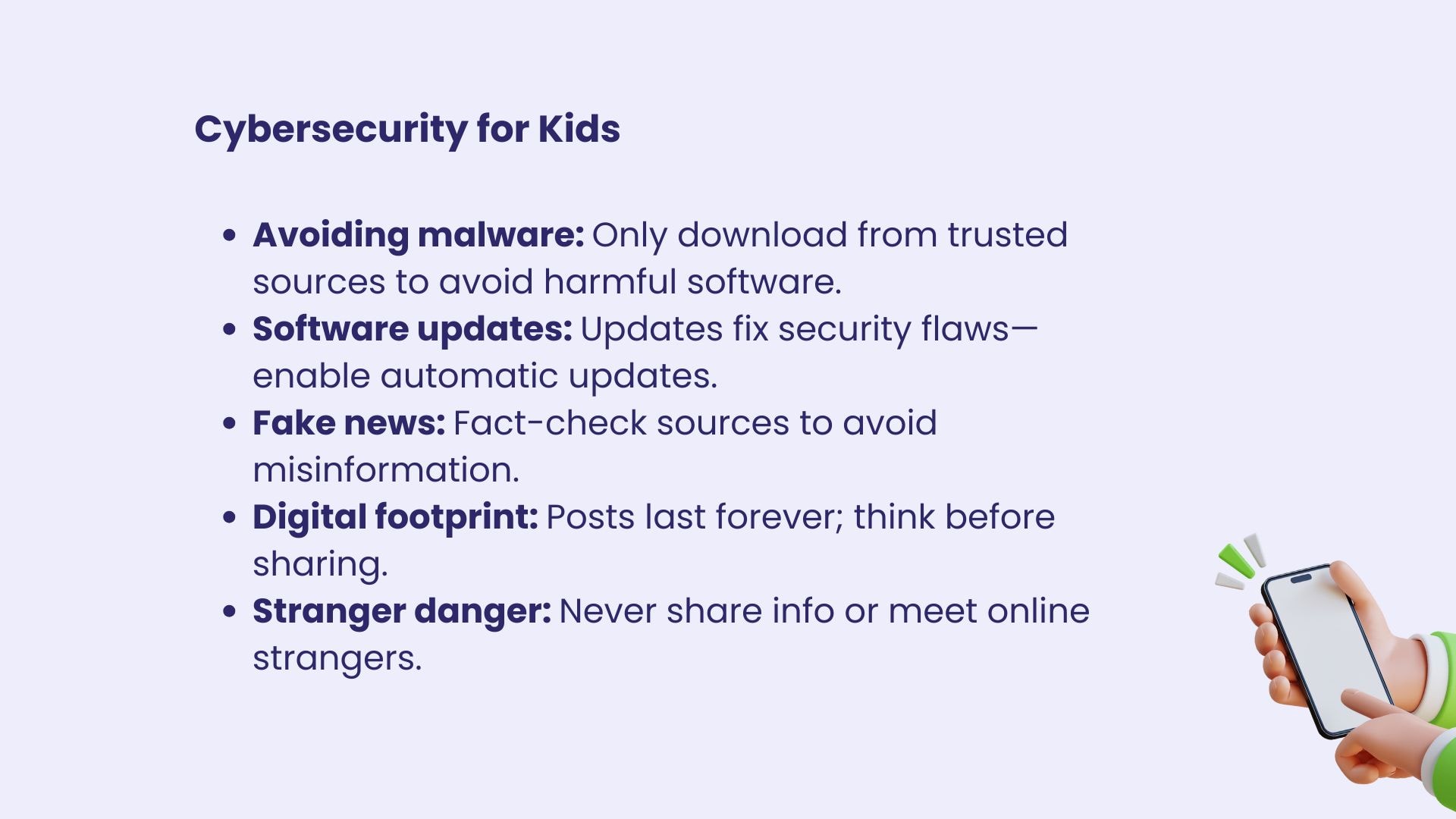
Common Online Dangers for Kids
To better understand how to protect kids, let’s examine some of the most common online risks that your child may face in the digital world.
Phishing Scams
Phishing scams trick users into revealing private information, such as passwords or credit card numbers, by pretending to be trustworthy entities. These scams often appear as fake emails, text messages, or even websites that look real at first glance.
Kids may be more vulnerable to phishing because they might not yet have the skills to identify suspicious content. Parents should teach kids to always verify the source of any message or website before clicking on links or sharing personal details.
Cyberbullying
While the internet offers a great way for kids to connect with peers, it can also expose them to bullying. Cyberbullying can take many forms—hurtful messages, exclusion from social groups, or harmful rumors spread online.
It’s important to foster an open dialogue with kids about how to handle online bullying, report it, and seek help when needed. Parents should also ensure that kids know it’s okay to stand up for themselves and others in a kind, respectful way.
In-App Purchases
Many apps and games designed for kids include in-app purchases, often with tempting offers for extra lives or exclusive content. Without proper guidance, your kids can easily make unintended purchases, potentially leading to unexpected charges on your credit card.
Teaching your kids the basics of financial responsibility, setting up parental controls, and using password protection for purchases can help prevent these unwanted transactions.
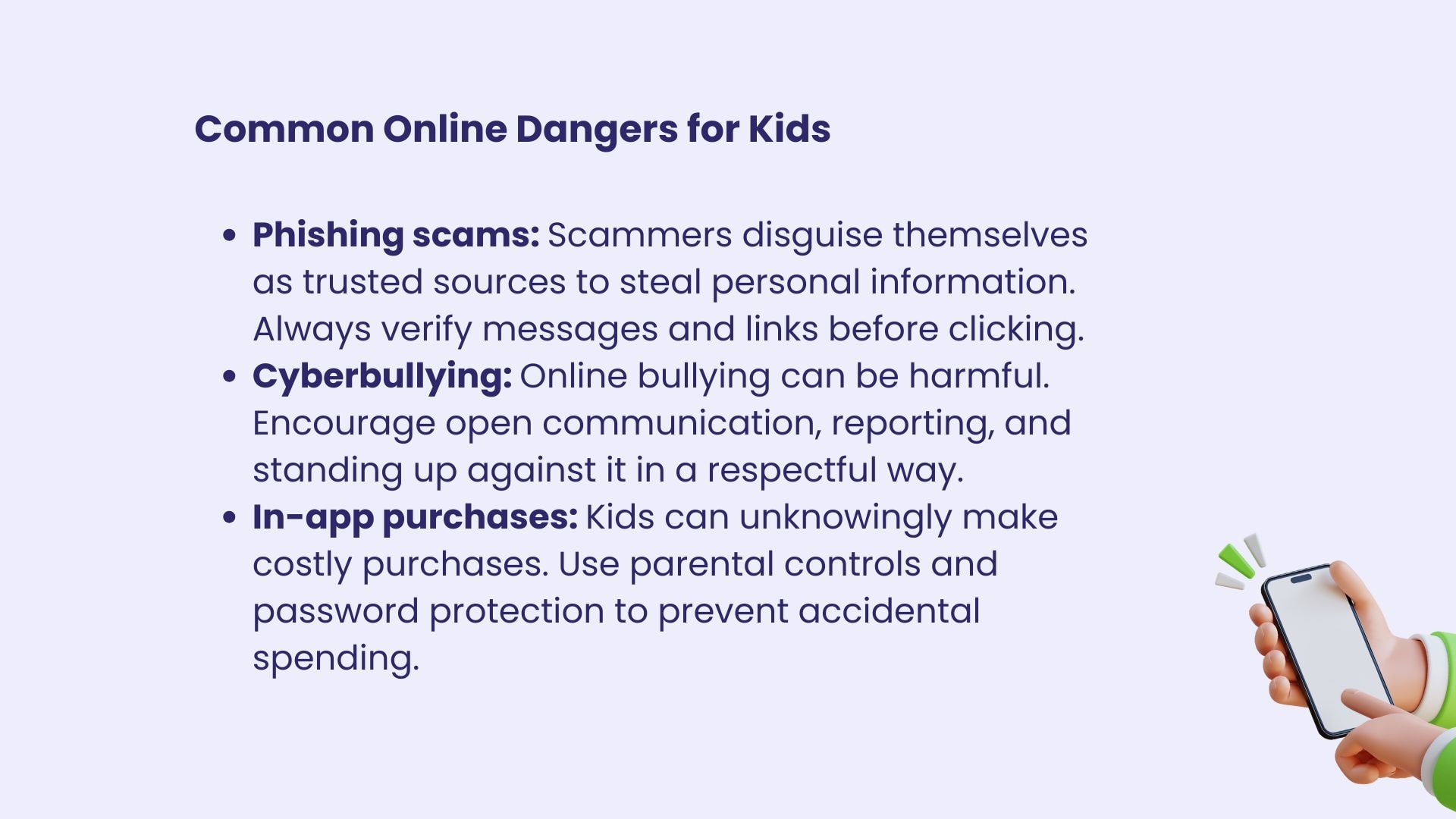
Inappropriate Content
Even with filters and parental controls in place, it’s possible for kids to accidentally stumble across inappropriate content online. Whether it’s explicit videos, offensive language, or harmful behavior, kids need to be equipped with the knowledge of how to avoid such content and report it if they encounter it.
Having regular discussions with kids about what’s appropriate and inappropriate to view online can help them navigate the internet safely.
Oversharing Personal Information
It can be tempting for kids to share personal details—like their school, location, or full name—on social media or gaming platforms. However, this can make them vulnerable to cybercriminals or online predators.
Teaching children about the importance of privacy and helping them understand the consequences of oversharing can protect them from potential dangers.
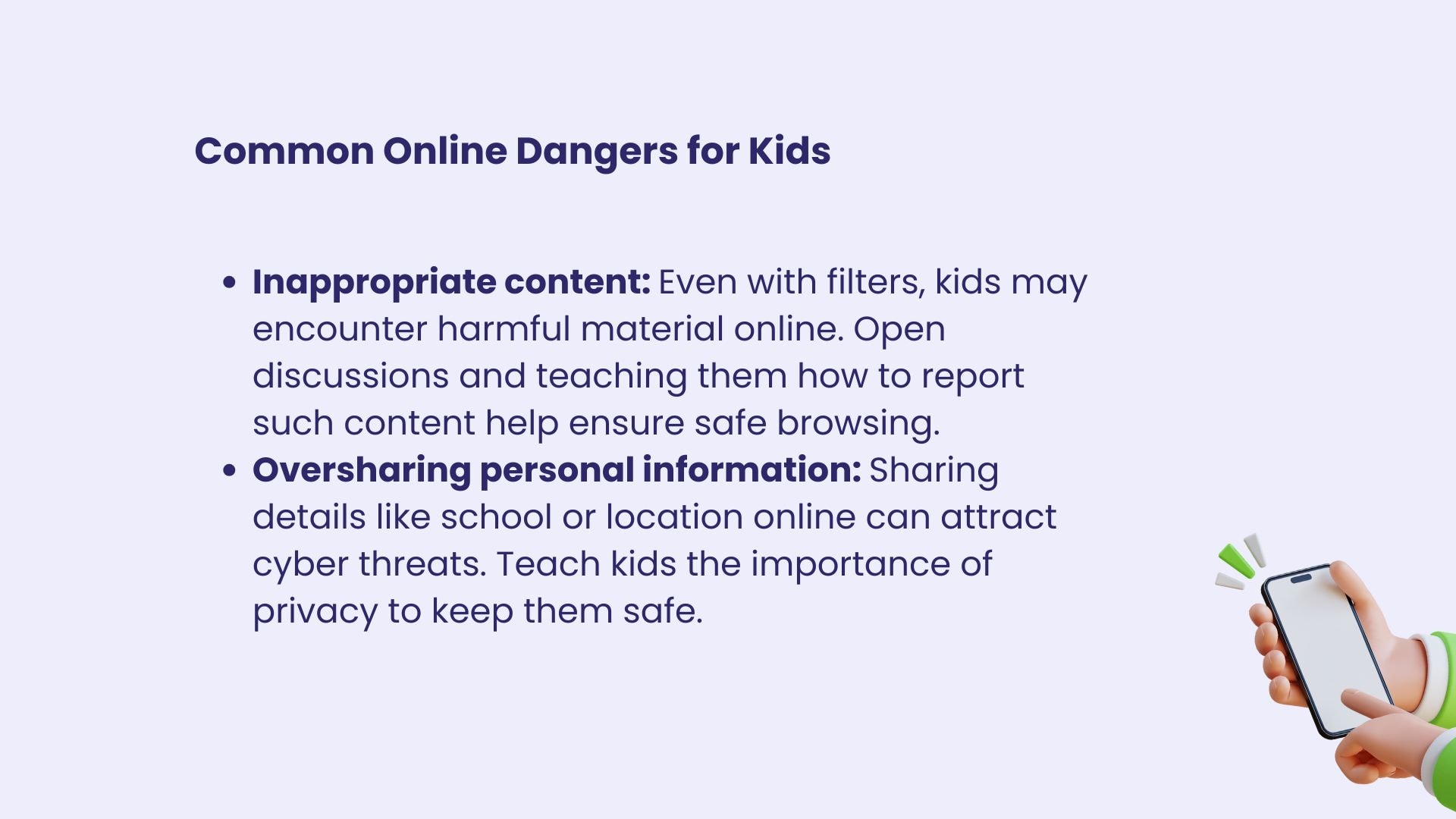
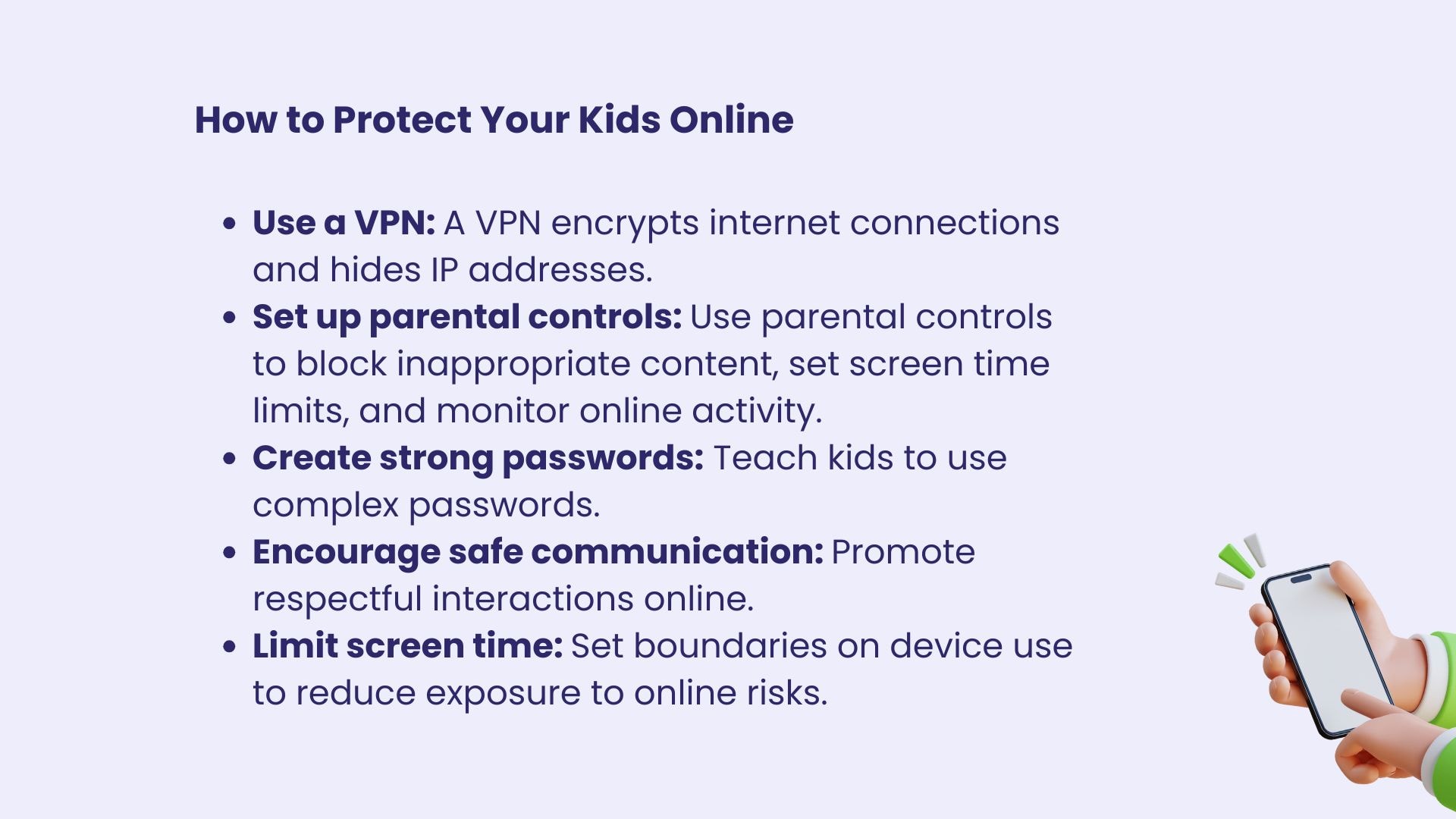
How to Protect Your Kids Online
Now that you know the risks, let’s dive into some practical ways to help your kids stay safe online:
Use a VPN
A virtual private network (VPN) like Mysterium VPN can add an extra layer of security by encrypting your child’s internet connection and masking their IP address.
This helps protect them from hackers and online surveillance, especially when they’re using public Wi-Fi. With a VPN, kids can explore the digital world safely, knowing their online activities are private.
Set Up Parental Controls
Many devices and apps come with built-in parental controls that allow parents to block inappropriate content, set screen time limits, and monitor their child’s online activity.
Take advantage of these controls to ensure your child’s online experience is both safe and fun.
Create Strong Passwords
One of the simplest yet most effective ways to protect your child’s online accounts is by teaching them to create strong passwords. A strong password should include a mix of uppercase and lowercase letters, numbers, and symbols.
Avoid using obvious words like your child’s name or birthday, as these can be easily guessed by hackers.
Encourage Safe Online Communication
Teach your children to communicate respectfully online, just as they would in person. Discuss the importance of being kind to others and reporting any bullying or inappropriate behavior.
Encourage kids to keep conversations with strangers to a minimum and remind them that it’s never okay to share personal details with someone they don’t know offline.
Limit Screen Time
Excessive screen time can expose kids to more online risks, so it’s important to set limits on how much time they spend on electronic devices each day.
Balancing screen time with other activities like outdoor play, reading, or hobbies can help maintain a healthy lifestyle while keeping your child safe from digital threats.
Conclusion
In a world where we can't go a day without relying on an electronic device and our screen time makes us embarrassed, protecting your kids online is more important than ever.
By teaching them essential cybersecurity concepts, using tools like VPNs, and having open conversations about internet safety, you can help ensure that your child has a secure and enjoyable online experience.
Equip your kids with the knowledge they need to stay safe online—and watch them thrive in the digital world!


Reclaim the internet that took you at your word!
Get Mysterium VPN

Frequently Asked Questions
Gintarė is a cybersecurity writer at Mysterium VPN, where she explores online privacy, VPN technology, and the latest digital threats in editorial pieces. With hands-on experience researching and writing about data protection and digital freedom, Gintarė makes complex security topics accessible and actionable.
Related Articles
.png)