
- Home >
- Features Page >
- Kill Switch


VPN Kill Switch: Keep Your IP Protected If Your VPN Drops
- Designed to cut off your internet connection if the VPN fails.
- Perfect for journalists, activists, travellers, and remote workers.
- Included in all subscription plans, starting at $2.99/mo.


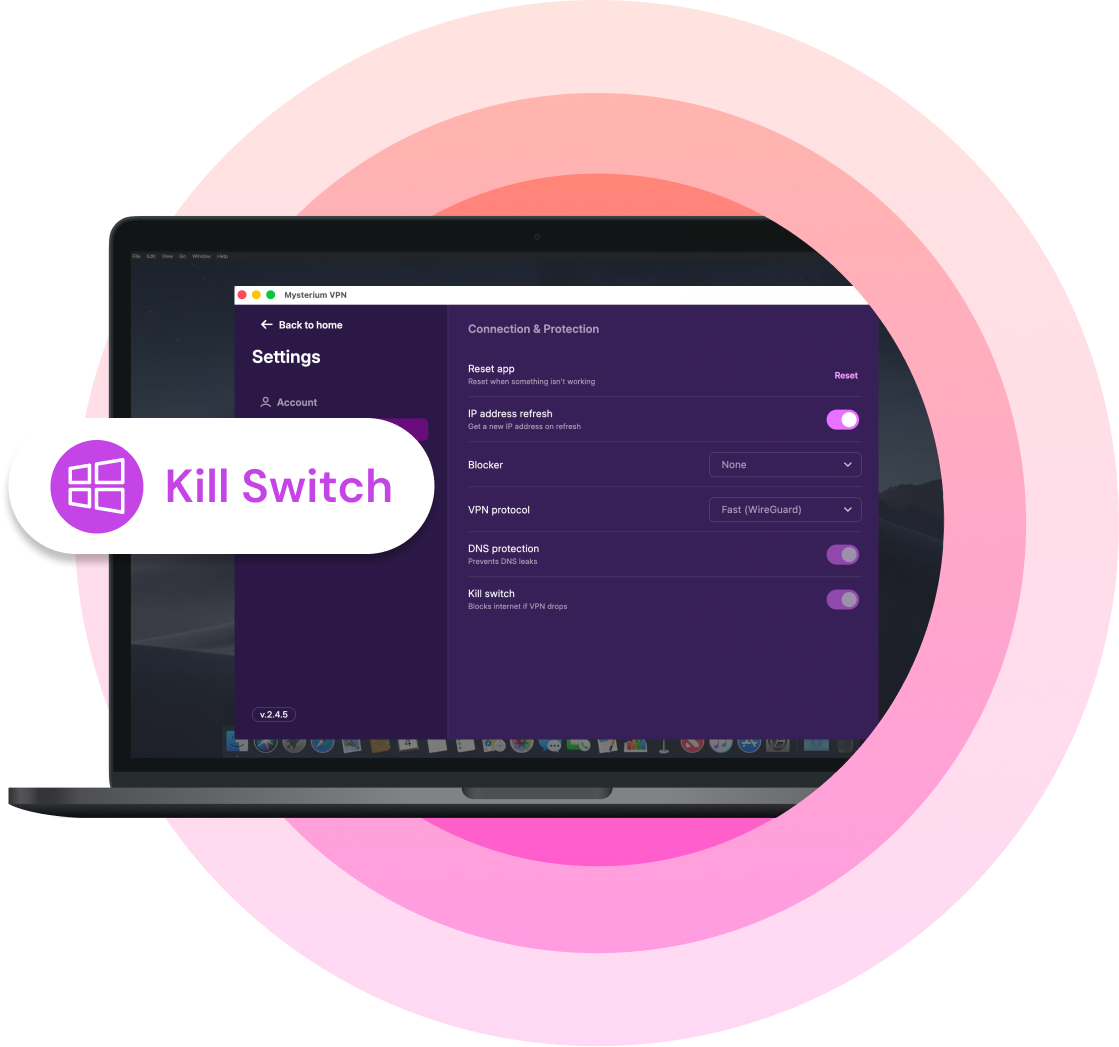
Why You Need a Kill Switch?
-
 1.A VPN kill switch blocks your internet access if your VPN disconnects.
 -
 2.It helps prevent accidental IP, DNS, and traffic leaks.
 -
 3.This security feature is especially useful on public Wi-Fi or shared networks.
 -
 4.Mysterium VPN includes kill switch protection with other privacy and security features.

What’s a VPN Kill Switch?
A kill switch is a built-in Mysterium VPN security feature that automatically cuts your internet connection off if your VPN connection drops. This prevents your real IP address from leaking and ensures your privacy is intact until a secure connection with the VPN server is re-established.
When your VPN connection is off (even for a split second), your internet activity could be exposed to your internet service provider (ISP), people on the same public Wi-Fi network, or even potential hackers. A kill switch prevents that.
It’s basically a digital panic button that jumps in to protect you whenever danger is near!
What Does a Kill Switch Do?

Cuts internet access the moment VPN protection fails
The instant your VPN connection drops, the kill switch slams your internet shut so nothing gets out unprotected.

Keeps your real IP address from being exposed
With the connection blocked, your device can't fall back to its normal line, so your true IP stays hidden instead of leaking out.

Helps block DNS leaks that could reveal the sites you visit
It also stops DNS requests from escaping, which would otherwise hand over a list of the websites you're browsing.

Stops unencrypted traffic from slipping out
Any data that isn't wrapped in the VPN's encryption gets held back, so nothing travels in the clear.
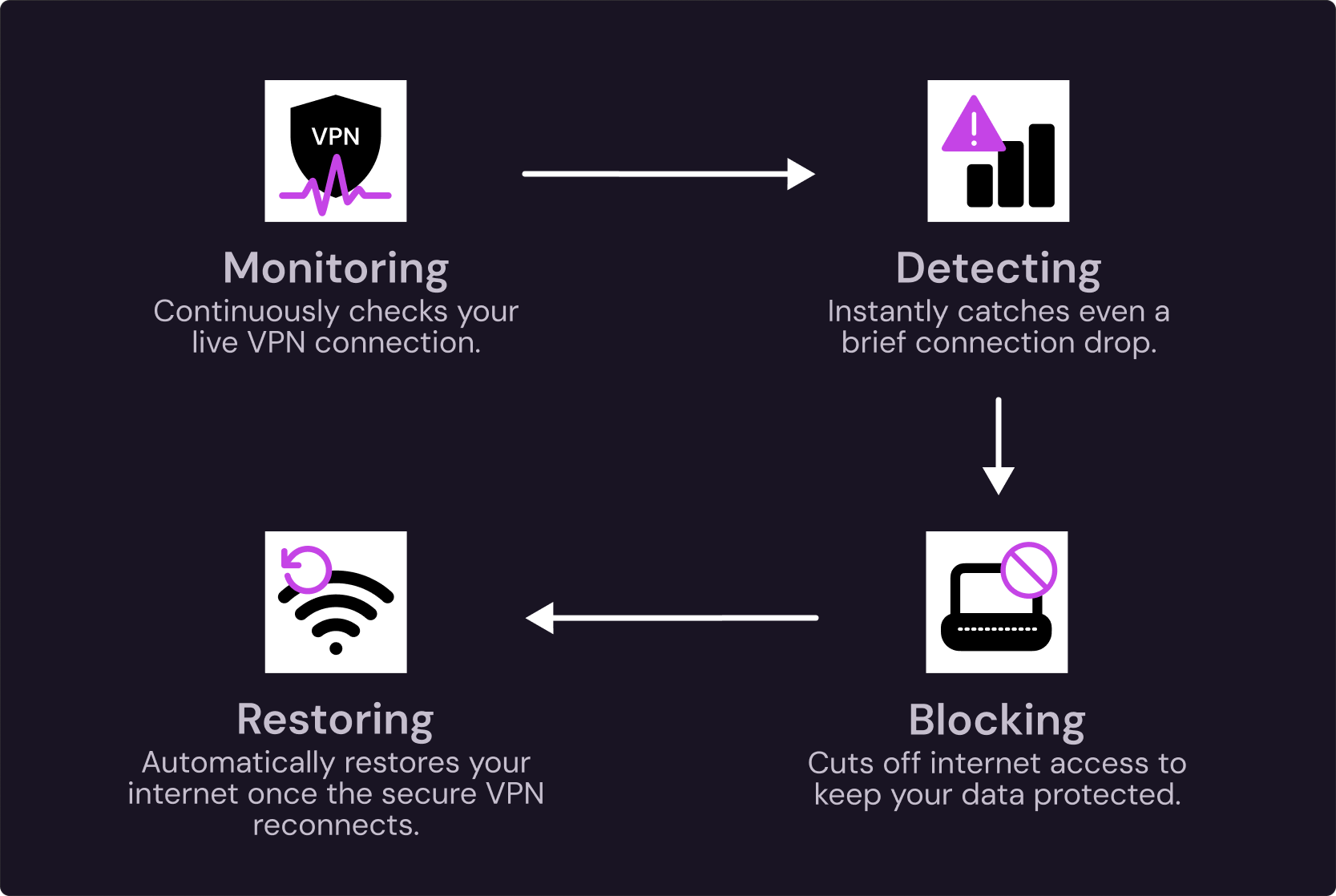
How Does a VPN Kill Switch Work?
It runs as a constant safety loop, in four steps.
- The kill switch is on alongside your VPN connection.
- The kill switch will detect if the connection drops. The second it does, even briefly, the kill switch will catch it.
- Your internet access will be cut off, so nothing leaves your device unprotected.
- When the VPN reconnects, the kill switch restores the internet connection. Once the secure tunnel is back up and running, your traffic will start flowing again; you don’t have to lift a finger.
How Mysterium VPN Kill Switch Protects You
Mysterium VPN's kill switch runs automatically in the background and blocks unsafe traffic the moment your VPN connection drops. It keeps your real IP protected with zero setup on your end.
- Automatic background protection.
- Helps prevent accidental IP exposure.
- Works together with DNS leak protection.
- Built for everyday browsing, public Wi-Fi, and privacy-sensitive apps.
Types of VPN Kill Switches
Kill switches come in two main types. Mysterium VPN uses a system-level kill switch, so your whole device stays covered.
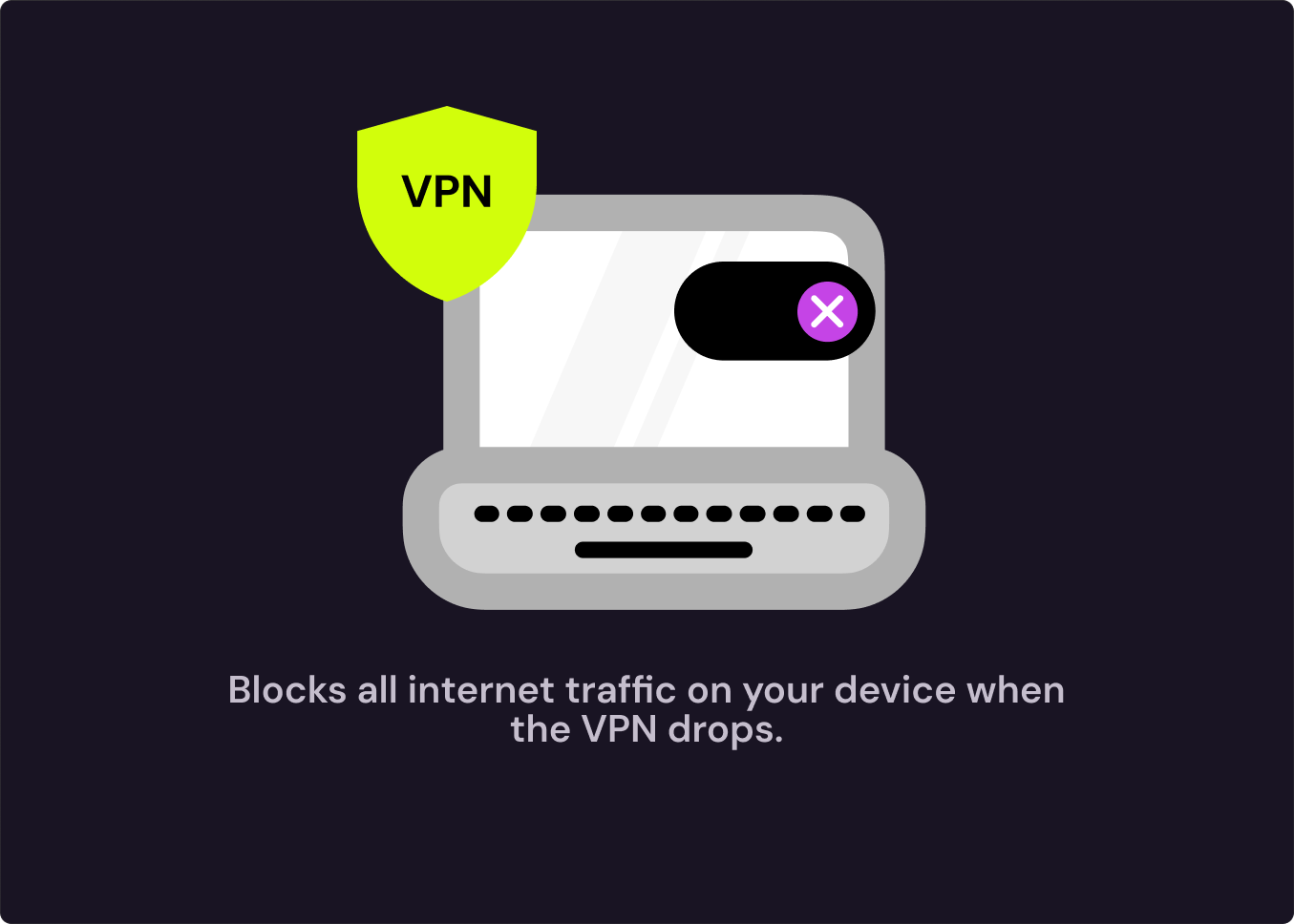
System-Level Kill Switch
Blocks all internet traffic on your device when the VPN drops.
- Pros: Total coverage, since nothing connects outside the tunnel; the safest choice for full privacy.
- Cons: Takes you fully offline, which can interrupt activities that need the internet.
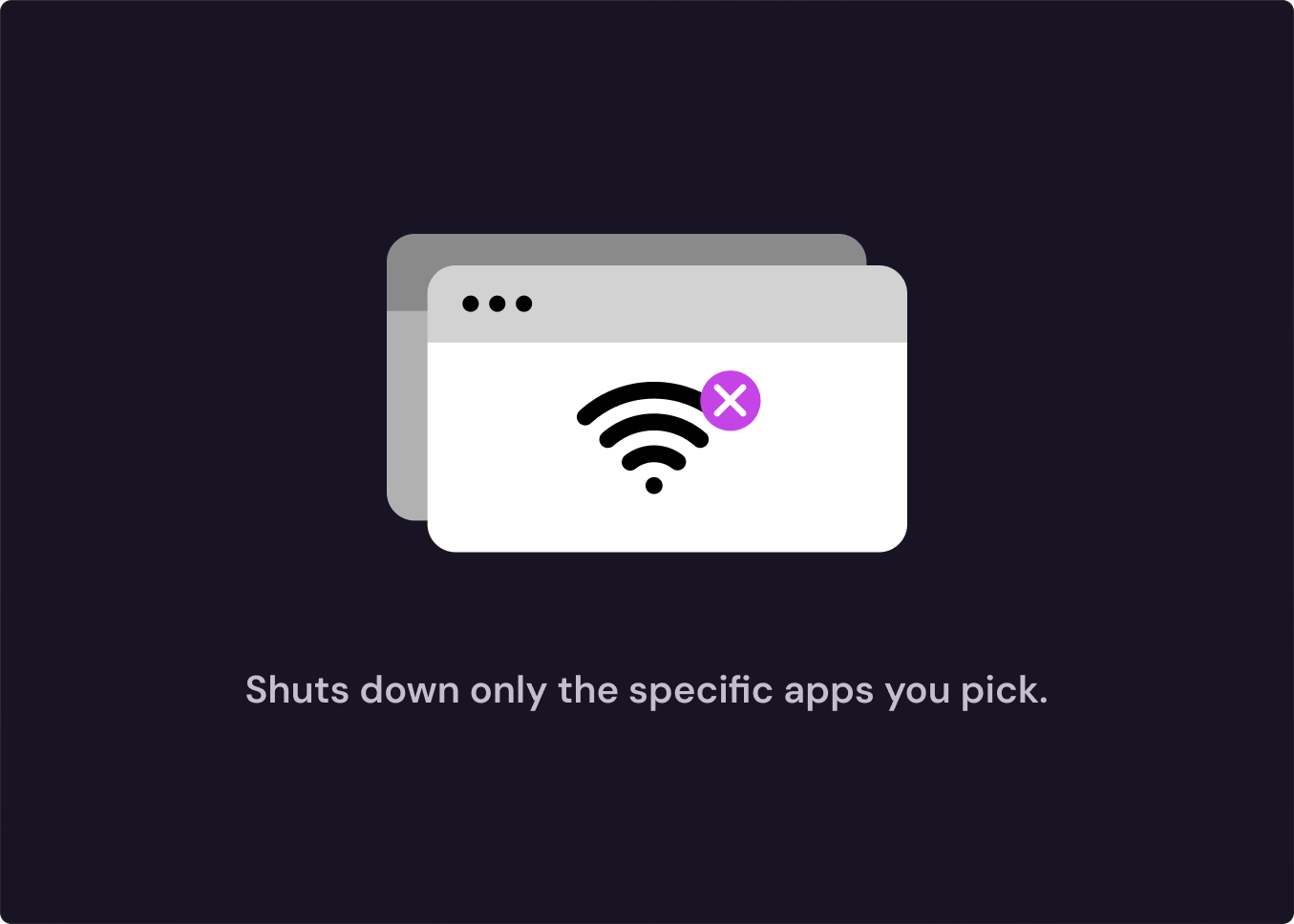
App-Level Kill Switch
Shuts down only the specific apps you pick, like a browser or torrent client.
- Pros: The rest of your device stays online while preselected apps go offline.
- Cons: Anything you forget to add to the list stays exposed, so it's easier to leave a gap.
Benefits of Using a VPN Kill Switch
Hides Your IP Address
Maintains Your Privacy if VPN Drops
Reduces the Risk of Data Leaks

Keeps You Safe on Public Wi-Fi
Mysterium VPN Is Available On


A VPN Kill Switch Can Help Protect You When
- Your Wi-Fi drops unexpectedly.
- Your laptop wakes from sleep mode.
- You switch between mobile data and Wi-Fi.
- The VPN server disconnects.
- An app keeps running in the background.
- You’re using public Wi-Fi.
- You’re downloading files or using privacy-sensitive apps.
Experience Mysterium VPN’s kill switch and other security features for $2.99/mo only!
What to Look for in a VPN With a Kill Switch?
PROTECTS YOUR ENTIRE DEVICE
Our system-level kill switch cuts all traffic on your device, so no app can sneak out unprotected while your browser is locked down.
IS ALWAYS TURNED-ON
It shouldn't need you to notice the problem first. A good kill switch reacts instantly, before any data leaves your device. Our kill switch is turned on by default.

AVAILABLE ON ALL DEVICES
Some VPNs only offer kill switch protection on desktop devices, which just isn’t enough. Mysterium VPN’s kill switch covers your phone, tablet, and laptop, too.
WORKS WELL WITH DNS LEAK PROTECTION
A kill switch blocks your traffic, but DNS leak protection makes sure your DNS requests don't escape separately. You need both to close all the gaps.

PAIRED WITH A MODERN VPN PROTOCOL
The kill switch fires when the VPN drops. A modern and fast VPN protocol like WireGuard reconnects quickly, which means less time blocked and less disruption.
IS PART OF OTHER PRIVACY-FOCUSED FEATURES
A kill switch works best when it’s part of a host of other privacy features, like Mysterium VPN’s no-logs policy, DNS leak protection, a fast and modern WireGuard protocol, and residential IPs.
Get Kill Switch Feature and More in One App

$10.49 billed every month
 Secure and high-speed VPN
- Secure 6 devices at a time
- 57 supported countries
- 7-day money-back guarantee
 Residential IPs
- City-level choices
- Malware blocker
$13.49 billed every month
- Secure and high-speed VPN
- Secure 10 devices at a time
- 100+ supported countries
- 7-day money-back guarantee
- 7,500+ residential IPs
- City-level choices
- Malware blocker
$18.49 billed every month
- Secure and high-speed VPN
- Secure 15 devices at a time
- 100+ supported countries
- 7-day money-back guarantee
- 7,500+ residential IPs
- City-level choices
- Malware blocker
$100.64 $44.28 billed every year
- Secure and high-speed VPN
- Secure 6 devices at a time
- 57 supported countries
- 7-day money-back guarantee
- Residential IPs
- City-level choices
- Malware blocker
$160.88 $51.48 billed every year
- Secure and high-speed VPN
- Secure 10 devices at a time
- 100+ supported countries
- 7-day money-back guarantee
- 7,500+ residential IPs
- City-level choices
- Malware blocker
$254.18 $83.88 billed every year
- Secure and high-speed VPN
- Secure 15 devices at a time
- 100+ supported countries
- 7-day money-back guarantee
- 7,500+ residential IPs
- City-level choices
- Malware blocker
$251.76 $62.16 billed every 2 years
- Secure and high-speed VPN
- Secure 6 devices at a time
- 57 supported countries
- 30-day money-back guarantee
- Residential IPs
- City-level choices
- Malware blocker
$323.76 $71.76 billed every 2 years
- Secure and high-speed VPN
- Secure 10 devices at a time
- 100+ supported countries
- 30-day money-back guarantee
- 7,500+ residential IPs
- City-level choices
- Malware blocker
$443.76 $ 114.96 billed every 2 years
- Secure and high-speed VPN
- Secure 15 devices at a time
- 100+ supported countries
- 30-day money-back guarantee
- 7,500+ residential IPs
- City-level choices
- Malware blocker




Frequently Asked Questions
If you’re using Mysterium VPN, the kill switch is already on by default, so there's nothing to enable. As a rule of thumb, we'd recommend keeping all security features turned on, especially on public Wi-Fi.


