- Home >
- The Residential VPN Built for Streaming >
- ESPN VPN


The Best ESPN VPN for Reliable Sports Streaming in 2026
- Residential IPs in 200+ U.S. cities for more reliable access.
- No ISP throttling for a smooth, no-lag streaming experience.
- Improved online privacy for streaming on unsecured networks.


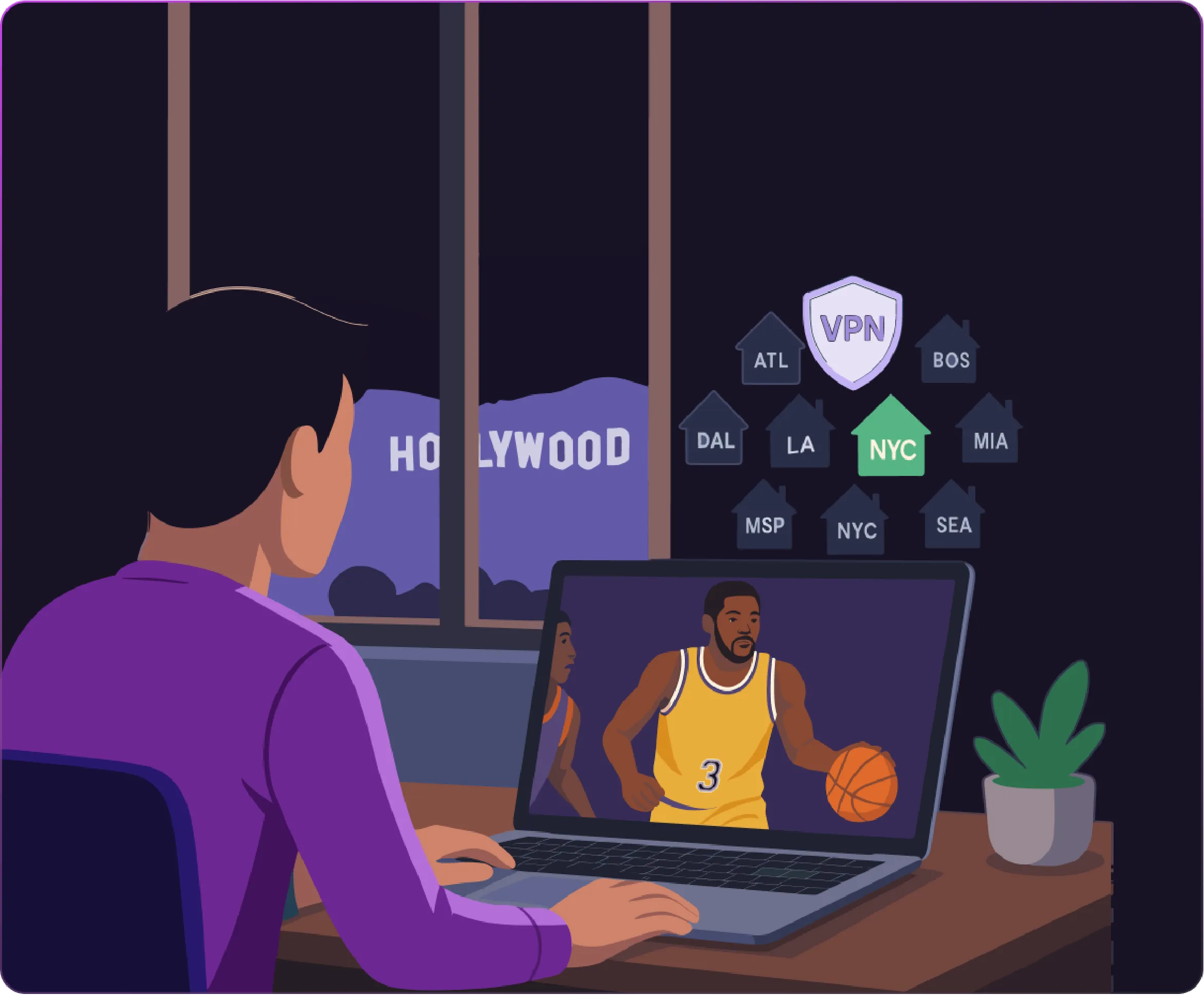
Why Mysterium VPN Is the Best VPN for ESPN Plus?
Most VPN providers rely on datacenter servers, which creates issues for streaming ESPN+, as it easily detects these IP addresses, leading to interruptions while watching sports.
Mysterium VPN for streaming takes a different approach, offering features designed to provide a more reliable and secure experience:
- Residential IPs: 7,500+ IPs from genuine households make them far harder for services to detect or block than standard datacenter IPs.
- City-level servers: Sports fans can choose from multiple U.S. cities, giving them flexibility whether traveling, living abroad, or accessing specific regional content.
- Expert-backed performance: Our cybersecurity team ensures consistent performance, encrypted internet traffic, and protection for expats, frequent travelers, or anyone wanting a dependable way to stream ESPN.
These features make Mysterium VPN a premium solution for a smooth, uninterrupted ESPN streaming experience anywhere.
How to Use a VPN for ESPN+
-
 1
1Step 1
Choose a plan for your needs. Plus is our most popular, get it now for $2.99/mo. -
 2
2Step 2
Download the Mysterium VPN app for your device. Available for laptops, smartphones, tablets, and browsers. -
 3
3Step 3
Sign in, select a country, and connect. You're now browsing securely from wherever you choose.
What Is ESPN Blackout?
A blackout happens when a game is restricted in a specific region because local broadcasters hold exclusive rights to show it. ESPN+, like other streaming sites and networks, follows these rules to protect broadcasting agreements.
For example, if the Los Angeles Lakers play at home, the NBA’s local partner in LA may have exclusive broadcasting rights. That means viewers in Los Angeles trying to watch on ESPN+ could see a blackout message. The same applies to NFL games on Monday Night Football or MLB games, where regional sports networks have priority in certain cities.
Here are a few real-world examples:
- Iowa experiences some of the strictest blackouts in the country, with six MLB teams restricted, including the Brewers and Royals.
- Kansas, Missouri, Nebraska, and Oklahoma can’t stream Royals games due to regional broadcast rights.
- Hawaii has blackout restrictions for teams like the Lakers, Clippers, and Kings, even though none of them are local.
- NHL fans in Utah may face blackouts from nearby teams such as the Colorado Avalanche and the Vegas Golden Knights.
For fans, these blackout rules are frustrating. You may pay for ESPN+ or another streaming service, but you’re still unable to stream the games you want. This is why blackout rules remain among the most common frustrations for ESPN streaming subscribers.
People online suggest that VPNs offering residential IP addresses help work around regional blackouts by changing how your connection appears. However, we don’t encourage or endorse this. Blackouts exist because of official broadcasting rights, and it’s always important to follow the terms and conditions of ESPN+ and any other streaming service.
Is ESPN Blocking VPNs?
Yes, like many other streaming platforms, ESPN actively blocks many VPN connections, especially those using datacenter servers. These servers rely on known VPN IP addresses, which ESPN can quickly detect and restrict.
That’s why users often complain about seeing various error messages indicating VPN use or simply find their streams interrupted when streaming with VPN providers with ESPN.
Mysterium VPN takes a different approach by offering residential IP addresses, which are real connections from real households across the United States. Since these IPs originate from genuine home networks, they are far more challenging to identify and block.
Combined with city-level server locations and streaming-optimized servers, this gives fans a more stable and reliable way to maintain their VPN connection when streaming ESPN or other major sports platforms. Try it today, now 78% off!
ESPN+ Not Working With VPN: How To Fix
Sometimes, ESPN+ may not work with your VPN connection. Here are some troubleshooting tips from our team of cybersecurity experts and streaming enthusiasts:
Try Different Servers
Switching servers within the same country can often resolve the problem by giving you a new IP address. To maximize your options, look for providers with multiple server locations in the U.S.
Clear Cache & Cookies
Websites store cookies and cached data that may reveal your actual location even when connected to a VPN. Clearing the cache and cookies forces a fresh session.
Use Residential IPs
ESPN’s systems commonly target datacenter VPN servers, which is why many struggle. Residential IPs, however, are real home network connections and are much harder to detect.
Restart Your Device & VPN App
Sometimes the simplest solution is also the most effective. Restarting your VPN app and your device refreshes the connection, clears temporary conflicts, and assigns you a new IP address.
Switch VPN Servers
ESPN+ may have blacklisted specific IP addresses associated with VPNs, so switching servers can provide you with a fresh IP address that isn’t blocked.
Check Firewall and Antivirus Settings
Your antivirus program or firewall may interfere with VPN traffic, preventing ESPN+ from working. To test this, temporarily disable the antivirus or firewall and then reconnect to ESPN+.
Following these steps can help regain access to ESPN+ and other major streaming services.

Can I Use a Free VPN for ESPN+?
Technically, you could, but it’s not recommended. That’s because while some sports fans consider a free VPN for ESPN+, this usually leads to frustration, as they rarely work with streaming ESPN+ for several reasons:
- Blocked IPs: Most free VPNs use datacenter IPs that ESPN identifies and blocks quickly.
- Slow speeds: Free VPNs are overcrowded, making it nearly impossible to stream games in HD.
- Limited bandwidth: Many free VPNs restrict usage, cutting streams short mid-game.
- Security risks: Free VPN apps track user data, sell browsing habits, and lack proper encryption.
- Unreliable connections: Free VPN servers drop frequently, interrupting your game.
While a free VPN may sound appealing, it’s unsuitable for streaming sites like ESPN. Using Mysterium VPN ensures online security, speed, and reliability across unlimited devices.