01
Step 1
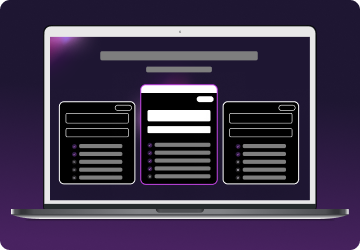
Choose a plan for your needs. Plus is our most popular, get it now for $2.29/mo.
Get a real residential IP address, keep your connection private, and understand exactly what a VPN can and can't fix.

Mysterium VPN uses residential IP addresses – 7,500+ real ISP-assigned connections, not data center servers. Grindr's security systems are less likely to flag a residential IP than a known VPN datacenter range. Mysterium VPN is available in 100+ countries, with a no-logs policy and no record of what you do. That's the difference.

Getting started with Mysterium VPN is simple:
Choose a plan for your needs. Plus is our most popular, get it now for $2.29/mo.
Download the Mysterium VPN app for your device. Available for laptops, smartphones, tablets, and browsers.
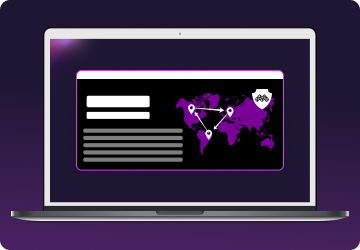
Sign in, select a country, and connect. You're now browsing securely from wherever you choose.
Grindr issues two different kinds of bans, and they behave differently.
Separately, Grindr blocks access at the platform level in sanctioned regions, including Crimea, Syria, and North Korea. That applies regardless of your IP.
Free VPNs are a poor fit for reasons that matter on this specific app:
Mysterium VPN gives you residential IPs, reliable speeds, and a no-logs policy.

Yes, Mysterium VPN works with Grindr. Connect to a server in a country where Grindr is available, then open the app. Residential IPs are less likely to be flagged than datacenter VPN addresses.
A Grindr device ban ties the block to your phone's hardware ID rather than your I, not VPN changes your IP, which may resolve an IP ban. A device ban usually requires reinstalling the app or using a different device.
For an IP ban, connect to a new server with Mysterium VPN to get a new IP address, then clear Grindr's cache or reinstall the app. For a device ban, a new IP isn't enough on its own because the block is tied to your hardware.
Yes. Grindr can issue device-level bans tied to your hardware fingerprint. These are harder to resolve than IP bans because they persist even when your IP address changes.
An appeal through Grindr's help center can take days or weeks, depending on the reason and their review queue. If you believe the ban was a mistake, an appeal is the only way to get it restored.
A VPN changes your IP-based location. It does not change your device's GPS coordinates. Grindr uses GPS alongside network data, so other users may still see your approximate physical location.
In most countries, yes. In countries where government censorship restricts Grindr, using a VPN to access it may conflict with local law. Check the legal status of VPN use where you are before connecting.
Get 85% OFF + 3 months FREE!