How to Change Region on TikTok (2026 Guide)


.webp)
Key Takeaways
- TikTok determines your region using a mix of GPS location, IP address, SIM card region, and device language/system settings — with the specific method depending on whether Location Services are enabled and whether the user is over 18.
- Changing region can benefit both creators and regular users differently: creators may reach new audiences, ride regional trends early, or reduce competition in saturated markets, while regular users can access different content libraries, early feature rollouts, or obscure their real location for privacy.
- A VPN is the most direct method, but non-VPN workarounds exist too — changing language settings, swapping SIM cards, or setting the App Store/Google Play region to a different country can also shift what content TikTok shows.
- Location changes aren't always immediate or reliable. Cached data, lingering GPS permissions, and device system settings can cause TikTok to still detect the original location, often requiring cache clearing, app reinstallation, or disabling GPS tracking to fully take effect.
Have you tried to launch TikTok while on vacation in a different country? Chances are, you didn’t recognize your FYP. That’s because your beloved TikTok feed depends heavily on the location that TikTok assigns to your profile.
And if you’re an influencer on TikTok, your location influences (pun intended) your number of followers, views, engagement, and, ultimately, how much money you can make from the TikTok app. Wouldn’t you like to know how much success viewers from other regions can bring you?
In this Mysterium VPN blog post, we’ll explain how your TikTok account determines your actual location and how a virtual private network (most commonly known as a VPN) can help you access local content from a different country.
Why Change Your Region on TikTok? (For Creators)
.webp)
Changing your TikTok location can open up a variety of new opportunities for content creators looking to grow their presence or adapt their strategy. Here’s an overview of what a new location may bring to content creators:
Reach a New Audience
By changing your location, you can expose your content to different demographics, expanding your follower base beyond your local area. This is particularly valuable if your niche is globally appealing, as it allows you to cater to multiple regions.
This new audience could bring in more interactions, higher chances of your content going viral, and even open up networking or collaboration opportunities with other creators from different parts of the world.
Access Specific Trends
By changing your location, you can tap into those trends early, positioning yourself as a relevant creator. If you quickly hop on popular regional trends, you can experience higher engagement because TikTok users are more likely to interact with content that aligns with their interests.
Additionally, being aware of regional trends allows you to create content that resonates with specific cultural nuances, improving your connection with local audiences and increasing the likelihood of your content appearing on the FYP in that area.
Increase Your Visibility
Changing your location on TikTok may also boost your visibility, particularly if you’re creating content in a region where TikTok competition is already high. That’s because in a super-saturated market, your content can easily get swept up in the wave of similar creators.
By changing your location to show your content to users in a region with less TikTok competition, you’re more likely to attract new followers, improve visibility and engagement, and become a prominent voice in that regional community.
Why Change Your Region on TikTok? (For Regular Users)
.webp)
Regular TikTok users like you may also discover practical benefits from changing your location, whether you do that for entertainment or privacy reasons. Take a look:
Unlock More Content
Changing your region on TikTok can unlock a whole new world of content. Since TikTok's algorithm is tailored to show users content from their local area, switching regions can introduce you to creators, trends, and topics you wouldn't otherwise see.
Changing your location on TikTok could also help break the monotony of your FYP if you find that you're seeing the same types of videos or creators over and over.
Scrolling When Traveling
Whether you’re on a work trip or on a sunny vacation abroad, your usual me-time ritual of scrolling through TikTok videos in your hotel room can look drastically different due to local content.
If you change your region to reflect your home country, you’ll get to enjoy the creators and content from your home library that you’re used to!
Access Limited TikTok Features
TikTok occasionally rolls out features or updates in specific regions before they are available globally. These features might include new effects, filters, or even access to TikTok's online shopping capabilities.
For instance, TikTok Shop may only be accessible in certain countries or regions, and changing your location could give you early access to these features before they're available in your area.
Stay Updated on Global Trends
TikTok is a global platform, and trends spread rapidly across different countries. However, not all trends hit every region at the same time. By changing your location, you can stay updated on viral trends before they arrive in your area.
If you're a trend-driven user, this can keep you ahead of the curve, allowing you to participate in viral challenges or create content that resonates with what's currently popular elsewhere in the world.
Improve Privacy
If you’re concerned about your digital privacy, changing your region can help obscure your actual location. TikTok collects location-based data that it uses to customize your feed and recommend content.
If you're concerned about sharing your precise location or want to keep your privacy intact, switching your region allows you to mask your real-time whereabouts and provide more control over the information shared with the app.
How TikTok Detects Your Region
If you’re at least 18, the TikTok app uses location information to improve your app experience. It shows you trending content in your area and, where applicable, ads that may be more relevant to you.
TikTok Location Data Collection with Available Location Services
Here’s how TikTok collects your location data if you’re at least 18 years old and are in a region where your device's Location Services are available for the TikTok app, and when you turn Location Services on:
TikTok receives your approximate location from your device's Location Services, which may use GPS data. The location information TikTok receives from your device is estimated at least 1.16 square miles (or 3 square kilometers) based on your current location.
You can also turn on precise location tracking through your device's Location Services based on your location.
TikTok Location Data Collection Without Location Services
Here’s how TikTok collects your location data if you're less than 18 years old or in regions where your device's Location Services aren’t available for the TikTok app, or when you turn Location Services off:
TikTok estimates your approximate location information based on your device or network information, such as SIM card region, your IP address, and device system settings, such as the language you’ve set for your phone or tablet.
Moreover, the location data estimated from your device or network information is limited to the country, region, city, or the partial or complete postal or zip code where you may be located.
How To Change TikTok Location With VPN?
If you're looking to change your TikTok location, using a VPN is an effective way to access content from other regions, explore global trends, and bypass restrictions.
A VPN works by masking your real IP address and simulating a location in a different country. Here’s how you can use a VPN to change your location on TikTok’s desktop version:
Step 1 – Sign Up for a VPN Service
First, sign up for a VPN service and download and install its app on your desktop. Once you’ve completed the sign-up process and launched the app, choose a server located in the region where you want to appear.
Using a VPN for TikTok offers a wide range of server locations to choose from, allowing you to customize your TikTok experience based on specific countries or regions. To enjoy TikTok wherever you are without breaking the bank, try Mysterium VPN today, now 78% off!
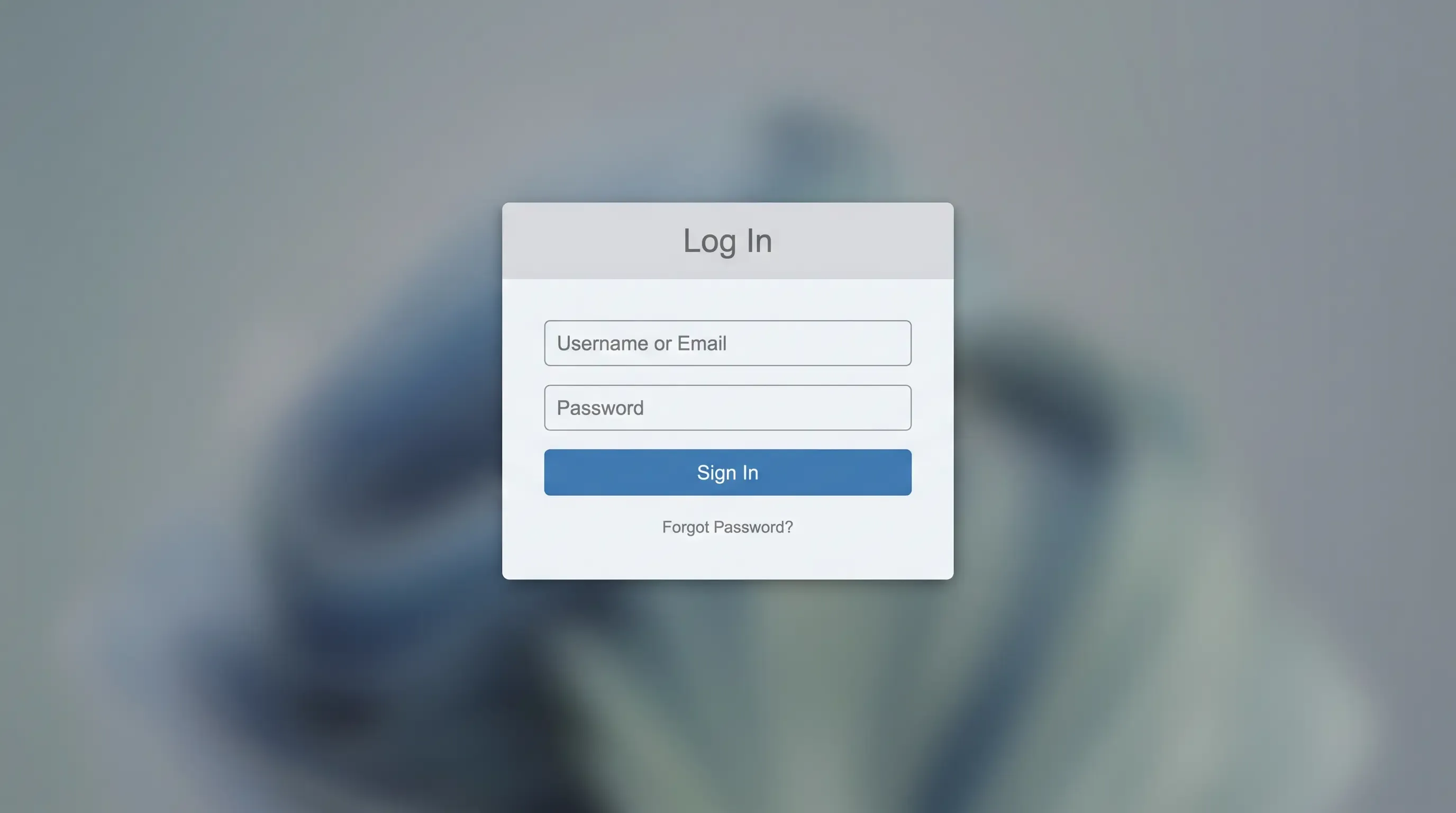
Step 2 – Log In to TikTok on Your Desktop
Once you're connected to your desired server, go to the TikTok website and log in to your account as usual. Your connection will now appear to come from the country you selected through your VPN service, showing you content from that region.
Step 3 – Explore Region-Specific Content
Now that your location has changed, TikTok will start showing you new, exciting videos, trends, and challenges from the new region. You can now explore content from different countries and even participate in trending challenges popular in that region.
Step 4 – Adjust Content Preferences (Optional)
If you'd like to fine-tune your TikTok feed further, consider changing your language settings or following creators from the region you’ve connected to. This will help TikTok serve you even more relevant content based on your selected region.
How to Change Region on TikTok (iPhone)
Changing your TikTok region on your iPhone is easy, and using a VPN makes this process even more seamless. The steps are similar on both iOS and Android devices:
- Create a new Apple ID: You need to set up a new Apple ID registered in a country where TikTok is available, like Canada or the UK.
- Sign in with your new Apple ID: Sign out of your existing Apple ID on your iPhone and log in using the new Apple ID you just created. This will change your App Store region to the country you selected.
- Download and install a VPN app: Use your new account to download a VPN app from the App Store. Install it and set up your VPN connection by choosing a server in a country where TikTok is fully accessible.
- Connect to a VPN server: Open your VPN and connect to a server in the country that matches your new Apple ID region. This ensures that TikTok will work properly without region-based restrictions.
- Download TikTok: Search for and download TikTok from the App Store while connected to a VPN. This will ensure you get the correct version based on your new region.
- Create a new TikTok account: Open TikTok and sign up for a new account. If needed, use an email address or a phone number from your desired region.
- Stay connected while using TikTok: Keep the VPN active whenever you open TikTok to maintain access to the region-specific content and features you want.
How To Change Your Region on TikTok Without a VPN?
If you're looking to change your region on TikTok without using a VPN, there are several straightforward methods you can try. Take a look:
Change Language on the App
One of the simplest ways to change your location in TikTok's eyes is to change the language settings on your device. TikTok’s algorithm uses your language preferences to recommend region-specific content.
By switching to a different language, you can actually access content from countries where that language is commonly spoken, shifting your feed to include more global content.
Swap SIM Cards
Your phone’s SIM card significantly affects your device’s regional settings. If you change your SIM card to one from another country or region, TikTok may recognize the new location and adjust your content accordingly.
This simple method can give you access to region-specific content and trends, especially in countries where TikTok is popular.
Set Google Play or App Store To Another Country
Another method of altering your location information involves adjusting your Google Play or App Store region settings.
By setting your account to a different country, you can access apps and content tailored to that region, which might include TikTok features, content, or local trends unavailable in your current country.
Troubleshooting Problems With Changing Location on TikTok
Changing your location on TikTok may not always work perfectly. Here is an overview of why your location may not change successfully.
Disable GPS Tracking
If Location Services are enabled, TikTok can still detect your real location through your device’s GPS. To effectively change your region, make sure to disable GPS tracking for TikTok in both the app settings and your device settings.
Clear Cache and Data
TikTok stores cached data that might reveal your original location. Clearing the app’s cache and data in your account settings can help reset location-based information and improve your chances of seeing content from your new region.
Reinstall TikTok
If disabling GPS and clearing cache doesn’t work, you should try uninstalling and reinstalling the TikTok app on your devices. A fresh install can help you remove any lingering location data and prompt TikTok to reprocess your new virtual location.
Adjust System Settings
Your device’s system settings, such as language preferences or regional settings, can impact TikTok’s location detection. Make sure your device is set to the region you want to appear in, including adjusting your time zone and language.
Final Thoughts
Changing your region on the TikTok app can significantly impact your experience, whether you’re a content creator trying to expand your following or a regular user trying to enjoy some TikTok videos during your free time.
That’s why using a VPN like Mysterium VPN to change your location is a highly effective solution to mask your actual location and unlock new content. Try it today, now for $2.99/mo only!
VPNs provide a seamless way to access TikTok from different parts of the world, ensuring you never miss out on viral trends or content that isn’t available in your region.


Reclaim the internet that took you at your word!
Get Mysterium VPN

Frequently Asked Question
Gintarė is a cybersecurity writer at Mysterium VPN, where she explores online privacy, VPN technology, and the latest digital threats in editorial pieces. With hands-on experience researching and writing about data protection and digital freedom, Gintarė makes complex security topics accessible and actionable.