What ChatGPT Knows About You and How to Share Less


Talking to ChatGPT can feel like writing in a private notebook. It isn't. OpenAI keeps records of what you share, and of a lot you probably don't think of as sharing. None of it's secret. It's all in the company's own policies, which most people have never read.
The good news is that you can hand over a lot less without giving up the tool. A few settings do most of the work, and a VPN like Mysterium VPN covers the part no setting can switch off: your real IP address and the location that comes with it. We'll walk you through all of it at the end.
This piece is part of our series explaining how the internet works underneath the parts you see. We've already covered how data collection works and why companies do it. Today, we're looking at one company up close.
What OpenAI Collects From You
According to OpenAI's privacy policy, last updated September 10th, 2026, here's what the company collects when you use its services:
- Account information: your full name, contact details (email or phone number), login details, date of birth, payment information if you buy anything, and your purchase history.
- Your content: everything you type, plus files, images, audio, and video you upload, and data from other apps you connect to ChatGPT. That silly question you asked? Yes. That slightly embarrassing photo of a rash you sent instead of making a doctor's appointment? Also yes.
- Messages to OpenAI: anything you send to its support team or its social media pages.
- Your contacts: phone numbers from your address book, if you choose to connect it. OpenAI turns them into a coded format and keeps those coded numbers. So yes, a version of your meemaw's phone number may be sitting on its servers.
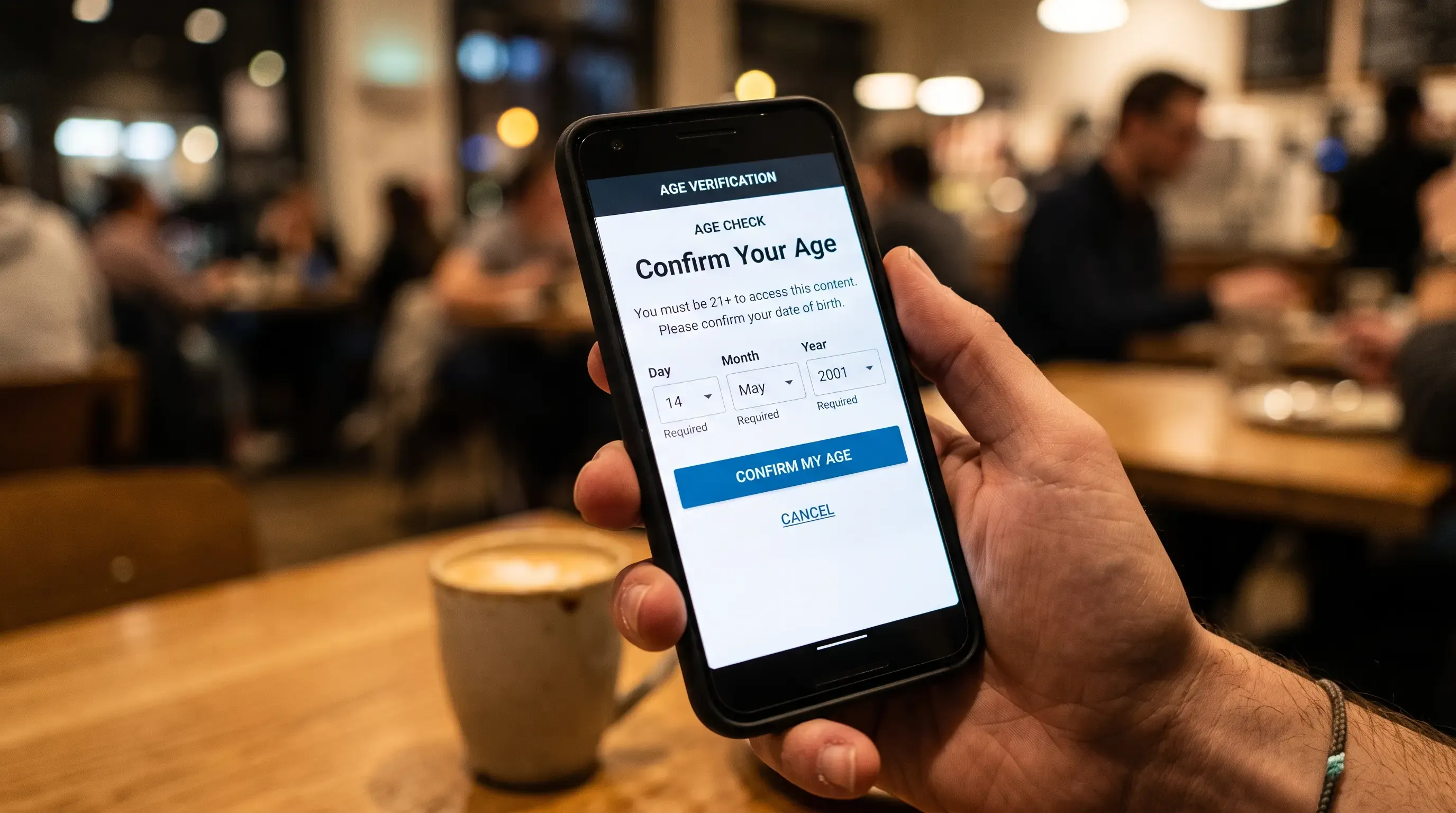
- Identity and age checks: information you provide to prove who you are or how old you are. If you verify your age, a company called Persona may ask for a selfie or a government-issued ID. OpenAI says it only receives the result, like your date of birth, and Persona deletes the ID and selfie within 7 days.
- Log data: your IP address, browser type and settings, the time of each request, and how you use the service.
- Usage data: what you view and click, which of the app's features you use, the people you interact with, your time zone, country, and the type of device and connection you have.
- Device information: your device's name, operating system, and other unique identifiers.
- Location: your general area, based on your IP address, and your exact GPS location if you allow it.
- Cookies and similar tracking tools.
- Information from other companies, including security, marketing, and data partners.
That's a long list for a chatbot. Only one item on it is the thing you actually typed.
What Happens to It Next
Some of the data OpenAI collects is needed to run the service. A lot of it goes further.
On personal plans, your conversations may be used to train OpenAI's models unless you opt out. OpenAI's help pages add a catch: even after you opt out, rating an answer with a thumbs up or down can let OpenAI use that whole conversation for training.
Free and Go users may also see ads. With ad personalization on, OpenAI can use your past chats and memory to choose which ads you see. The company says advertisers never see your chats and only get totals, like how many people clicked.
OpenAI's cookie policy, last updated October 22nd, 2026, lists marketing cookies from Google, Meta, LinkedIn, TikTok, Reddit, Snapchat, and others. To decide whether an account might belong to a teenager, ChatGPT also looks at signals like the topics you talk about and the times of day you use it.
Your data can even be collected if you've never signed up. If someone saves your number and uploads their contacts, OpenAI may keep a coded version of your phone number, according to its help page updated February 6th, 2026.
To be fair, OpenAI says it doesn't sell user data or share conversations with advertisers, and it gives users real controls. On personal plans, though, collection is the default, and opting out is your job.
How to Minimize Data Collection
Menu names may change, but these settings exist at the time of writing:
- Turn off training: Go to Settings, Data controls, and turn off "Improve the model for everyone." Selecting "Do not train on my content" in OpenAI's Privacy Portal works too.
- Skip the rating buttons on chats you want kept out of training.
- Use Temporary Chat for sensitive questions: These chats stay out of your history and training, don't create memories, and are deleted within 30 days unless OpenAI must keep them for safety or legal reasons.
- Turn off Memory if you don't want ChatGPT remembering details between chats. ChatGPT doesn't need to cross-reference your love life when discussing interior design questions.
- On Free or Go plans, open Ad controls, turn off ad personalization, and clear your ads data. You'll still see ads, but they'll be based on your current chat instead of your past chats, memories, and ad history. If you'd rather see no ads at all, the Free plan has an ads-free option with lower usage limits.
- Don't connect your contacts, and don't share your exact location.
- Think twice before connecting other apps, which can see context from your chats and, with Memory on, your memories.
- Reject marketing cookies when you're given the choice. Our own research found that it's not a magic bullet, but it's definitely better than blindly agreeing to all cookies.
- Delete chats you no longer need: OpenAI removes deleted chats within 30 days. Files saved in your Library don't disappear with the chat, so delete those separately.
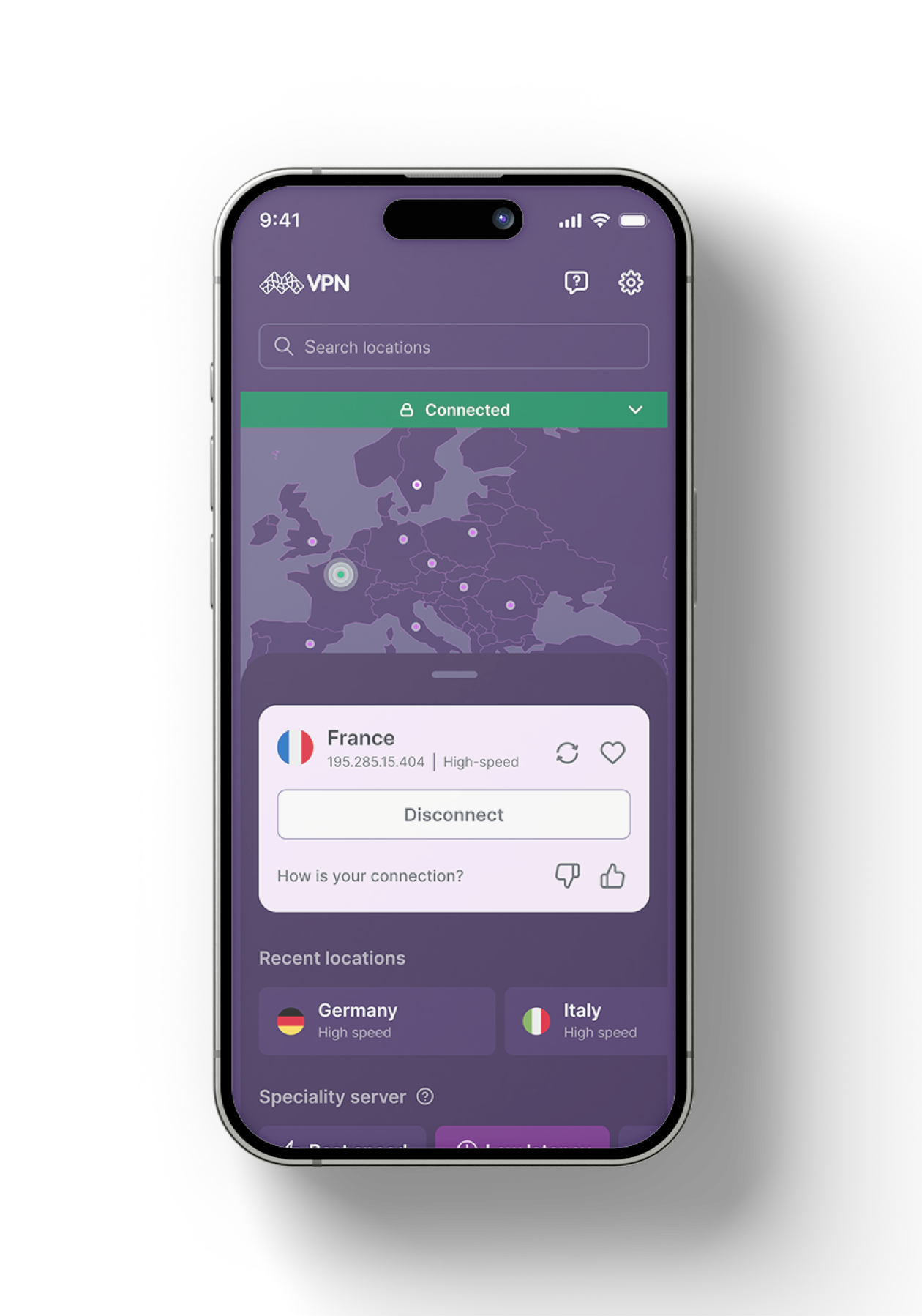
That leaves the one thing no setting can change: your IP address. This is where Mysterium VPN comes in. It replaces your IP address with one of its own, so OpenAI's log data and IP-based location point to the VPN server instead of you. It doesn't hide anything you type, and once you're logged in, OpenAI still knows whose account it is. It's not a silver bullet, but paired with the settings above, it closes a gap the settings leave open.
Why Better Defaults Matter
None of the data collection practices we discussed make OpenAI uniquely bad. It's how much of the internet works. Personal data has value, so companies collect as much as their policies allow and leave the switches for you to find.
I believe privacy shouldn't depend on whether you had time to dig through a settings menu. People tell chatbots things they'd never post anywhere else, from TMI health worries to work problems to private fears. That deserves protection by default.
Until that changes, knowing what's collected is your best defense. As we explained in our guide to your rights over your own data, you can ask a company what it holds about you. You don't have to stop using tools you find useful. You just deserve to know what they cost.


Be part of the resistance, quietly.
Frequently Asked Questions
Gintarė is a cybersecurity writer at Mysterium VPN, where she explores online privacy, VPN technology, and the latest digital threats in editorial pieces. With hands-on experience researching and writing about data protection and digital freedom, Gintarė makes complex security topics accessible and actionable.