Tor vs. VPN: Which Is Best for Online Anonymity?
Let’s compare how a virtual private network and the Tor Network measure up when it comes to protecting your IP address and improving your online privacy!
- VPNs improve your security online by hiding your IP address.
- The decentralized Tor network encrypts your online activity.
- Using a VPN and Tor together will ensure your online privacy.
Quick Comparison: Tor vs VPN
| VPN | Tor | |
| Compatible with many devices | ✅ | ❌ |
| P2P file sharing | ✅ | ❌ |
| Ensures complete online anonymity | ❌ | ✅ |
| Protects all online connections | ✅ | ❌ |
| Is it affordable? | ✅ | ✅ |
| Easy to set up and use | ✅ | ✅ |
| Access to customer support | ✅ | ❌ |
What Is Tor?
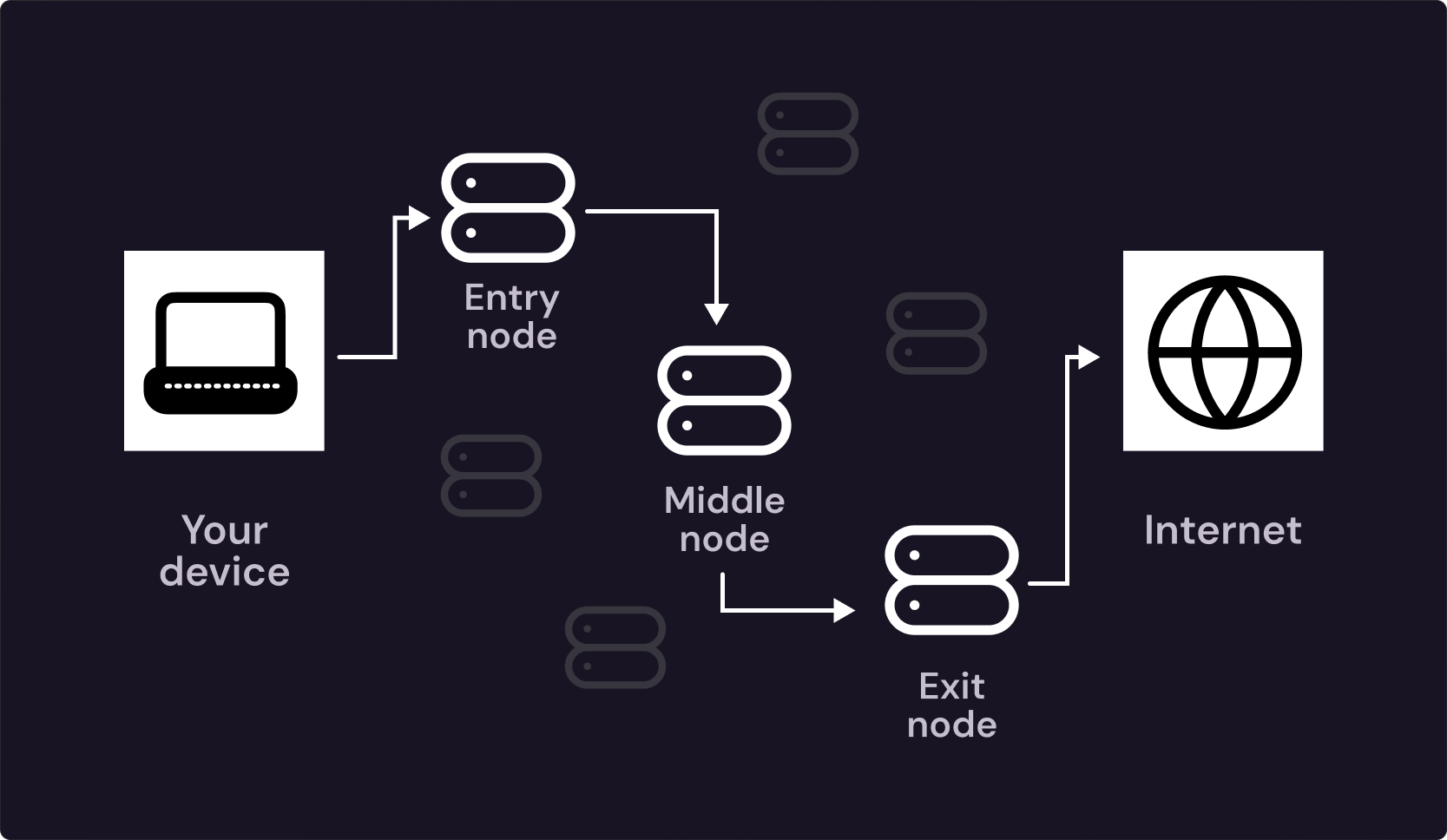
Tor is a free, decentralized network providing users with greater online anonymity. Tor helps mask your internet activity by bouncing your connection through multiple Tor nodes (relays) before it reaches its final destination.
When you use Tor, your data passes through a series of volunteer-run nodes located around the world, with each node only able to see part of your connection, not the entire picture. The result is a highly decentralized network where your activities are extremely difficult to trace.
Despite its impressive encryption and anonymity features, Tor does come with a few drawbacks. First, using Tor can slow down your internet speed significantly. Because your data is routed through several different nodes, each time you access a website, it may take longer for the connection to be established.
In addition, while Tor encrypts your traffic, it doesn’t guarantee that no one will intercept it. If someone manages to compromise one of the nodes, they could potentially monitor your traffic and see what you're doing.
Is Tor Safe?
Tor is generally safe for anonymous browsing, but it’s not the perfect end-all be-all cybersecurity solution. Using Tor protects your internet traffic, your sensitive data, and your identity online and hides your IP address from public view, but exit nodes can still be vulnerable to outside tampering.
To maximize your safety, you should do the following:
- Avoid logging into personal accounts: Refrain from using your personal email and social media, as doing so can link your browsing back to you.
- Combine Tor with a VPN for extra security: Using a VPN before Tor (more on that later!) adds an extra layer of encryption.
- Be cautious of exit nodes: Avoid transmitting super-sensitive data over Tor unless it’s encrypted because malicious nodes could access unencrypted traffic.
- Keep Tor updated: Regular security updates ensure that you have all the necessary security patches and are protected against known vulnerabilities.
Using Tor is an excellent way to protect your online privacy, but it’s not a magic solution, and it may not be suitable for high-speed or data-heavy activities.
Tor: Pros
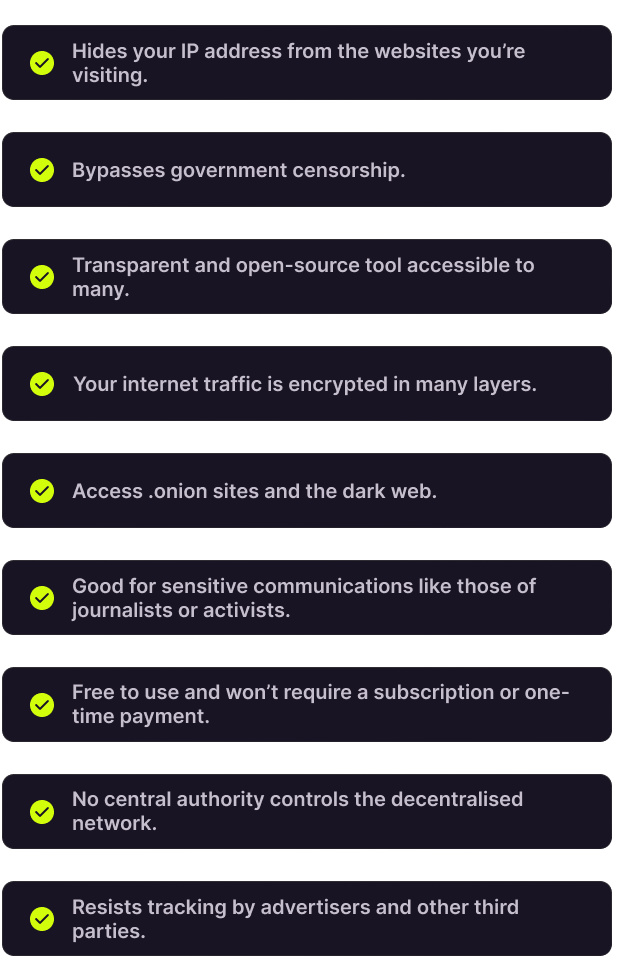
✅ Hides your IP address from the websites you’re visiting.
✅ Bypasses government censorship.
✅ Transparent and open-source tool accessible to many.
✅ Your internet traffic is encrypted in many layers.
✅ Access .onion sites and the dark web.
✅ Good for sensitive communications like those of journalists or activists.
✅ Free to use and won’t require a subscription or one-time payment.
✅ No central authority controls the decentralized network.
✅ Resists tracking by advertisers and other third parties.
Tor: Cons
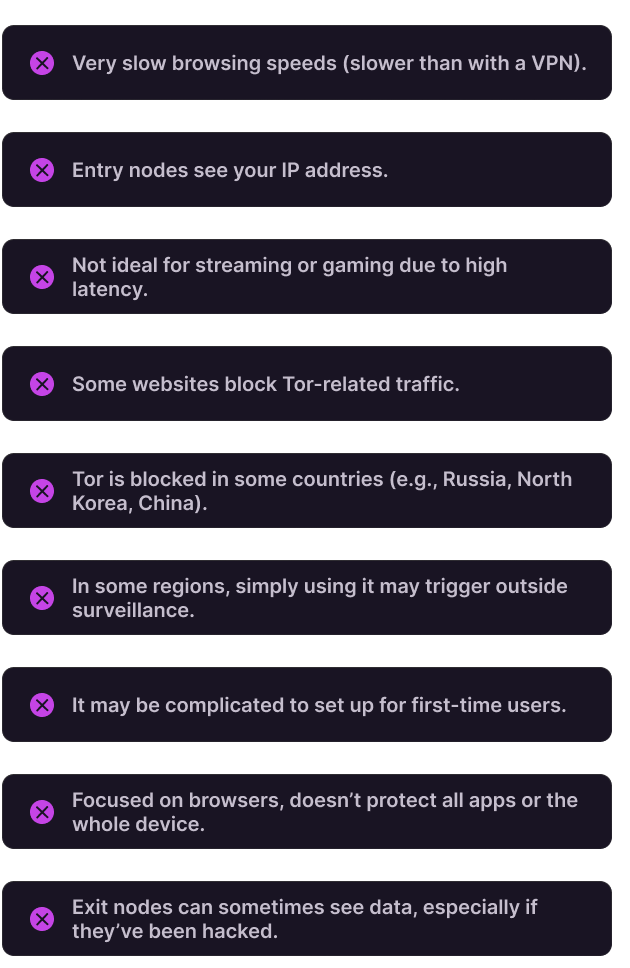
❌ Very slow browsing speeds (slower than with a VPN).
❌ Entry nodes see your IP address.
❌ Not ideal for streaming or gaming due to high latency.
❌ Some websites block Tor-related traffic.
❌ Tor is blocked in some countries (e.g., Russia, North Korea, China).
❌ In some regions, simply using it may trigger outside surveillance.
❌ It may be complicated to set up for first-time users.
❌ Focused on browsers, doesn’t protect all apps or the whole device.
❌ Exit nodes can sometimes see data, especially if they’ve been hacked.
What Is a VPN?
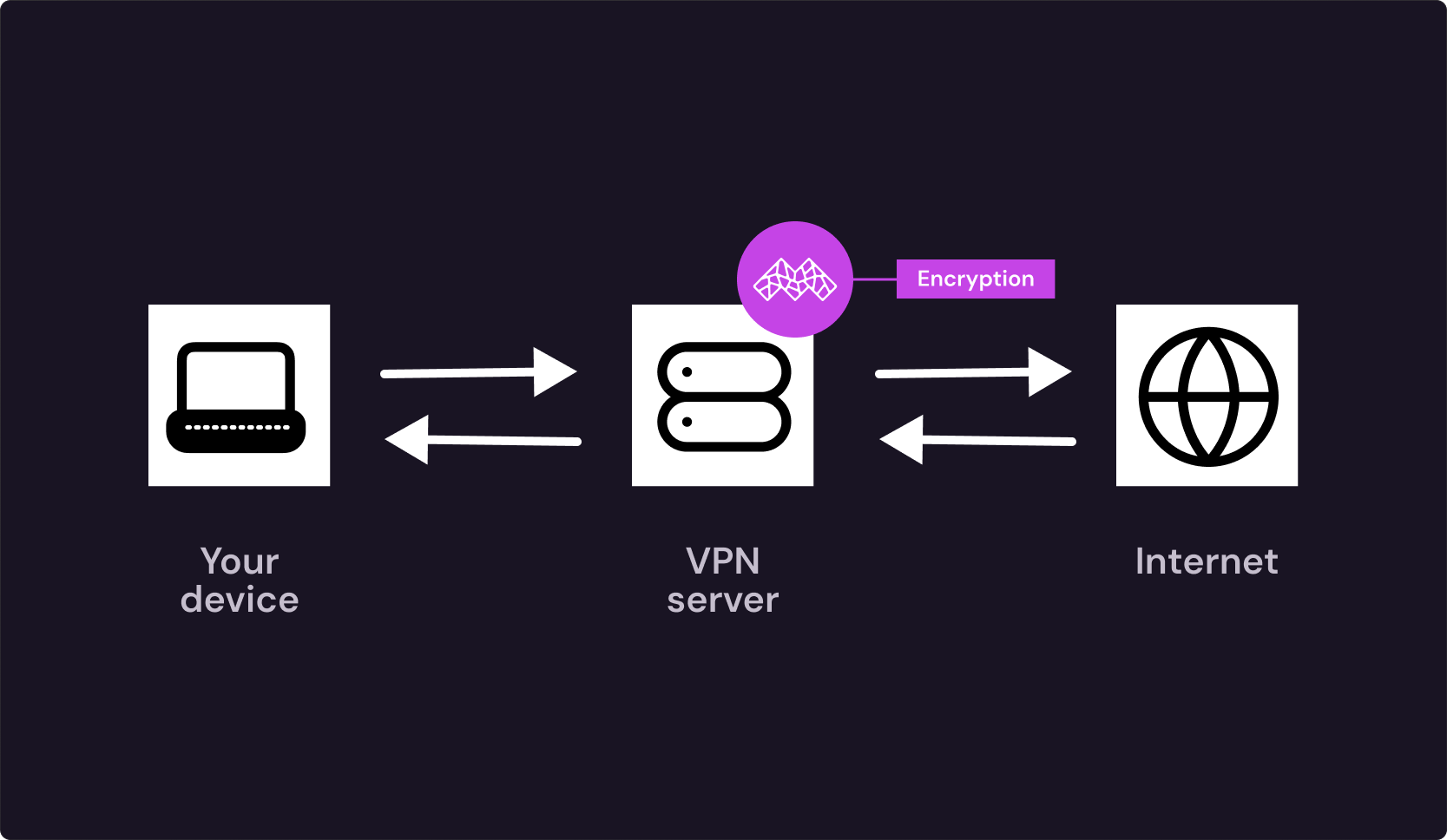
A VPN, or virtual private network, creates a secure, encrypted tunnel between your device and a faraway VPN server. This means that your sensitive data and online activity are routed through a VPN server (which can be anywhere in the world) before it reaches its destination – the website you’re trying to visit on the internet.
Using a VPN hides your actual IP address, replacing it with the IP address of the VPN server you're connecting to. This gives the impression that you are browsing from another location, making it much harder for third parties to track your real identity.
The VPN connection works by encrypting your data along the way, utilizing modern encryption protocols such as WireGuard, which are robust and widely regarded as secure. When you use a VPN, all of your internet traffic is encrypted, which prevents hackers, ISPs, and even governments from spying on your online activities.
VPN: Pros
✅ Faster internet speeds compared to Tor.
✅ Suitable for streaming and online gaming.
✅ Encrypts your traffic and protects it from hackers and ISPs.
✅ Ideal for torrenting and other P2P activities safely.
✅ Easy to set up and use, even for beginners.
✅ Protects all apps and browsers on your device.
✅ Will improve your security on public Wi-Fi networks.
✅ Some, like Mysterium VPN, offer residential IPs for added stability.
VPN: Cons
❌ Requires trust in the VPN provider as your data travels through their servers.
❌ Not fully anonymous like Tor; the provider could potentially log activity (we don’t!).
❌ May slow down your connection if you connect to a server too far away.
❌ Websites and certain countries block some of the mainstream providers.
❌ Though affordable options exist (us!), a subscription is required to ensure the best features.
Difference Between Tor and VPN
| Tor | VPN | |
| How it works | Multi-node routing through volunteers | An encrypted single VPN server tunnel |
| Purpose | Maximum anonymity | Privacy and speed online |
| Speed & performance | Slower | Faster |
| Security & encryption | Multi-layer encryption | End-to-end encryption |
| Trust model | Decentralized, trustless | Centralized, trust required |
| Censorship handling | Bypasses censorship effectively | Depends on VPN server location |
| Ease of use/setup | Medium | Easy |
| Use Cases | High-risk browsing | Streaming, gaming, work |
| Cost | Free | Subscription-based |
Can You Use Tor and a VPN Together?
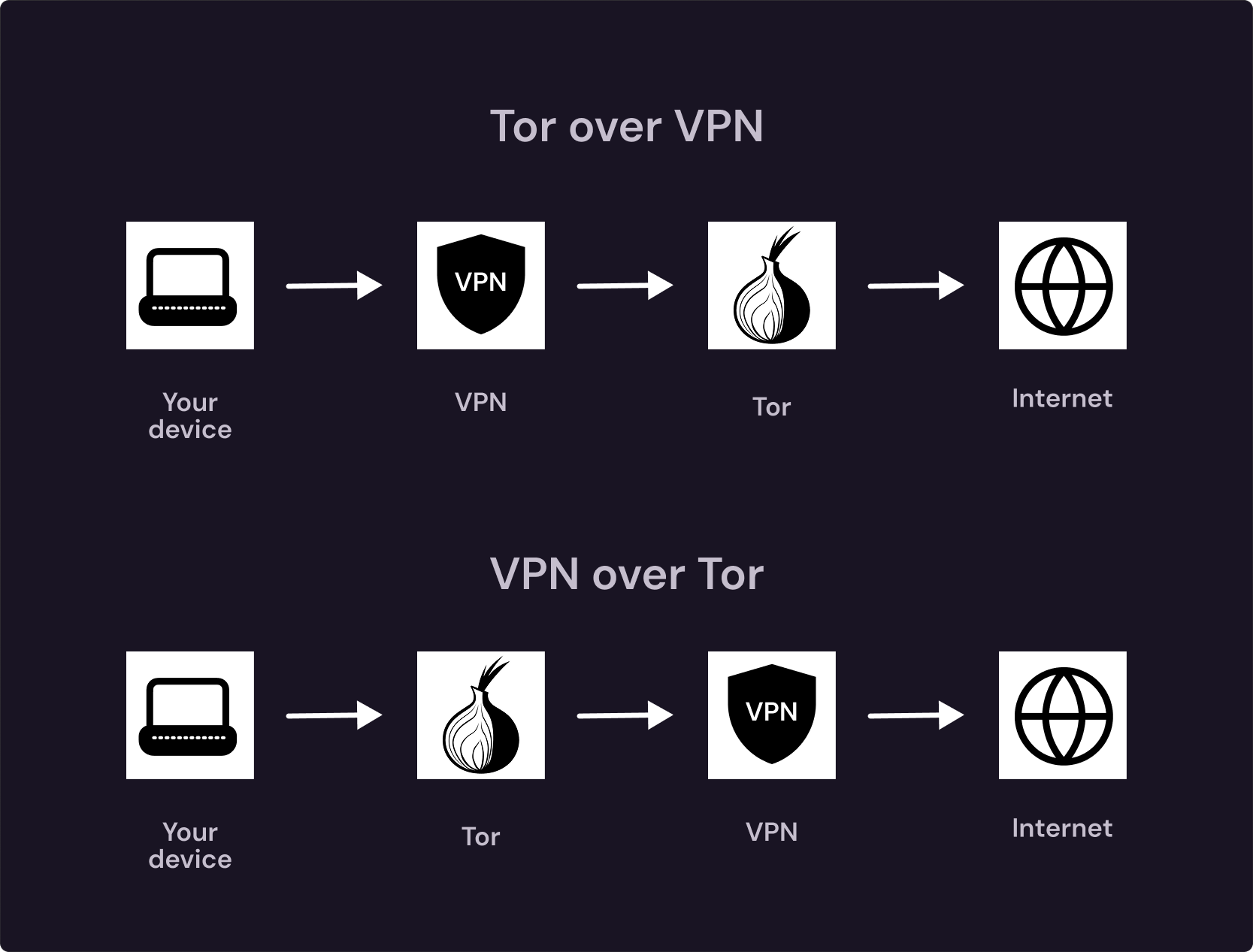
Tor over VPN (VPN first, then Tor)
Your ISP can’t see that you’re connecting to Tor, as it only sees encrypted VPN traffic. Meanwhile, Tor sees the VPN server’s IP address as the entry point, on your real one.
This method adds an extra layer of encryption before traffic even enters the Tor network. However, it comes with drawbacks like a slower connection that’s unsuitable for gaming or any real-time online activity.
Tor over VPN is most often used in censored regions, by vulnerable, oppressed groups of people like journalists, activists, or anyone who wants to prevent their Tor usage from being visible.
VPN over Tor (Tor first, then VPN)
Your traffic enters the Tor network first, then exits through a VPN server instead of a Tor exit node.
This method lets you access websites and services that normally block Tor traffic. It also prevents websites from seeing Tor exit node IPs, and they see the VPN IP instead.
However, it’s extremely slow because Tor handles all traffic before the VPN does, and it removes some of the anonymity associated with Tor because your traffic ends up in a centralized VPN server.
Frequently Asked Questions
There’s no perfect solution, but Tor does reliably boost your online anonymity. However, risk exists, especially with exit nodes, which can see your traffic if they’re compromised.
Yes, the Tor Browser does mask your IP address as it routes your online activity through multiple relay nodes, each of them only knowing part of the full picture.
The answer depends on your needs: VPNs offer speed and device-wide protection, while Tor primarily provides stronger online anonymity.
The answer depends on your needs: Tor gives you stronger anonymity, while VPNs are faster and more practical when you want to boost your privacy online daily.
Yes, the Tor Browser is legal in most countries worldwide as long as you’re using it for activities that would otherwise also be legal without the Tor Browser.
No, the Tor Browser doesn’t have a built-in VPN, as it encrypts traffic through multiple nodes, not a single VPN server.