Is My Phone Listening to Me? Separating Myths from Reality



Key Takeaways
- No, your phone isn't constantly recording your conversations. It listens for wake words like “Hey Siri” or “Hey Google,” and only records after activation.
- Targeted ads are powered by data collection, not live eavesdropping. Search history, app activity, location data, and predictive algorithms drive personalized advertising.
- The main privacy risk is excessive data collection. Apps often request unnecessary permissions, including microphone and location access.
- You can reduce privacy risks by limiting app permissions, disabling unused voice assistants, minimizing tracking, and protecting your phone with a VPN to encrypt your internet traffic.
“Hey, Siri, are you listening to me right now?” If you’ve ever felt like your phone knows too much about you, you’re not alone.
Many users have wondered if their devices eavesdrop on their private conversations. From oddly specific targeted ads to unsettlingly accurate product recommendations, it’s no wonder people are suspicious. But is your phone listening to you? And if so, what can you do about it?
This article dives deep into the murky waters of phone listening, the roles of big tech companies, and how you can protect your online privacy.
Is My Phone Listening to Me?
No, your phone is not constantly recording your conversations in the way many people assume. However, it does listen for activation phrases such as “Hey Siri” or “Hey Google.” This means the microphone remains in standby mode to detect wake words.
Once triggered, audio is processed to execute the command. The greater privacy concern is data collection through apps, browsing history, and location tracking rather than continuous audio surveillance.
Why Do Phones Seem to Listen to Us?
You might have experienced this: you mention a specific product in a conversation, and hours later, an ad for it pops up on your social media feed. It’s easy to jump to the conclusion that your phone is listening.
In reality, it’s more likely that search engines, smart speakers, and apps are leveraging data collection and predictive algorithms.
They know you so well they can guess what you’re thinking before you do. Virtual assistant apps can perform various functions, including making phone calls, which raises privacy concerns related to phone calls and audio listening.
These voice commands can lead to potential risks such as hacking and unwanted surveillance.
Big tech companies like Google use a combination of location tracking, search history, and app usage data to target users with ads. Google Maps, virtual assistant apps, and even specific apps you download contribute to the “data pot” used to serve these ads.
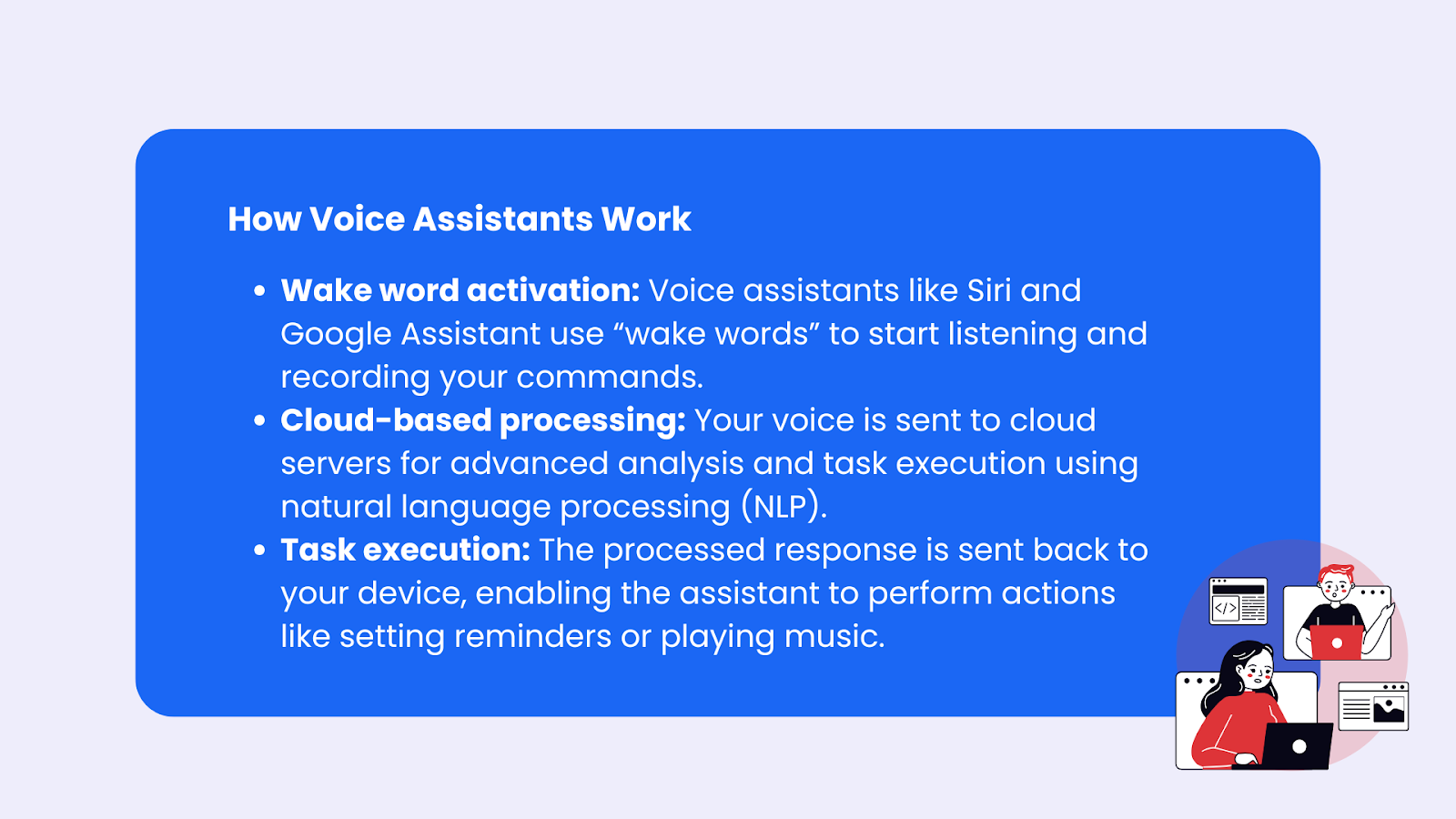
How Voice Assistants Work
Voice assistants like Google Assistant, Siri, and Alexa are the digital butlers of our time, always ready to lend a hand – or rather, an ear. But how do they actually work? It’s all about some pretty nifty tech called natural language processing (NLP) and machine learning.
When you say, “Hey Siri” or “OK Google,” your voice assistant perks up, ready to serve. This “wake word” triggers the assistant to start listening and recording your voice. Your spoken words are then converted into text, which the assistant analyzes to figure out what you want.
Whether it’s setting a reminder, sending a text, or playing your favorite song, the assistant uses this information to perform the task.
But here’s the kicker: the real heavy lifting happens in the cloud. Once your voice is recorded, it’s sent to cloud-based servers where the audio data is processed and analyzed.
The response is then sent back to your device and played through the speaker. So, while it might feel like your phone is doing all the work, it’s actually getting a lot of help from the internet.
How to Test if Your Phone Is Listening to You
There is no reliable method to conclusively prove active microphone surveillance. However, you can monitor ad behavior by selecting a topic you have not searched or engaged with online and mentioning it verbally.
If related advertisements appear without prior digital interaction, further investigation may be warranted. This method is not scientifically controlled but may reveal patterns.
Testing and Monitoring
If you’re still feeling a bit paranoid about your phone listening to you, there are a few ways to put it to the test.
Test for Targeted Ads
One simple method is to pay close attention to the ads you see on your device. If you start noticing ads that seem eerily related to your recent conversations, it might be worth investigating further.
Here’s a fun experiment: pick a random, obscure topic you’ve never searched for or discussed online. Mention it a few times in casual conversation, and then keep an eye on your ads. If you suddenly see ads for that exact topic, your phone might be a little too attentive.
There are also tools and websites that offer features like “Test for Targeted Ads,” which can help you determine if advertisers are tracking your device. While these tests aren’t foolproof, they can give you a better idea of whether your phone is listening in.
The Big Conspiracy
Conspiracy theories about phones listening to people often stem from the uncanny accuracy of targeted advertising and the growing power of big tech companies.
These theories suggest that smartphones constantly eavesdrop on conversations via microphones, using the data for marketing purposes or even government surveillance. While these fears aren’t entirely baseless, the truth is more nuanced.
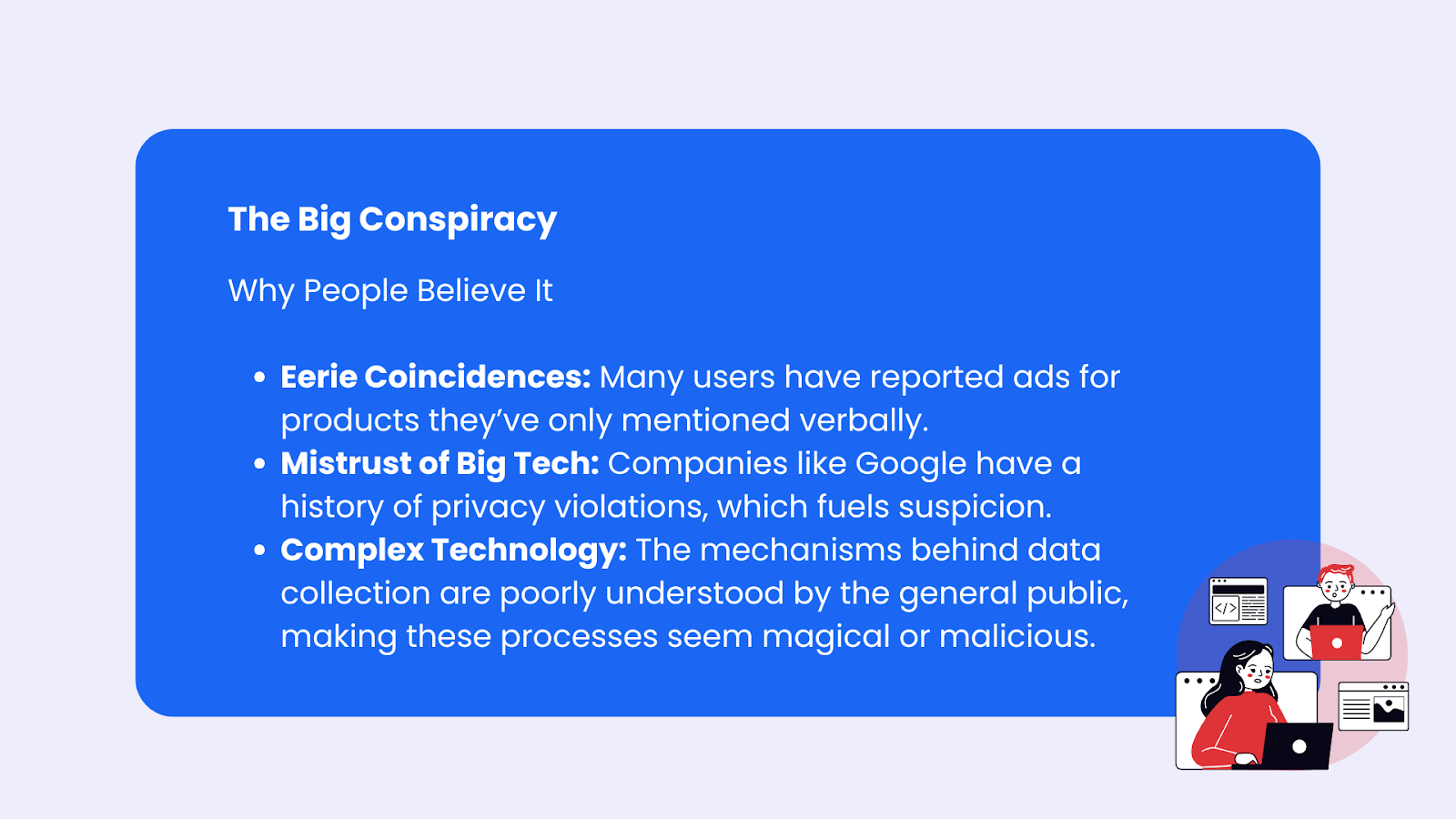
Why People Believe It
- Eerie Coincidences: Many users have reported ads for products they’ve only mentioned verbally, creating the illusion that phones are always listening.
- Mistrust of Big Tech: Companies like Google and Facebook have a history of privacy violations, which fuels suspicions about their data collection practices.
- Complex Technology: The mechanisms behind data collection, predictive algorithms, and targeted ads are poorly understood by the general public, making these processes seem magical or malicious.
The Reality
While it’s true that most phones are technically “always listening” for activation phrases like “Hey Siri” or “Hey Google,” the recorded data is supposed to remain dormant until triggered.
However, some companies have been caught mishandling voice recordings, reinforcing fears of more sinister practices. The uncanny accuracy of ads is more likely due to advanced algorithms that use your search history, location, and app usage to predict your interests.
Harm of Such Theories
- Distraction from Real Issues: These theories often overshadow more concrete privacy concerns, like extensive data collection through apps and social media.
- Increased Anxiety: Worrying about constant surveillance can lead to unnecessary paranoia, making it harder for users to focus on actionable steps to secure their privacy.
- Spread of Misinformation: These theories contribute to public misunderstanding of how phones and technology work, perpetuating distrust without evidence.
Protecting Your Privacy: Essential Steps
Now that we’ve established that your phone might not be a spy but is certainly a data hoarder, let’s talk about what you can do to protect your privacy.
From reviewing app permissions to disabling microphone access, these steps are your shield against unnecessary snooping.
Review App Permissions
Many apps request more permissions than they need. Why does a flashlight app need microphone permissions? Spoiler alert: it doesn’t. Here’s how to review and adjust these settings:
- iOS Devices: Open the Settings app, tap Privacy & Security, then select Microphone to see which apps have mic access.
- Android Devices: Navigate to Settings > Privacy > Permission Manager > Microphone to review and manage microphone permissions.
Disable Microphone Access
If you’re uncomfortable with apps having mic access, disable it for all but the essentials:
- iPhone: Open Settings, tap Privacy & Security, select Microphone, and toggle off unnecessary apps.
- Android: Go to Settings > Privacy > Permission Manager > Microphone and turn off permissions for specific apps.
Turn Off Virtual Assistants
If you rarely use “Hey Siri” or Google's voice assistant, consider disabling them to stop your phone from listening:
The Google app, pre-installed on Android devices and available as a standalone app on iOS, plays a crucial role in managing Google Assistant features.
- How to Turn Off Microphone on iPhone for Siri: Go to Settings > Siri & Search, then toggle off “Listen for ‘Hey Siri’” and “Allow Siri When Locked.”
- How to Turn Off Microphone on Android for Google Assistant: Open Settings, search for “Google,” tap Settings for Google apps > Search, Assistant & Voice > Voice, and toggle off “Hey Google.”
Use a VPN
While VPNs won’t stop your phone’s microphone from listening, they can shield your online activity from prying eyes. VPNs encrypt your internet connection, making it harder for companies to track your searches, downloads, and other online activity.
A service like Mysterium VPN also masks your location, adding an extra layer of protection.
Minimize Data Collection
Turn off unnecessary data collection features:
- Disable location tracking unless needed (Google Maps doesn’t need to know where you are 24/7).
- Turn off search history tracking in search engines.
- Opt out of targeted advertising in your phone’s settings.
Keep Your Phone and Apps Up-to-Date
Regular updates are your best friend when it comes to security. They often include patches and fixes that can prevent hackers from exploiting vulnerabilities in your device.
To keep everything up-to-date, head to the Settings app on your device and check for updates. You can even set your phone to update automatically, so you don’t have to worry about it.
When it comes to downloading apps, be cautious. Only download apps from trusted sources, and always read the app’s permissions and reviews before installing. Be especially wary of apps that request access to your microphone or other sensitive data without a clear reason.
By following these tips, you can help protect your privacy and keep your phone from listening to you. Stay vigilant, and remember: just because you’re paranoid doesn’t mean they’re not after your data!
Beyond Phones: The Role of Smart Devices
It’s not just phones you need to worry about. Smart speakers like Amazon Echo and Google Nest are designed to listen to voice commands.
While they claim to only record when activated, their “listening” capabilities raise valid privacy concerns. To protect your privacy:
- Mute the mic when not in use.
- Regularly review and delete voice recordings in the settings app for these devices.
Final Thoughts: How to Stop Your Phone from Listening to You
So, is your phone listening to you? The answer isn’t as sinister as it seems, but the privacy concerns are real.
Whether it’s apps requesting mic access, voice assistants constantly on standby, or big tech companies tracking your every move, the key to protecting your online privacy is vigilance.
By following the steps outlined – reviewing app permissions, disabling unnecessary features, and using tools like a VPN – you can take control of your digital footprint.


Reclaim the internet that took you at your word!
Get Mysterium VPN

Frequently Asked Questions
Gintarė is a cybersecurity writer at Mysterium VPN, where she explores online privacy, VPN technology, and the latest digital threats in editorial pieces. With hands-on experience researching and writing about data protection and digital freedom, Gintarė makes complex security topics accessible and actionable.
Related Articles
.png)