How to Change Servers in Valorant in 2026


Key Takeaways
- Changing Valorant servers improves your gameplay experience by reducing ping, allowing you to play with international friends, and giving you access to different regional competition and events.
- Manual server switching has limitations, including the need for multiple accounts, loss of progress across regions, and potential connection or location detection issues.
- Using Mysterium VPN offers a more flexible and secure solution, letting you access global servers with your existing account while encrypting your traffic and protecting your real IP address.
- Mysterium VPN’s residential IPs, global network, and DDoS protection help reduce blocks, prevent ISP throttling, and ensure smoother, safer gaming across PC and consoles.
Valorant is one of the most exciting and competitive shooters available today. Released on PC, Xbox, and PlayStation, it allows players to experience fast-paced matches, strategic team play, and a vibrant online community.
For many players, the ability to change servers in Valorant is essential to reduce lag, play with friends across the globe, or explore different regional playstyles.
In this Mysterium VPN blog post, we’ll explain how to change servers both without a VPN and with a VPN, why VPNs offer the best solution, and how using residential IPs can improve your gaming experience.
We’ll also cover additional benefits of gaming with a VPN and why Mysterium VPN is an ideal choice for gamers.
How to Change Valorant Servers
You can change Valorant servers in three main ways: selecting a different server within your region, requesting a region change from Riot Games, or using a VPN to connect through another location. Each method affects how the game determines which servers you can access.
Valorant typically assigns servers based on the region linked to your Riot account, which means you can’t freely switch regions directly inside the game client. However, these methods allow players to influence which servers they connect to depending on their situation.
One of the most flexible options is using a VPN, which changes the IP location associated with your connection and can help you appear as if you’re connecting from another region.
How to Change Valorant Servers Using a VPN
Using a VPN for Valorant reroutes your internet traffic through a server in a different location. This changes your apparent location, allowing you to connect to servers in other regions without creating a new account.
VPNs also encrypt your traffic, which means your game data is converted into a secure, unreadable string of data, protecting it from hackers and ISPs. Think of it like sending your data inside a locked box that only your VPN server can open.
How to Change Servers in Valorant on PC
- Open the Mysterium VPN app and connect to a server in your desired region.
- Launch Valorant on your PC as usual.
- You will now appear in the game as if you’re located in that region, giving access to that server.
Using Mysterium VPN on PC is simple and allows you to switch regions quickly without needing new accounts.
How to Change Servers in Valorant on Xbox & PlayStation
Consoles can’t run VPN apps directly, so you’ll need to use a router-based setup. Here’s a step-by-step guide:
- Set up Mysterium VPN on your router. This ensures all devices connected to your network use the VPN.
- Connect your Xbox or PlayStation to the VPN-enabled router via Wi-Fi.
- Launch Valorant. Your console will now appear in the region of your VPN server.
- Play safely and enjoy access to servers in different regions without violating rules or risking interruptions.
Using Mysterium VPN on gaming consoles provides all the same benefits as on PC, including lower ping, encrypted traffic, and access to geo-restricted servers.
How to Change Valorant Servers Without a VPN
Technically, you can change Valorant servers without a VPN, but the options are limited and not always convenient:
- Manual account region change: Riot Games occasionally allows users to create accounts in different regions.
- Client-based server selection: Some players report being able to select regions at launch, though this option is inconsistent.
Challenges of this approach include:
- Needing multiple accounts for different regions.
- Progress, skins, or purchases may not transfer between accounts.
- Game servers may detect your real location, causing restrictions or connection errors.
For casual players, this might work. However, if you’re a competitive player or if you’re seeking flexibility, these methods are often insufficient.
Why Using a VPN Is a Better Option
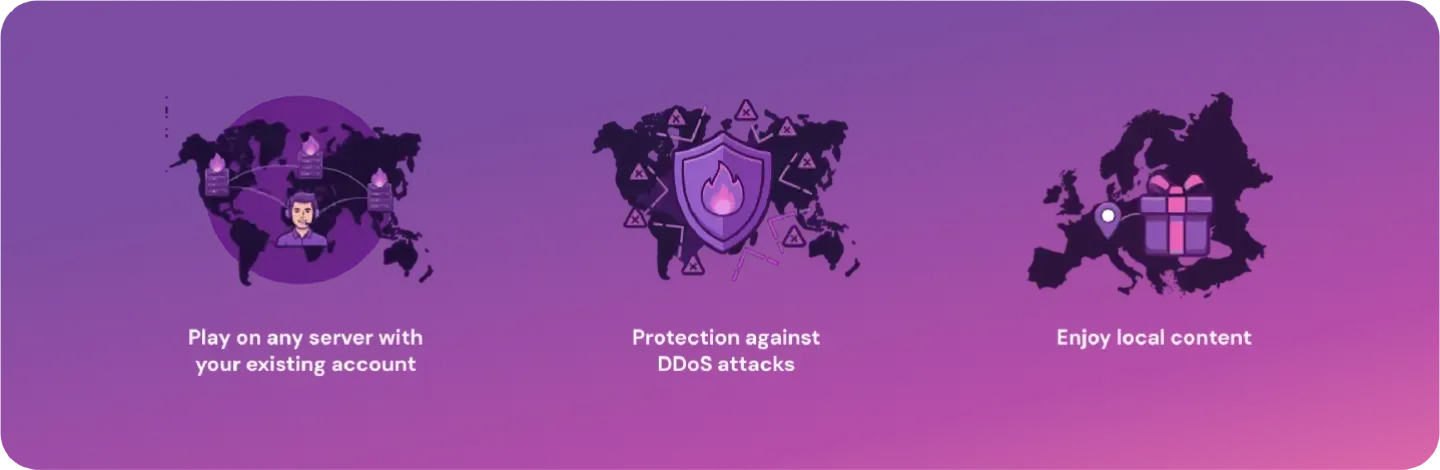
Using Mysterium VPN to change servers in Valorant provides you with numerous advantages over manual server changes:
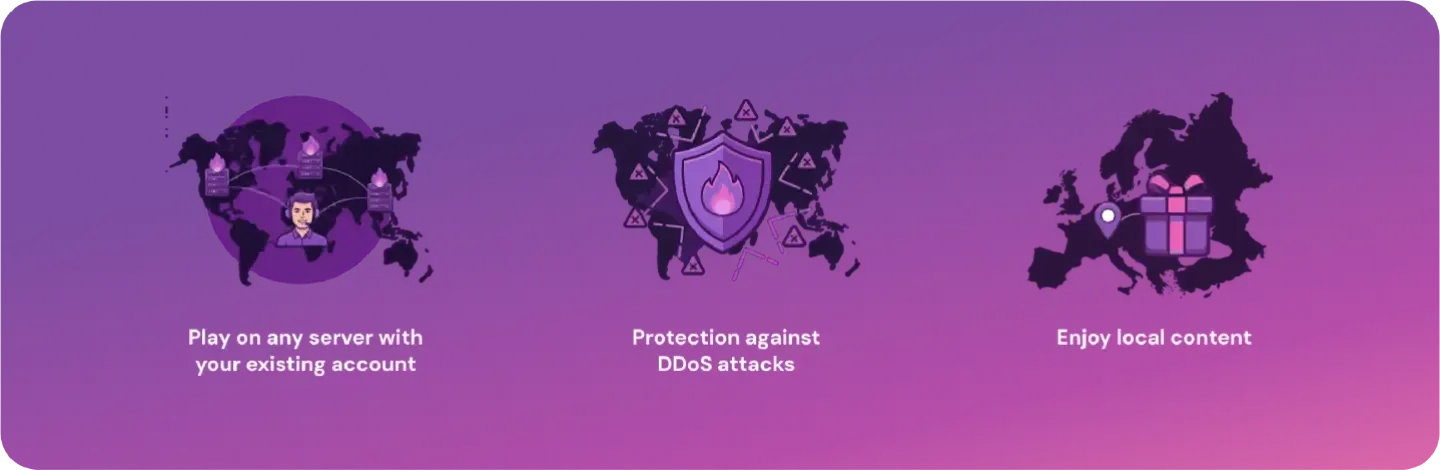
- Play on any server with your existing account: No need to create multiple accounts or risk losing progress.
- Protection against DDoS attacks: Other players can’t see your real IP, keeping you safe from attacks.
- Enjoy local content: Some regions have exclusive game events or early releases.
Mysterium VPN is a residential VPN, meaning that it offers residential IPs, which blend in with normal household traffic. Unlike cookie-cutter data center IPs, residential IPs appear like regular users, making it far less likely for servers to block your connection. This ensures uninterrupted gameplay, even during competitive matches.
Why Change Servers in Valorant or Other Online Games?
Switching servers is a common practice among gamers, and it’s useful for multiple reasons:
- Reduced latency: Connecting to servers closer to your friends or a specific region can lower ping, making gameplay smoother.
- Playing with friends: If your friends live in another country, changing servers allows you to join them.
- Exploring different regions: Each region can offer unique strategies, competition levels, and in-game events.
This isn’t unique to Valorant. Games like League of Legends, Fortnite, Apex Legends, and Call of Duty often have regional restrictions or performance differences.
Understanding how to change servers in Valorant helps you access the full global gaming experience.
Where Are Valorant Servers Located?
Valorant servers are spread across multiple regions to provide the best possible gameplay experience to gamers worldwide. Riot Games has servers in North America, Europe, Oceania, Brazil, Latin America, and the Middle East, among others. This global distribution of servers helps to reduce lag and ensure all players can enjoy stable matches close to their location.
Each region has its own matchmaking pool, meaning that your rank and progress are tied to the server you play on. This is why some players choose to change servers in Valorant, either to join friends in other regions or experience different competitive environments.
Using Mysterium VPN and, especially, our residential IPs, allows you to access these servers securely, while still appearing as a local player, minimizing the risk of blocks or restrictions. It also gives you the freedom you deserve to explore the whole global Valorant community safely.
Additional Benefits of Using Mysterium VPN for Gaming
Besides conveniently changing servers, using Mysterium VPN improves your entire gaming experience:
- Reduces lag and ping: If your chosen VPN's server is close to the game’s servers, you’ll be shortening the route your data takes traveling from your device to the game server, lowering lag and ping, a.k.a. making your game run faster.
- Prevent ISP throttling: Some internet service providers (ISPs) slow down your gaming traffic on purpose to conserve bandwidth, but if you connect to a VPN, they won’t be able to identify your online activity, avoiding ISP throttling.
- Boost online privacy: When you connect to a VPN server, your own IP address becomes hidden, and this makes you much safer while at the same time making it more challenging for your opponents, trackers, and hackers to harm you.
For beloved games like Fortnite, Call of Duty, Apex Legends, and League of Legends, the benefits of using Mysterium VPN while you’re playing can dramatically boost your performance and safety. Players will experience smoother connections, fewer annoying interruptions, and much stronger online security.
Why Mysterium VPN Is the Best Choice for Gaming
Mysterium VPN is more than your basic VPN provider. We’re committed to ensuring you get to stay safe online AND enjoy other benefits, like faster speeds, protection from DDoS attacks, and ISP throttling. Here’s why we’re your best choice for gaming:
- Global network of VPN servers: Mysterium VPN offers 19,000+ servers in 100+ countries, so people from all over the world can play with minimal latency.
- Residential IPs: Compared to data center IPs offered by most VPNs, residential IPs reduce the risk of blocks because they blend in with regular internet traffic from other gamer households worldwide.
- Helpful customer support team: Our team of skilled and experienced customer support specialists will help you troubleshoot any connection or performance issues.
- Easy setup across multiple devices: The Mysterium VPN app and our browser extension guarantee that you’ll stay safe on Windows, macOS, iPhone, or Android phones, as well as major browsers and gaming consoles.
Right now, you can take advantage of our limited-time 78% discount, enjoying Mysterium VPN without breaking the bank. Level up your gaming experience today!
Final Thoughts
Changing servers in Valorant opens the door to a wider, more exciting global gaming experience. Whether you want to reduce latency, play with international friends, or explore new competitive environments, understanding how to switch regions safely gives you more control over your gameplay.
While Valorant does offer limited ways to change game servers on its own, using Mysterium VPN remains the more flexible and secure option to do so. Our reliable VPN protects your connection, hides your IP, and helps you to avoid ISP throttling, all while giving you access to regions around the world.
With our residential IPs, you can blend in with everyday household traffic and reduce the risk of restrictions or blocks. Our team of cybersecurity experts does everything possible to ensure a fast, stable experience for gamers across all devices.
If you’re ready to elevate your gameplay, now is the perfect time to try Mysterium VPN!


Save up to 85% off for Black Friday!
The ultimate digital shield, now at a fraction of the cost.

Frequently Asked Questions
Gintarė is a cybersecurity writer at Mysterium VPN, where she explores online privacy, VPN technology, and the latest digital threats in editorial pieces. With hands-on experience researching and writing about data protection and digital freedom, Gintarė makes complex security topics accessible and actionable.